
Copyright 2026 © swekartor. All Rights Reserved.


Information about AR Drawing: Sketch & Paint
App Feature
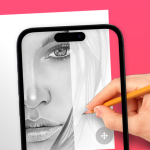
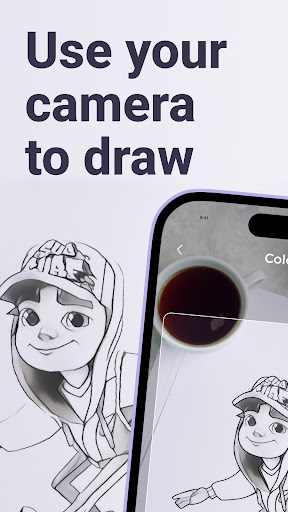
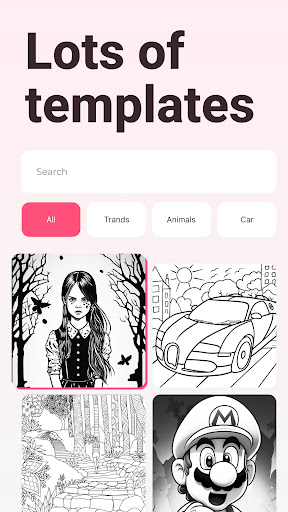
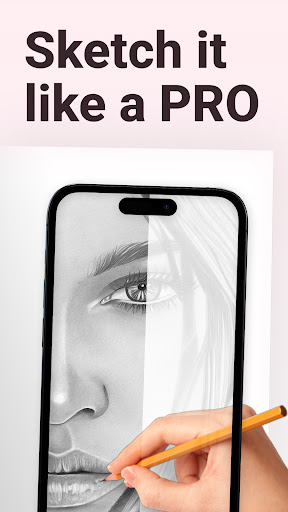
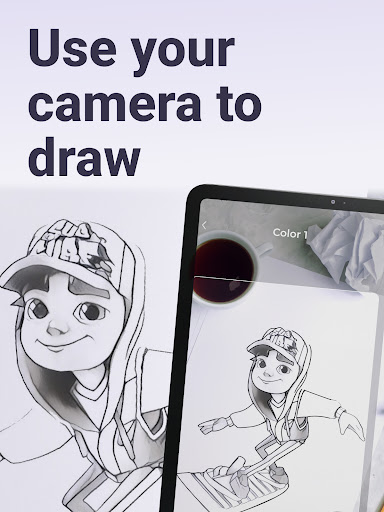
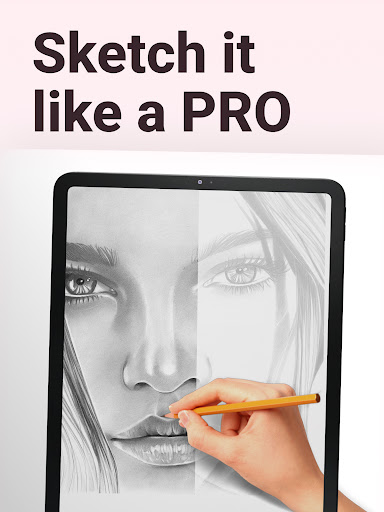
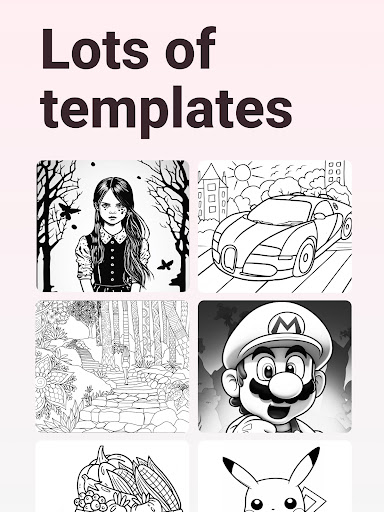
AR Drawing: Sketch & Paint uses your phone’s camera to project an image onto real paper so you can trace, sketch, and paint with guidance. It includes a large template library (animals, cars, nature, food, anime), lets you import your own photos, has a built‑in flashlight for low light, saves results to the gallery, and can record time‑lapse videos of your drawing process.
Verdict
Verdict: An excellent AR tracer for learning and speeding up drawing, best for practice and transfers rather than full digital illustration.
Who is it for
Best for:
- Beginners who want step‑by‑step tracing to build confidence and fundamentals
- Hobbyists and students needing quick, accurate transfers from phone to paper
- Artists who want to record time‑lapses and share progress easily
Not ideal for:
- Digital painters seeking a full-featured canvas, layers, and pro editing tools
- Users without a stable phone stand or flat workspace for tracing
- Those who dislike any interruptions or upsells while creating
Real-world User Experience
Users like it:
Reviewers consistently praise the intuitive AR tracing that makes complex subjects approachable, the breadth of templates (notably anime, animals, and landscapes), noticeable skill improvement over days or weeks, and the easy, friendly interface. Many highlight confidence gains, better understanding of light/dark values, and the helpful time‑lapse recording and save/share features.
Users complain about:
Several users mention ads interrupting the drawing flow and note the practical need for a phone stand or stable setup to trace comfortably, which can be inconvenient outside the home. A few report occasional friction while selecting images or navigating templates.
Is it Worth Paying For?
The app is free with optional in‑app purchases. Core tracing and learning work well at no cost; paid options likely unlock more templates or remove limits. If you plan to practice frequently or want specific template packs, the IAPs are a fair value; casual users can comfortably stay on the free tier.
How it Compares to Alternatives
Compared to AR drawing aids like SketchAR or Da Vinci Eye, this app focuses on straightforward tracing with a broad template library and helpful utilities (flashlight, time‑lapse) rather than advanced digital painting. It’s simpler and quicker to use than full art suites (e.g., Ibis Paint, Procreate Pocket), but those offer richer brush engines and layers. For transferring images to paper and learning proportions, it competes strongly; for complex digital creation, alternatives win.
Summary
AR Drawing: Sketch & Paint is a focused AR-assisted tracing tool that lowers the barrier to drawing by projecting guides onto real paper. Its extensive templates, import support, flashlight, gallery saves, and time‑lapse capture make it a compelling practice companion for beginners and hobbyists. Reviews emphasize tangible skill improvement, ease of use, and fun, with caveats around ads for some users and the need for a steady setup. If your goal is to learn, practice, or quickly transfer sketches to paper, it’s a great fit; if you need a professional digital canvas with layers and advanced brushes, pair it with a full art app.
Ratings
Trending APP












Alternative to this app










