Copyright 2026 © swekartor. All Rights Reserved.



Information about AnyDesk Remote Desktop
App Feature
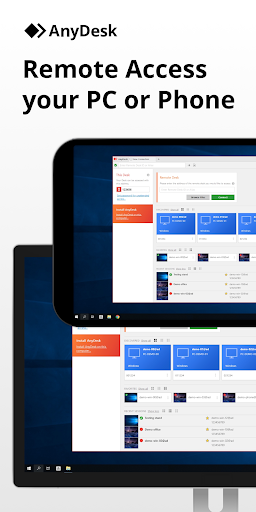
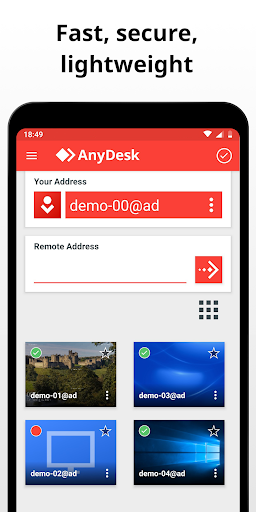
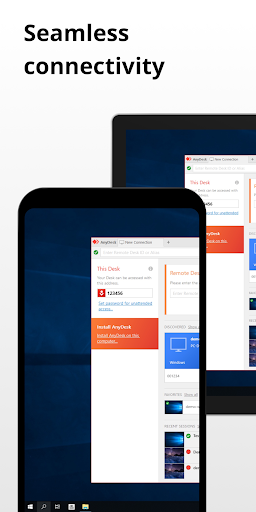
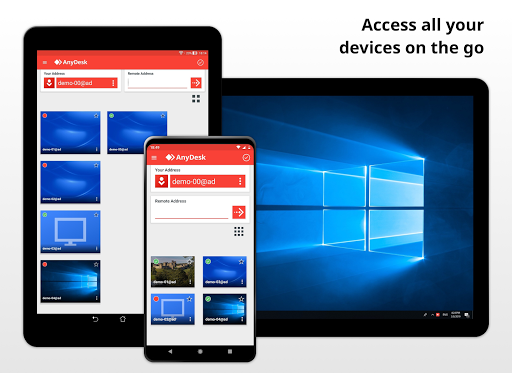
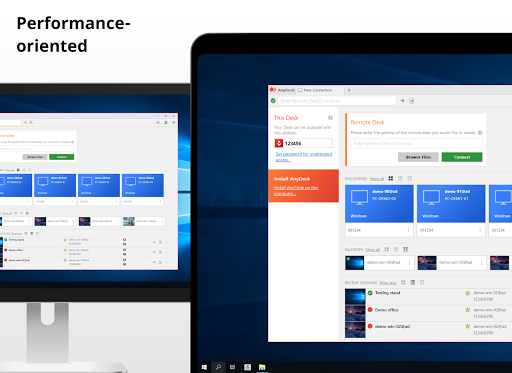
AnyDesk Remote Desktop lets you securely access and control PCs, Macs, Linux, and Android devices from anywhere. Core features include high-performance streaming via the DeskRT codec (60 fps on LAN), low-latency control, cross-platform support, file transfer with clipboard integration and file manager (Win/macOS), remote printing, Wake-on-LAN, optional VPN-style tunneling, and session permission controls.
Verdict
Verdict: A fast, flexible remote-access tool for personal use, but Android reliability issues and support limits may frustrate demanding users.
Who is it for
Best for:
- Personal users needing quick, ad-free remote access across devices
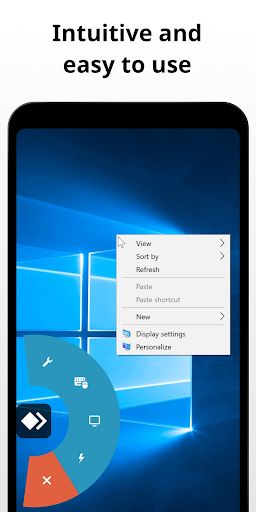
- Helpdesk-style support for friends/family with simple setup and permissions
- Users prioritizing speed/low latency and LAN direct connections
Not ideal for:
- Teams requiring robust mobile stability and guaranteed support on Android
- Users who want built-in voice/chat during sessions on mobile
- Enterprises needing ironclad uptime SLAs without a commercial plan
Real-world User Experience
Users like it:
Many praise its speed, low latency, and ease of setup; smooth cross-platform control (PC↔PC, phone↔PC, phone↔phone); strong security options (interactive access, granular permissions); reliable unattended access and Wake-on-LAN; a preferred alternative to TeamViewer for personal use without account requirements.
Users complain about:
Reports of Android-side issues: stalled sessions ('Waiting for image'), frozen screens, lingering connections requiring phone reboot, and occasional file-transfer inconsistencies (downloads completed but missing). Some note intermittent disconnects, and a lack of integrated voice during screen sharing. Scam misuse is mentioned, though unrelated to the app’s core design.
Is it Worth Paying For?
Free for personal use with no ads or IAP. For commercial use, a paid license is required; value is solid given speed, security features, VPN, unattended access, and printing. However, organizations heavily relying on Android workflows should validate stability in pilots before purchase.
How it Compares to Alternatives
Compared to TeamViewer, AnyDesk is lighter, often faster, and less intrusive for personal use, though TV may have more mature mobile polish and broader ecosystem features. Chrome Remote Desktop is simpler and free but lacks advanced tools like printing/VPN and granular permissions. Microsoft Remote Desktop is excellent for Windows environments but less flexible cross-platform. Splashtop offers strong business features and support, potentially more consistent on mobile, but typically requires paid plans.
Summary
AnyDesk Remote Desktop delivers fast, secure, and cross-platform remote control with standout performance, straightforward setup, granular session permissions, and useful extras like remote printing, Wake-on-LAN, and an optional VPN mode. It’s an excellent personal-use pick and a credible business option—especially on desktop—though Android users report intermittent reliability issues (frozen sessions, stuck connections, inconsistent file transfers) that can hinder critical workflows. If you need a swift, ad-free TeamViewer alternative focused on performance and simplicity, AnyDesk fits well. For mission-critical mobile scenarios, test thoroughly or consider alternatives with stronger mobile stability and official support SLAs.
Ratings
Trending APP










Alternative to this app