Copyright 2026 © swekartor. All Rights Reserved.



Information about Secure Folder
App Feature
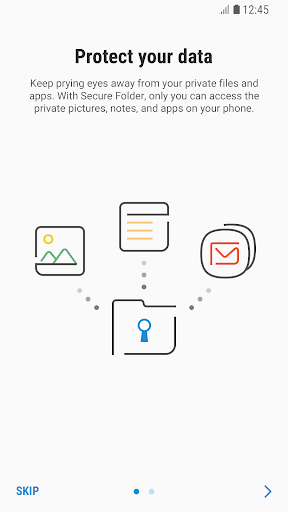
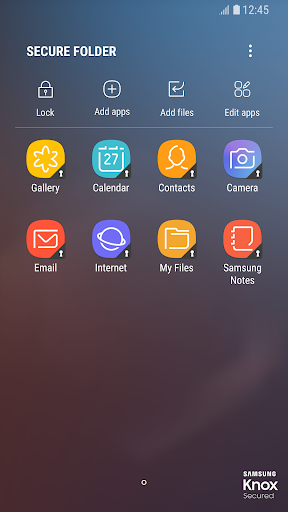
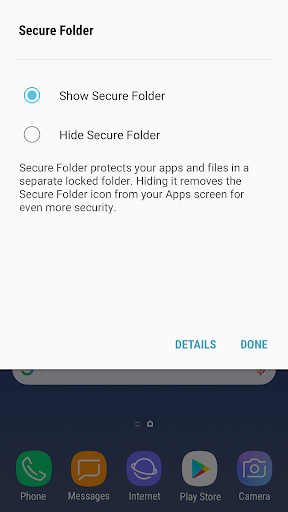
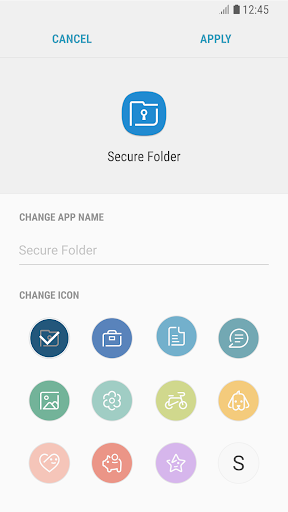
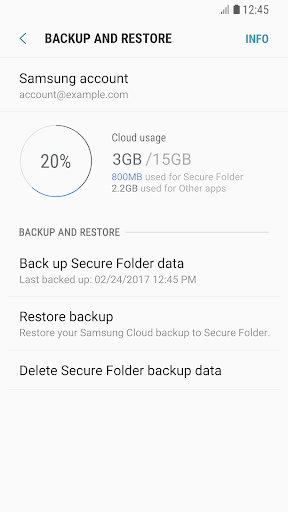
Secure Folder creates an encrypted, password‑protected space on Samsung devices to store private photos, videos, documents, and apps. It hides selected app icons from the main launcher, keeps sensitive content separate, and offers backup/restore to cloud or external storage.
Verdict
Verdict: A capable, system‑level privacy vault for Samsung users, but mixed reliability and device restrictions may frustrate others.
Who is it for
Best for:
- Samsung device owners who want a built‑in encrypted space
- Users who need to hide apps and separate work/personal data
- Anyone seeking quick backup/restore of sensitive files
Not ideal for:
- Non‑Samsung or unsupported Android devices
- Power users who need cross‑platform vaults or advanced automation
- Those intolerant of potential hiccups given a 3.4 rating
Real-world User Experience
Users like it:
The integrated Knox encryption, simple setup to isolate private content, ability to hide app icons, and included backup/restore provide convenient, built‑in privacy without extra subscriptions.
Users complain about:
Experiences appear mixed (3.4 rating): users may encounter device/OS compatibility limits, occasional glitches or performance slowdowns, confusing backup flows, and potential hassle when recovering access after password/PIN issues.
Is it Worth Paying For?
The app is free with no noted in‑app purchases; given its system‑level encryption and core features at no cost, it offers strong value if your device supports it.
How it Compares to Alternatives
Compared to third‑party app lockers and vaults (e.g., AppLock, Norton App Lock), Secure Folder benefits from Samsung Knox’s deeper system integration and stronger isolation but is limited to compatible Samsung devices. Google’s Files ‘Safe Folder’ is simpler and cross‑brand but less comprehensive for hiding whole apps. Enterprise-style work profile tools (e.g., Shelter/Android Work Profile) offer similar separation but require more setup and lack the consumer‑friendly app‑hiding experience.
Summary
Secure Folder leverages Samsung’s Knox platform to give users a dedicated, encrypted container for sensitive files and apps, complete with hidden app icons and convenient backup/restore. With over a billion installs, it addresses day‑to‑day privacy needs without extra cost, making it an attractive choice for Samsung owners. However, its 3.4 rating signals uneven experiences—expect possible quirks around compatibility, performance, and recovery workflows. If you use a supported Samsung device and want built‑in privacy with minimal fuss, Secure Folder is a practical, no‑cost solution; if you need cross‑platform support or more advanced controls, a third‑party vault or work‑profile alternative may suit you better.
Ratings
Trending APP








Alternative to this app