
Copyright 2026 © swekartor. All Rights Reserved.


Information about Cool Fonts Keyboard & Themes
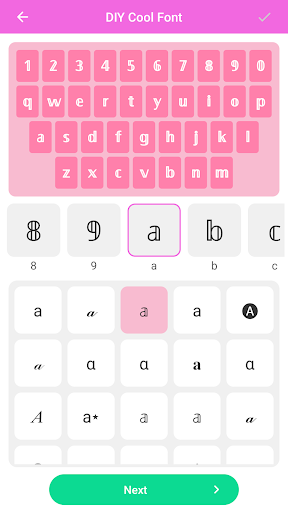
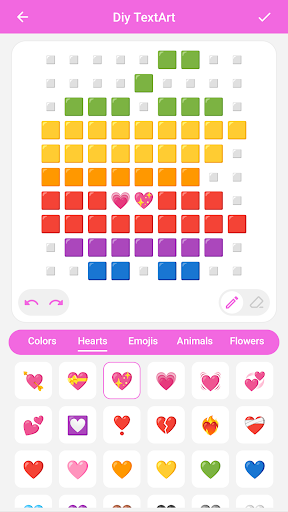
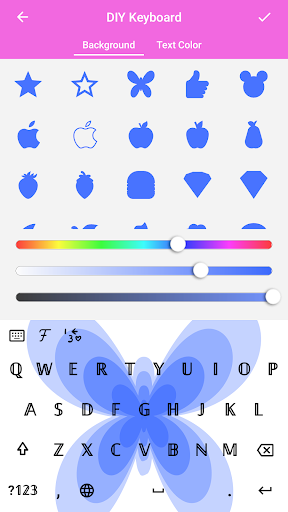
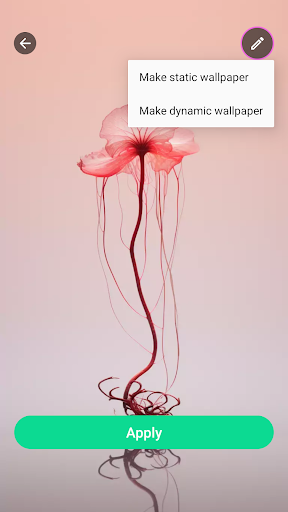
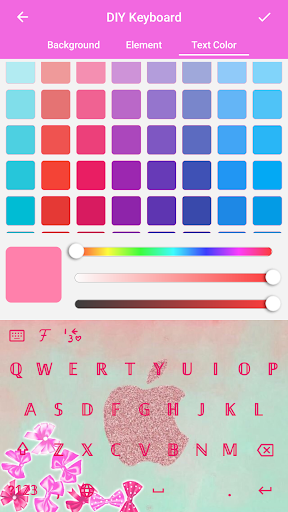
App Feature
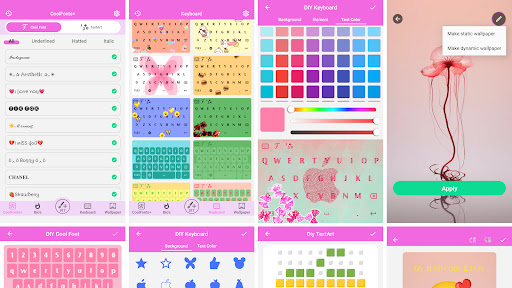
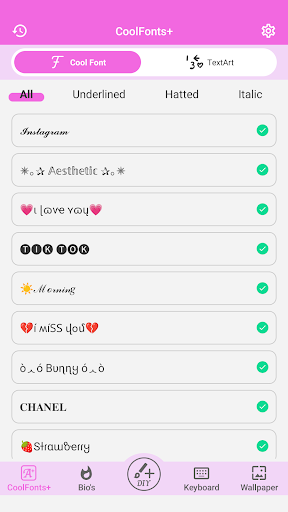
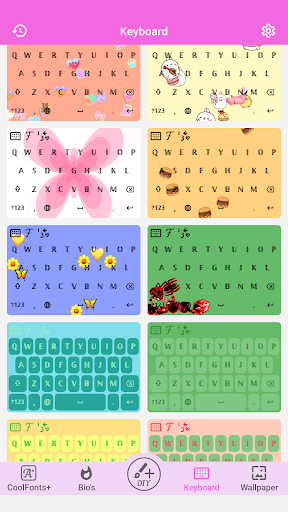
All-in-one personalization suite combining cool fonts, customizable keyboard themes, dynamic/static wallpapers, app icons, and home-screen widgets—plus emoji/sticker support and DIY tools for creating your own fonts and wallpapers.
Verdict
Verdict: A fun, feature-packed personalization toolkit best for style-focused users, but less ideal if you want a polished, productivity-first keyboard.
Who is it for
Best for:
- Users who love customizing fonts, keyboards, wallpapers, icons, and widgets
- Social media users who want eye-catching text styles and visuals
- Beginners who want quick, pre-made themes with optional DIY tools
Not ideal for:
- Power typists who prioritize accuracy, layout control, and robust keyboard settings
- Performance-sensitive users who dislike live/animated wallpapers or potential lag
- Anyone wanting a strictly free, ad-free experience without IAPs
Real-world User Experience
Users like it:
Lots of cute, unique, and trendy fonts; easy setup after a brief learning curve; attractive keyboard themes; meaningful home-screen refresh with icons and widgets; generally feels fun and expressive.
Users complain about:
Occasional confusion at first; some features behind a free trial/IAP; keyboard settings like size adjustments may not work reliably; auto-emoji replacement can be intrusive; video/animated wallpapers and keyboards can lag on some devices.
Is it Worth Paying For?
The free tier is generous for casual customization. Paying makes sense if you frequently switch themes, want full font and DIY access, or prefer removing limitations. Because some users report a free trial, verify pricing and what’s unlocked before subscribing, and test performance (especially live wallpapers) on your device.
How it Compares to Alternatives
Compared to pure keyboards like Gboard or Microsoft SwiftKey, this app offers far richer styling (fonts/themes) but fewer advanced typing features and settings. Versus dedicated font apps (e.g., Fonts Keyboard, Facemoji), it stands out by bundling wallpapers, icons, and widgets. Against wallpaper/theme hubs (e.g., Zedge), it adds integrated keyboard and font customization, making it a one-stop personalization option—albeit with potential performance trade-offs when using dynamic visuals.
Summary
Cool Fonts Keyboard & Themes is a playful, all-in-one personalization app that lets you transform your typing and home screen with stylish fonts, colorful keyboard themes, dynamic/static wallpapers, app icons, and widgets. Users praise its broad font selection and fun designs, though some note early setup confusion, spotty keyboard settings (like resizing), auto-emoji behavior, and occasional lag from video/animated elements. It’s ad-supported with IAPs and possibly a trial; the free tier suits most casual stylers, while paid access is worthwhile if you live for frequent refreshes and deep customization. If you want a polished, productivity-first keyboard, alternatives like Gboard or SwiftKey fit better; if you want maximum flair in one app, this is a strong, high-rated pick.
Ratings
Trending APP












Alternative to this app










