
Copyright 2026 © swekartor. All Rights Reserved.



Information about Launcher iOS 17
App Feature
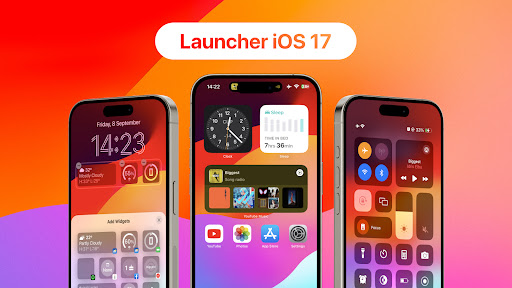
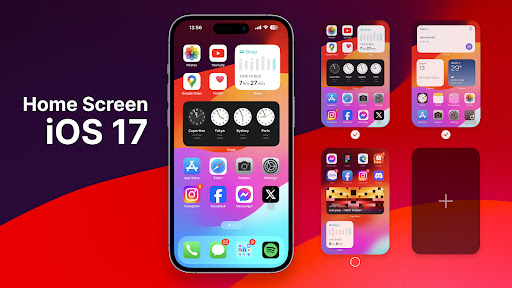
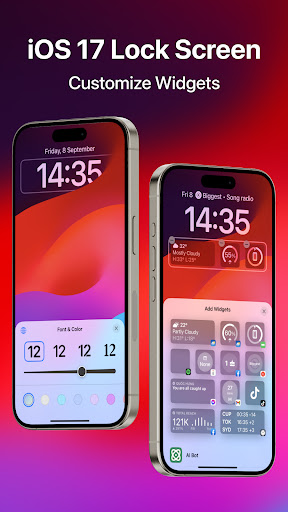
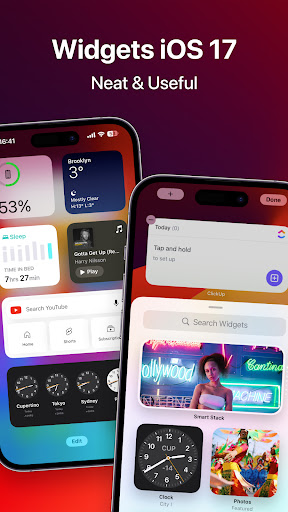
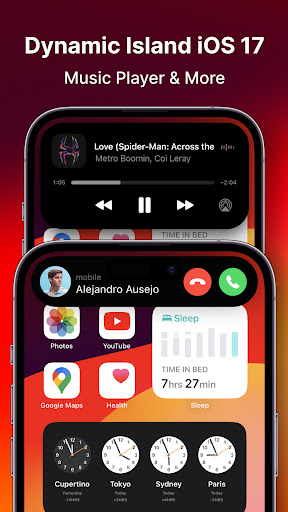
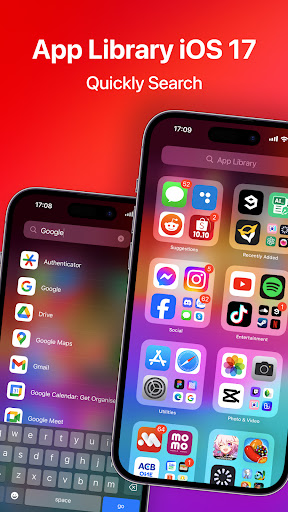
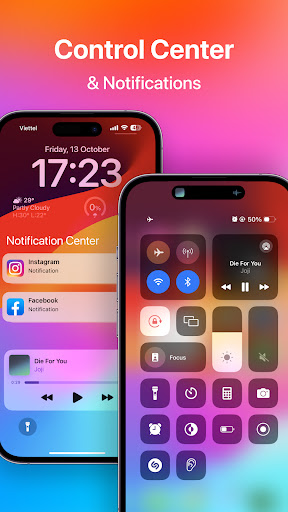
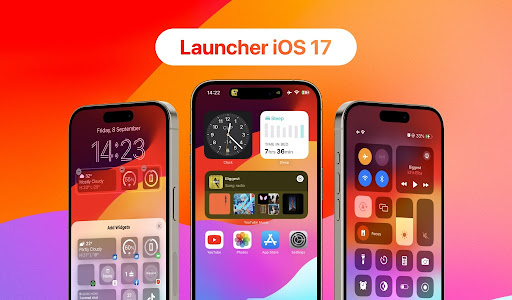
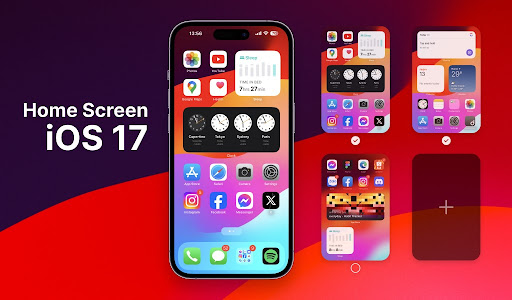
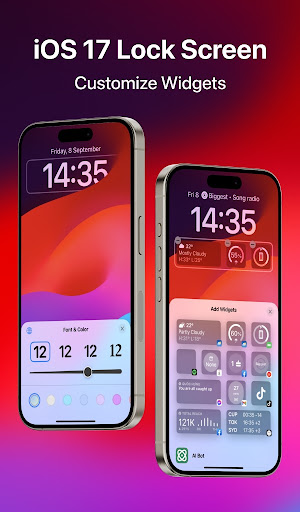
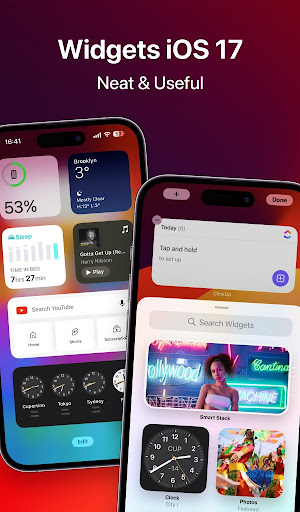
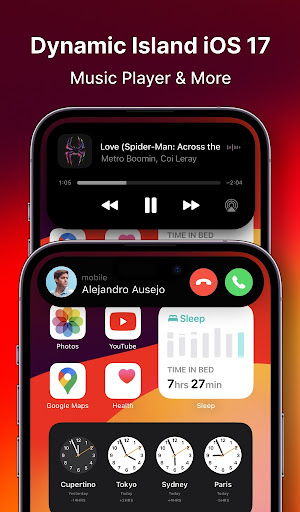
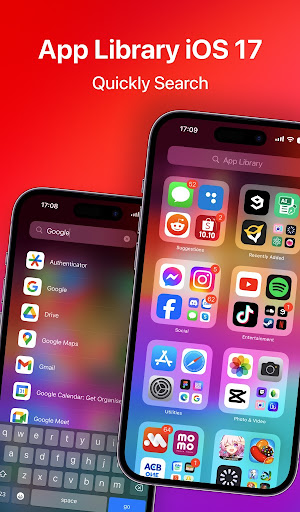
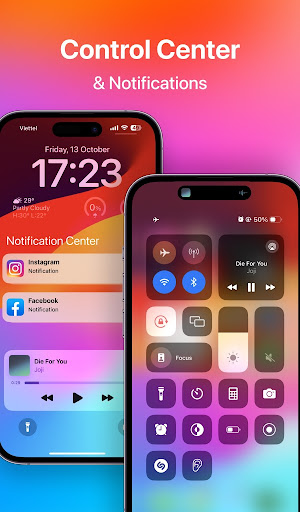
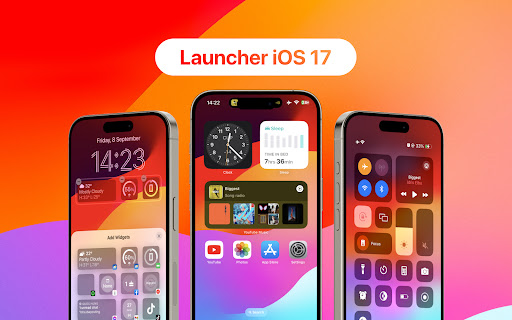
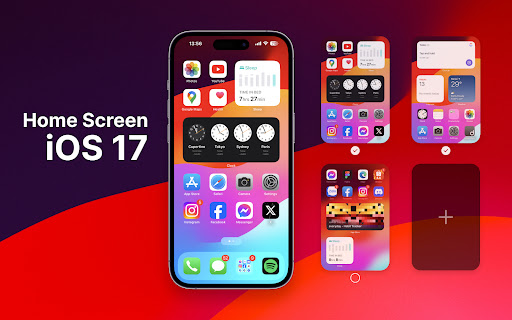
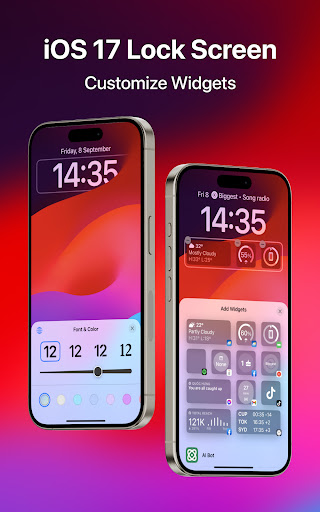
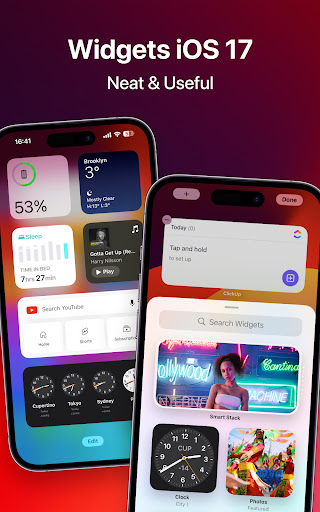
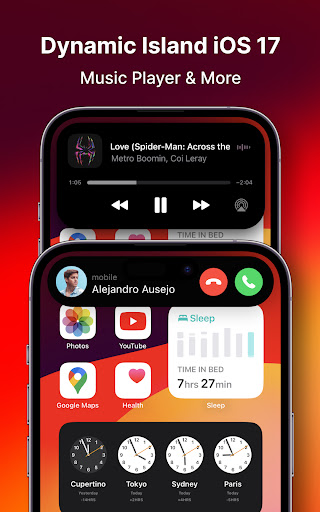
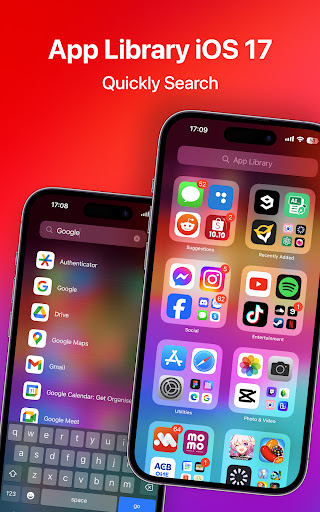
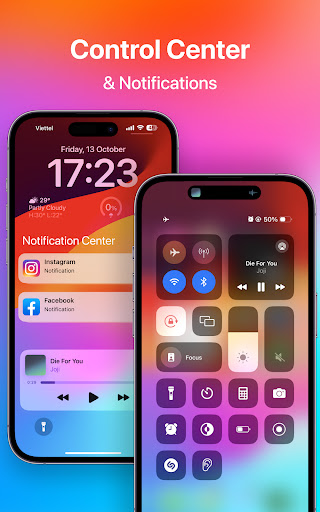
Launcher iOS 17 (Launcher OS™) replaces your Android home screen with an iOS‑style interface, offering iPhone‑like layouts, icon packs, and widgets, plus smart search/quick navigation. It includes optional lock screen and notification overlays, built‑in utilities (e.g., gallery, calculator), and deep customization. It requires broad permissions to enable lock‑screen controls, notifications, wallpaper setting, file search, and voice input.
Verdict
Verdict: A polished iOS-style launcher with impressive fidelity, best if you can tolerate ads and occasional hiccups.
Who is it for
Best for:
- Android users who want an iPhone-like UI and behavior
- Customization fans seeking widgets, icon theming, and layout tweaks
- Those who value smart search and quick app access
Not ideal for:
- Ad-averse users who don’t plan to pay to remove interruptions
- Privacy-conscious users wary of extensive permissions (notifications, storage, overlay, mic)
- Owners of lower-end or older devices sensitive to lag, crashes, or heat
Real-world User Experience
Users like it:
High visual fidelity to iOS, smooth day-to-day use for many, rich widgets and icon customization, useful built-in apps, and ads mostly confined to settings/config screens according to some users. Frequent praise for how closely it mimics recent iOS design and how quickly the developer improves features.
Users complain about:
Frequent ads during customization (e.g., changing wallpapers), occasional lock-screen lag or misbehavior, rare overheating reports, crashes when set as default home on some devices, icons/layouts resetting after reboots, and small UI annoyances (e.g., tiny ad close buttons). Some users want more accurate iOS animations and grid sizing.
Is it Worth Paying For?
The free version is fully usable but ad-heavy during setup and customization. If you plan to tweak often or want a cleaner experience, the paid option to reduce/remove ads is likely worth it. If you rarely change settings, the free tier may suffice.
How it Compares to Alternatives
Compared to general Android launchers like Nova, Niagara, or Smart Launcher, this focuses on iOS replication over raw performance or Android-native customization depth. Against other iOS-style launchers, users report this as one of the most faithful in look and features (widgets, lock screen, icon packs), though it trades off with aggressive monetization and broad permissions. If you want speed and Android-centric tweaks, Nova/Niagara win; for an iPhone-like experience, this is among the top options.
Summary
Launcher iOS 17 delivers a convincing iOS experience on Android, combining polished theming, widgets, and smart search with optional lock-screen and notification overlays. User feedback highlights its fidelity and frequent updates, but also notes ad interruptions during customization and occasional stability/performance hiccups, especially on some devices. The permission footprint is large by necessity for its features, which privacy-minded users should weigh. If your goal is to make Android feel like an iPhone, it’s a standout pick; pay to remove ads for the smoothest experience, or use the free tier if you can live with periodic interruptions.
Ratings
Trending APP












Alternative to this app










