
Copyright 2026 © swekartor. All Rights Reserved.



Information about Big Keyboard: Easy Homescreen
App Feature
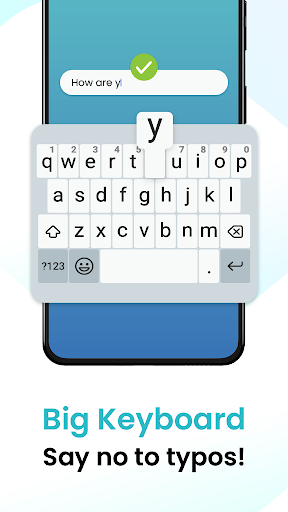
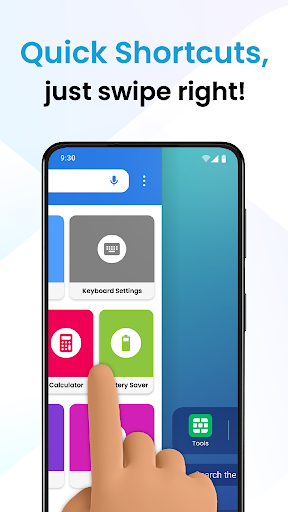
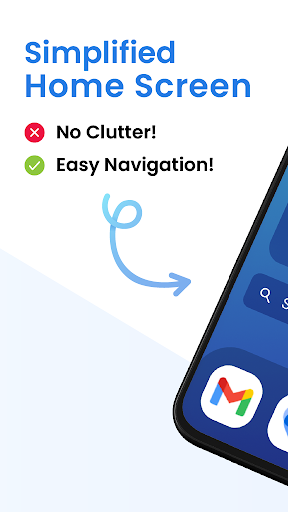
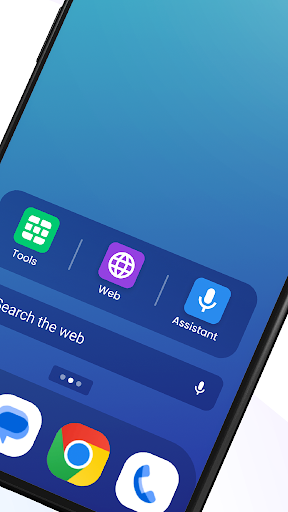
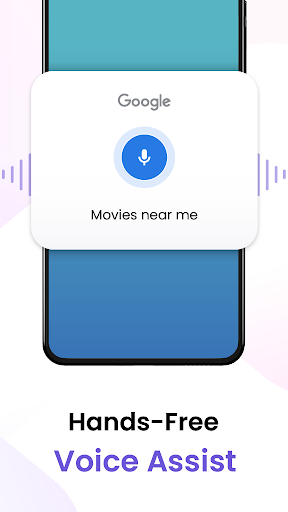
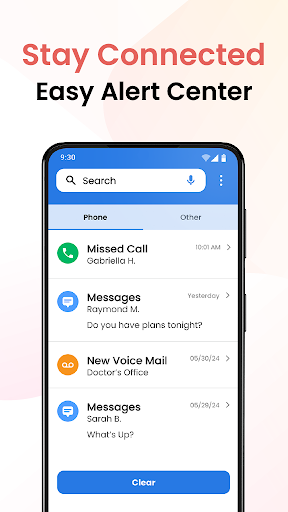
Big Keyboard: Easy Homescreen replaces your default launcher and keyboard with a simplified home screen, extra-large customizable keys (up to ~70% bigger), built-in voice search (Yahoo), quick-swipe shortcuts, magnifier + flashlight, calculator, and easy access to settings and wallpapers.
Verdict
Verdict: An excellent accessibility-focused launcher-keyboard combo that makes Android simpler and typing easier, but the bundled launcher and occasional quirks won’t suit power users.
Who is it for
Best for:
- Users with visual impairments or dexterity challenges who need larger keys
- Seniors or anyone wanting a simpler, cleaner home screen and tools
- People frustrated by typos and small default keyboards
Not ideal for:
- Power users who prefer stock launchers, advanced features, or heavy customization
- Those who dislike ads or Yahoo-powered search integration
- Users reliant on features like split-screen that may conflict with some launchers
Real-world User Experience
Users like it:
Consistently praised for truly bigger, clearer keys that reduce typos and speed up typing; simple, readable home screen; easy setup once defaults are configured; helpful extras like magnifier/flashlight; works well for older users and those with Parkinson’s or cataracts; stable for many with regular updates.
Users complain about:
Confusion when the app becomes the default launcher (some needed to switch back in Settings); occasional frequent update prompts; isolated compatibility issues (e.g., split screen not working until uninstall or reverting launcher); some desire even larger keys or brighter color themes; presence of ads.
Is it Worth Paying For?
The app is free with ads and no in-app purchases. Given the strong accessibility benefits and broad positive feedback, it delivers solid value at no cost; just be aware of ads and Yahoo search integration.
How it Compares to Alternatives
Compared to Gboard or Microsoft SwiftKey, this app focuses less on advanced prediction/gestures and more on visibility and simplicity, with larger keys out of the box. Versus senior-friendly launchers (e.g., Big Launcher, Simple Launcher), it uniquely bundles a big keyboard, magnifier, and voice search in one package; however, dedicated keyboards may type smarter, and dedicated launchers may offer deeper layout customization or fewer ads.
Summary
Big Keyboard: Easy Homescreen combines a genuinely large, customizable keyboard with a streamlined launcher aimed at clarity and ease. It shines for users who struggle with small keys or cluttered interfaces, adding thoughtful tools like a magnifier and flashlight alongside quick-swipe shortcuts and voice search. Reviews highlight fewer typos, faster typing, and a calmer home screen, though some users are tripped up by the launcher takeover, frequent update prompts, and occasional feature conflicts like split-screen. If you value accessibility and simplicity over advanced keyboard features and granular launcher tweaks—and don’t mind ads or Yahoo search—this is a high-value, user-friendly upgrade.
Ratings
Trending APP












Alternative to this app










