
Copyright 2026 © swekartor. All Rights Reserved.



Information about Infinite Painter
App Feature
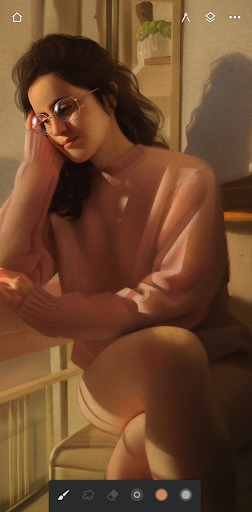
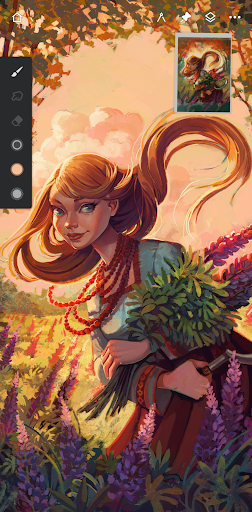
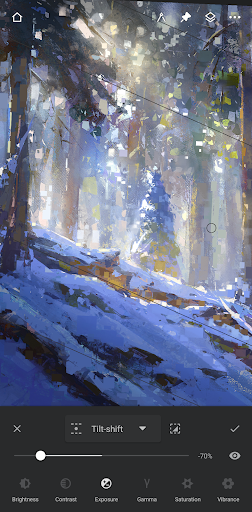
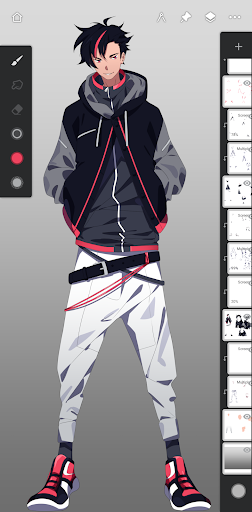
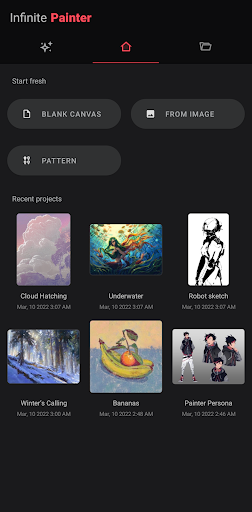
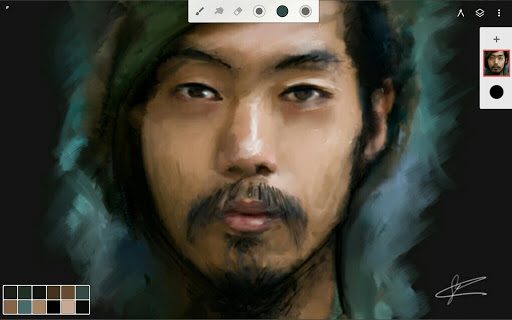
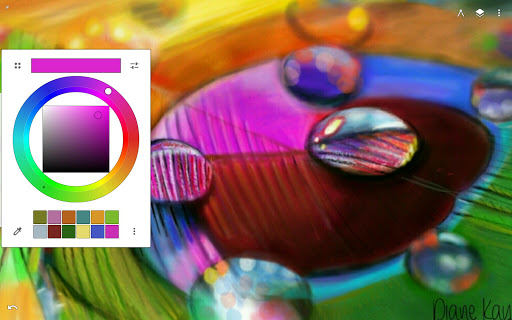
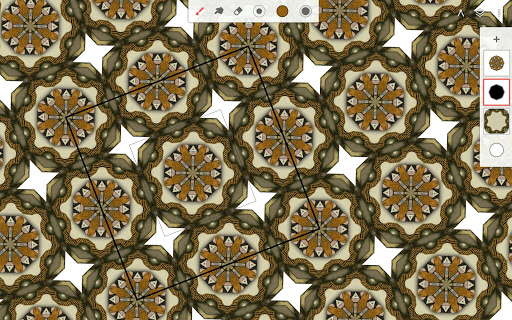
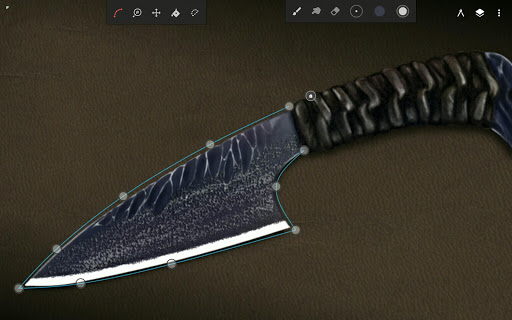
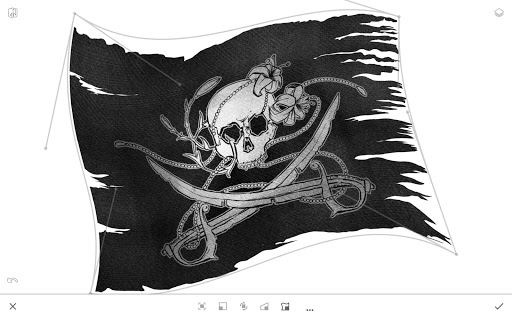
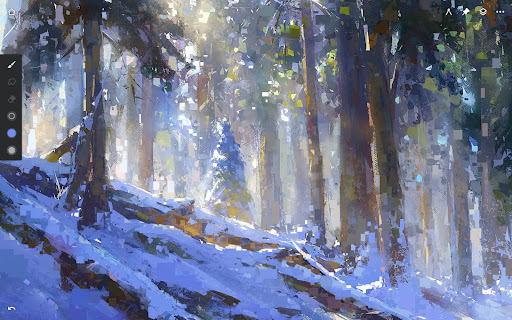
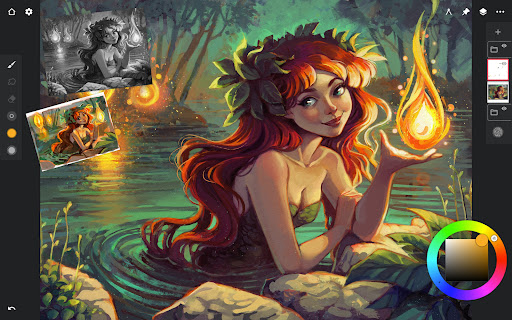
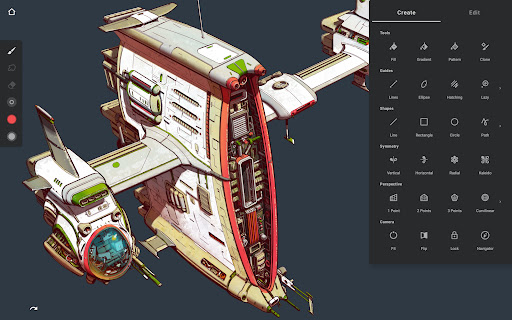
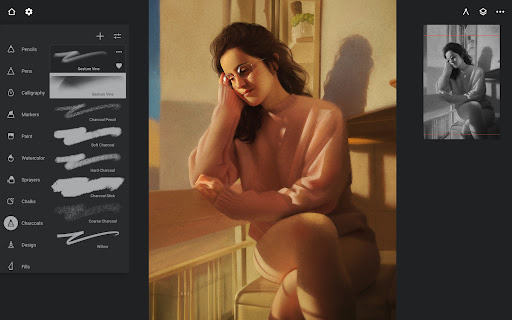
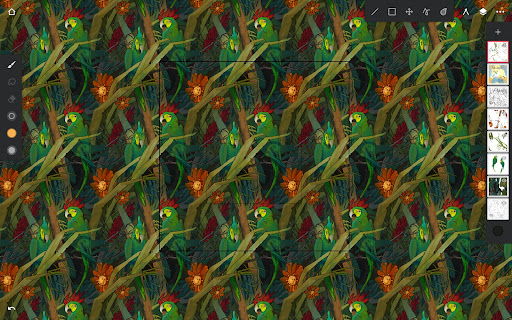
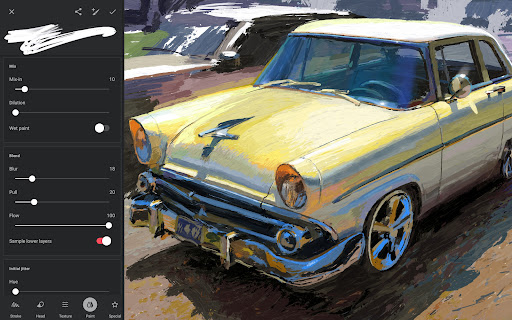
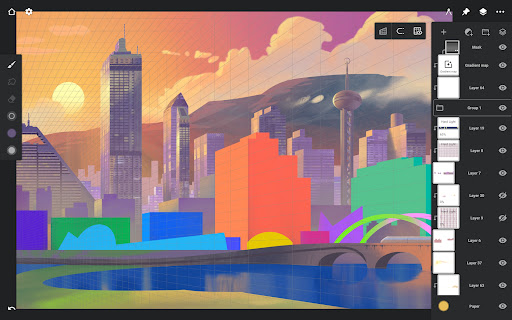
A full-featured digital painting and sketching app for Android and Chromebooks with hundreds of customizable brushes, robust layer/mask support, advanced editing (filters, liquify, gradients, curves), perspective and symmetry guides, timelapse recording, reference images, and a clean, gesture-driven interface optimized for stylus pressure/tilt.
Verdict
Verdict: A powerful, Procreate-like drawing suite on Android with great value, but occasional stability and feature changes may frustrate some users.
Who is it for
Best for:
- Artists seeking a one-time-purchase, pro-level toolset on Android
- Users who value customizable brushes, layers, and advanced editing
- Stylus users who want pressure/tilt, gestures, and efficient UI
Not ideal for:
- Heavy, ultra-high-resolution workflows needing many layers on low/mid devices
- Users who require absolute crash-free stability at large canvas sizes
- Artists dependent on specific legacy brushes that may be discontinued
Real-world User Experience
Users like it:
Fast, intuitive UI with quick-access controls; excellent brush engine with deep customization and community brush sharing; strong pro features (filter layers, gradient maps, liquify, perspective/symmetry, timelapse); multi-reference images; one-time payment without subscriptions; stable for many and performant when canvases are reasonably sized.
Users complain about:
Occasional crashes or slowdowns on big canvases or with many layers; some report layer-count limits on certain devices; pressure settings may need tuning; recent removal of legacy brushes upset long-time users; a few features vary by device; must save frequently to avoid progress loss.
Is it Worth Paying For?
Yes. The free version is generous for testing, and the affordable one-time upgrade unlocks a professional toolkit without ads or subscriptions. For most hobbyists and many pros on Android, the paid tier offers excellent value relative to feature depth.
How it Compares to Alternatives
Against Sketchbook and MediBang, Infinite Painter offers deeper brush customization, advanced layer effects, and stronger perspective/symmetry tools. Compared to ibis Paint X, it feels less ad-driven with a cleaner workflow and more pro-grade adjustments. It’s the closest Android analogue to Procreate (iOS-only), though Procreate can feel smoother on supported hardware. Clip Studio Paint is broader for comic production and cross-platform pipelines but costs more and is more complex. Krita remains a desktop favorite; Infinite Painter is better optimized for touch/stylus on mobile.
Summary
Infinite Painter delivers a desktop-class art experience on Android with a refined interface, realistic brushes, extensive layer/mask capabilities, and advanced tools like perspective guides, filter layers, and timelapse. Users consistently praise its speed, workflow efficiency, and exceptional value as a one-time purchase. While stability is generally good, large canvases and high layer counts can strain some devices, making frequent saves wise. The recent removal of some legacy brushes and occasional pressure-tuning quirks may disappoint a subset of users. Overall, it’s a top-tier choice for mobile artists who want powerful features, minimal clutter, and no subscription—especially compelling for stylus-enabled tablets.
Ratings
Trending APP








Alternative to this app










