
Copyright 2026 © swekartor. All Rights Reserved.



Information about PicCollage: Grid & Story Maker
App Feature
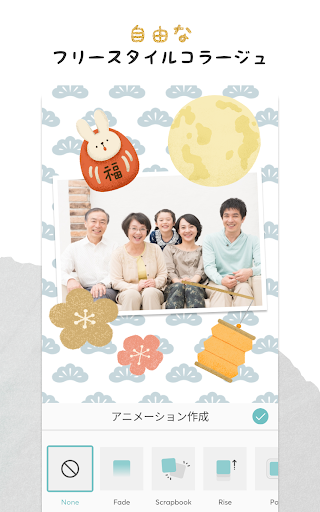
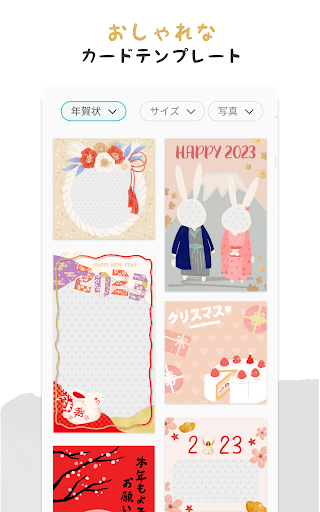
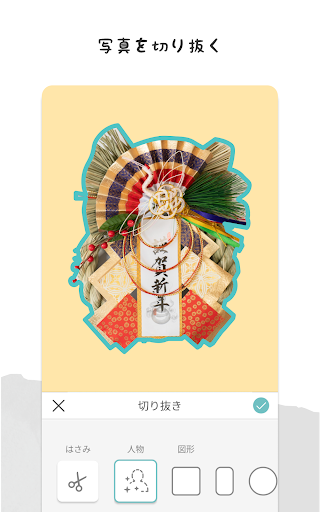
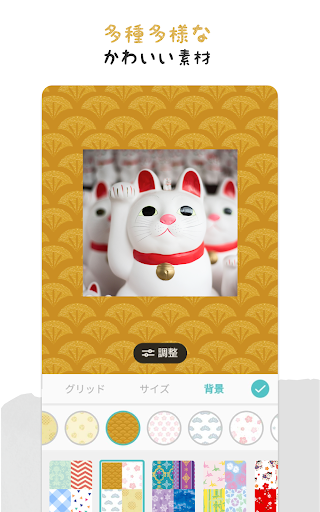
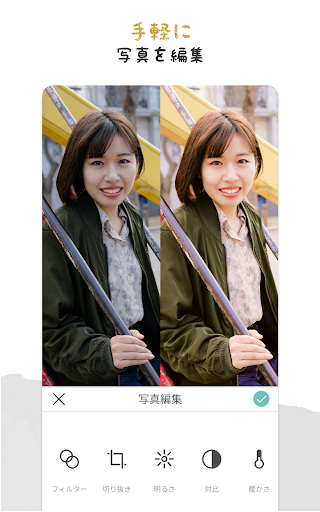
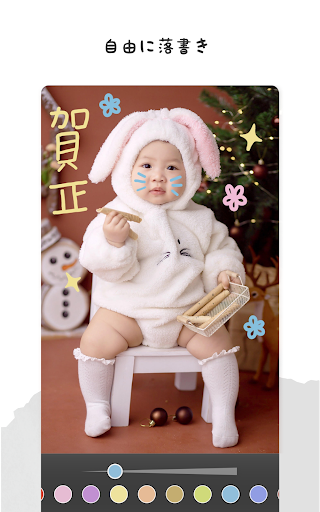
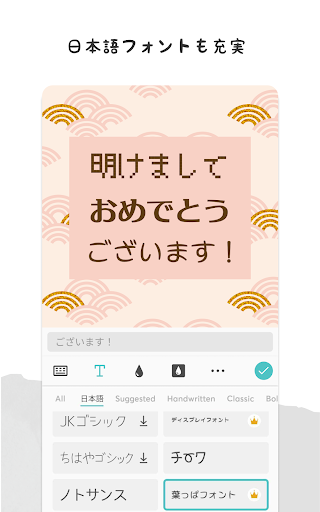
PicCollage: Grid & Story Maker is a photo and video collage editor focused on quick, creative layouts. It offers grid and freestyle canvases, themed templates (cards, invitations, stories), AI background removal and Magic Expand, filters and basic adjustments, animated effects, fonts with curved text, doodling, stickers, and scrapbook-style borders—plus easy export and social sharing.
Verdict
Verdict: A polished, beginner‑friendly collage and card maker with deep template content, best for quick creativity rather than pro-grade editing.
Who is it for
Best for:
- Casual creators making social posts, invitations, and holiday/birthday cards
- Users who want effortless grids/templates and playful stickers/backgrounds
- Anyone needing fast, intuitive collage workflows with light editing
Not ideal for:
- Power users needing granular photo retouching or layered, pro design control
- Budget‑only users who want everything free with no ads/watermark
- Teams requiring advanced project organization or multi-device content syncing
Real-world User Experience
Users like it:
Consistently praised as easy, intuitive, and fun. Users love the variety of grids/templates, plentiful stickers/backgrounds, simple text and doodle tools, and reliable social sharing. Many long‑time users call it their go‑to for collages, greeting cards, and quick before/after or event posts. Watermark removal and direct sharing are appreciated; app feels fast and approachable.
Users complain about:
Recurring complaints about paid sticker/background packs and a desire for more free options. Some report feature inconsistencies across devices/versions (e.g., layering order, flip/rotate). Occasional glitches when sharing or saving. A few note lost purchased content when changing devices and want better content recovery. Ads and watermark in the free tier can annoy some.
Is it Worth Paying For?
Yes for frequent users. The VIP plan removes ads and watermarks and unlocks premium stickers, backgrounds, templates, and fonts—good value if you create cards and collages regularly. Casual users can stay on the free tier, but expect occasional ads, limited premium assets, and a watermark on exports.
How it Compares to Alternatives
Versus Canva and Adobe Express, PicCollage is faster and simpler for pure collages and scrapbook‑style cards, with more playful sticker packs and themed templates. Canva/Adobe offer stronger multi‑page design, brand kits, and collaboration. Compared with Instagram Layout or Google Photos’ collage tool, PicCollage has far more layouts, stickers, and text effects. Picsart offers deeper editing and effects, but PicCollage feels lighter, friendlier, and more template‑driven.
Summary
PicCollage: Grid & Story Maker nails the sweet spot between speed and creativity for collages, stories, and cards. Its grid/freestyle layouts, festive templates, AI cutout, animated effects, and fun stickers make it easy to turn a handful of photos into a share‑worthy design in minutes. Reviews highlight its approachability and breadth of assets, with downsides mainly around paid content, watermarking/ads on the free plan, and occasional feature inconsistencies or glitches. If you frequently craft social posts, invitations, or scrapbook‑style mementos, VIP is a worthwhile upgrade; otherwise, the free version is a capable, friendly starting point.

Ratings
Trending APP












Alternative to this app










