Copyright 2026 © swekartor. All Rights Reserved.



Information about AI Photo Editor - Polish
App Feature
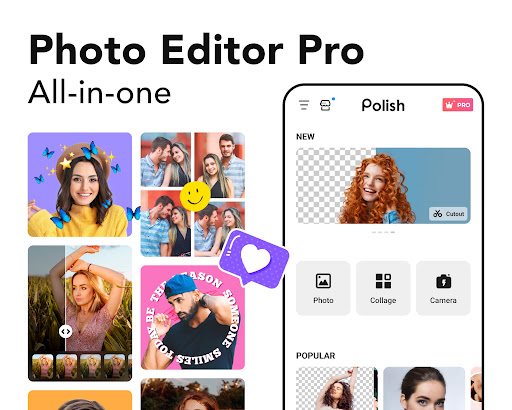
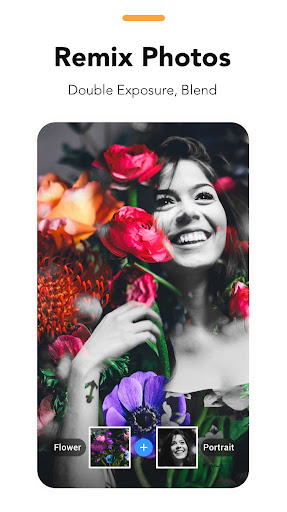
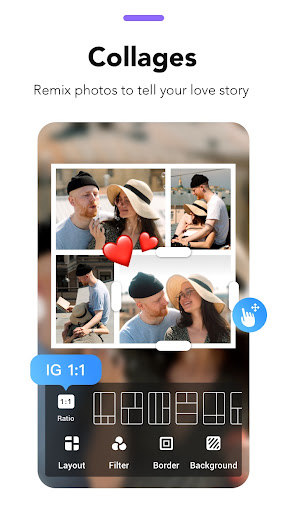
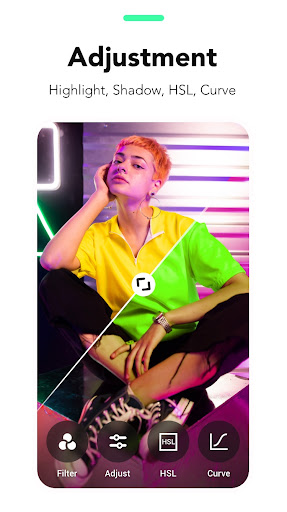
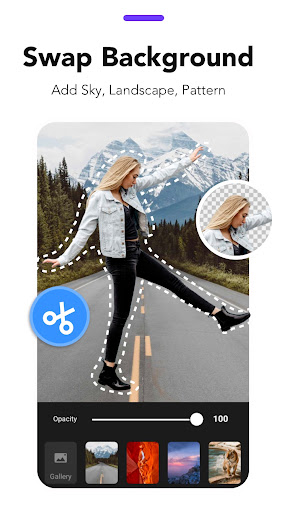
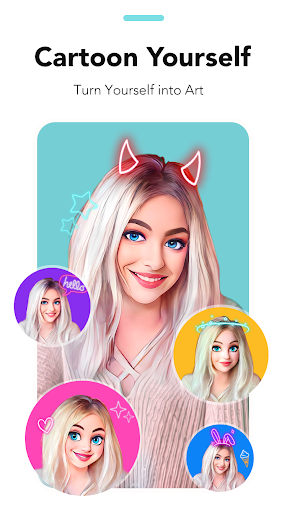
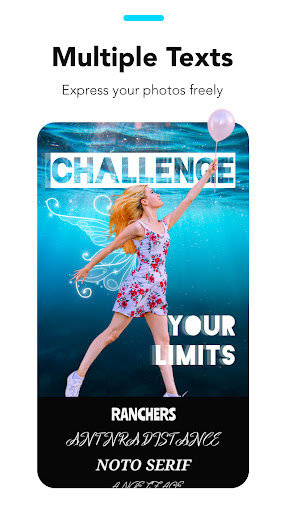
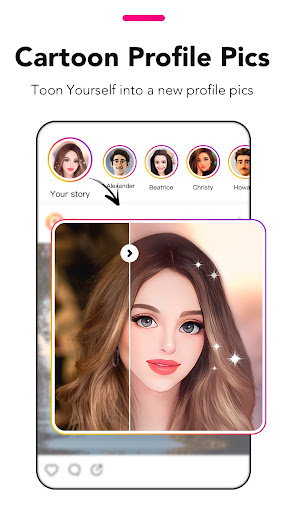
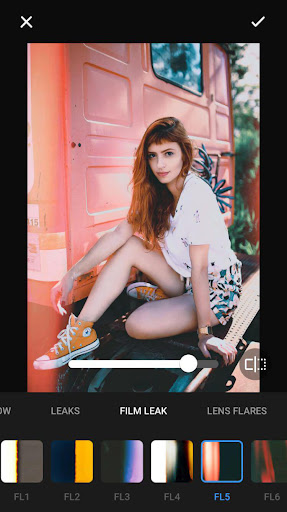
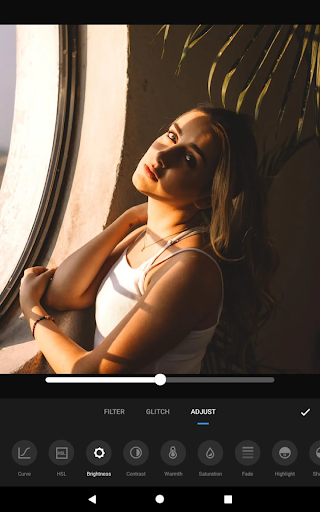
AI-powered photo editor from InShot combining one-tap enhancement, object/background removal, AI headshots/avatars, filters/effects, collage maker, text/stickers, and body/face retouch alongside standard tools (crop, rotate, HSL, blur, resize).
Verdict
Verdict: A powerful, beginner-friendly AI photo editor with generous free tools, slightly held back by a learning curve and occasional UX friction.
Who is it for
Best for:
- Casual creators, influencers, and small businesses needing quick, polished edits
- Users who want AI tools (enhance, remove, headshots) without desktop software
- Anyone making collages, social posts, or simple marketing graphics on mobile
Not ideal for:
- Pros needing pixel-precise controls, layered workflows, or desktop-grade color management
- Users who dislike any ads or prefer completely offline, ad-free editing
- Those requiring highly customizable collage layouts without template constraints
Real-world User Experience
Users like it:
Smooth on low-end phones; generous free toolkit with practical AI features; tasteful, short ads mainly after edits; clean layout; quick success for common tasks (text, borders, retouch, enhancements); worthy paid upgrade; reliable undo and asset library; strong results that impress others.
Users complain about:
Noticeable learning curve; gestures sometimes conflict (zoom vs edit); occasional confusion about options and losing adjustments; desire for better tutorials and precision controls (e.g., numeric text sizing); collage templates can force cropping; requests for more flexible cutout/splice tools and complexion control for AI cartoon; sporadic import hiccups reported by a few users.
Is it Worth Paying For?
Yes for frequent editors: the free version covers most needs with light ads, while the paid upgrade removes friction and unlocks more filters/assets. Several users find the one-time/lifetime option good value; casual users can stay free and still get strong results.
How it Compares to Alternatives
Compared to Picsart, Polish feels less paywalled and more straightforward, though Picsart offers broader social features. Versus Snapseed, Polish wins on one-tap AI (enhance, cutout) and templates, while Snapseed offers finer manual control and is fully free. Photoshop Express provides Adobe polish and precision but leans more into subscriptions. For pure AI upscaling (e.g., Remini), specialized apps might edge it on enhancement quality, but Polish is a more complete editor with collages, text, and effects in one place.
Summary
AI Photo Editor – Polish pairs accessible AI tools (enhance, object/background removal, headshots, avatars) with a broad, mobile-friendly editor covering filters, HSL tuning, blur, text/stickers, and collages. With a 100M+ install base and high ratings, it delivers fast, social-ready outputs and runs well even on budget devices. Users praise its generous free tier and reasonable ads, while noting a learning curve, occasional gesture conflicts, and a desire for better tutorials and more flexible collage/cutout controls. If you edit often, the paid upgrade is a sensible quality-of-life boost; if not, the free version still offers excellent value. Overall, it’s a well-rounded, AI-forward choice for creators who want results quickly on a phone without diving into desktop software.
Ratings
Trending APP









Alternative to this app