
Copyright 2026 © swekartor. All Rights Reserved.



Information about Pixelcut - AI Graphic Designer
App Feature
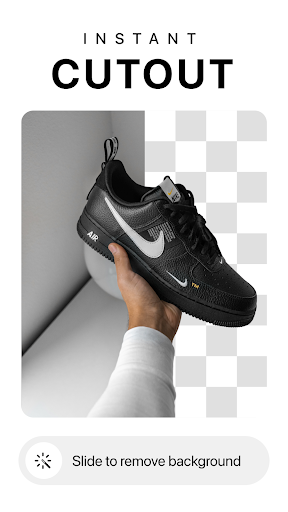
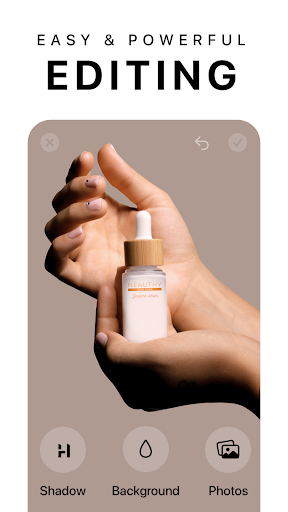
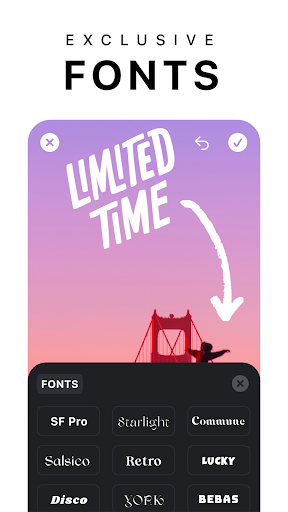
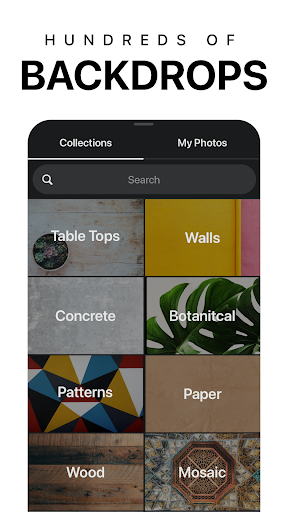
Pixelcut is an AI-powered photo editor and graphic design tool focused on fast product shots and social content. Core features include background removal, magic eraser for object cleanup, AI Photoshoot for synthetic product imagery, text styles and templates, collage/story layouts, shadows and colored backdrops, basic reels/video creation, and an AI copywriter for captions and product descriptions.
Verdict
Verdict: A powerful, beginner-friendly AI design toolkit ideal for product photos and social posts, but the free tier’s watermark and occasional AI artifacts may frustrate perfectionists.
Who is it for
Best for:
- Small businesses and sellers needing quick, clean product photos and listings
- Creators and marketers producing social graphics and stories at scale
- Beginners who want quality results without complex design tools
Not ideal for:
- Users who need fully watermark-free exports without subscribing
- Professionals seeking granular, pro-grade retouching or desktop-level control
- Those expecting consistent, studio-perfect AI generations every time
Real-world User Experience
Users like it:
Very easy background removal with accurate cutouts; effective object removal that preserves texture better than some rivals; helpful for quickly enhancing resolution and preparing sale-ready images; generous free version that’s more capable than many alternatives; wide range of templates and styles for social and commerce.
Users complain about:
Free tier adds a watermark; occasional artifacts like dots or quirky AI backgrounds on some images; some users note needing workarounds or higher-quality source formats; full functionality requires a subscription.
Is it Worth Paying For?
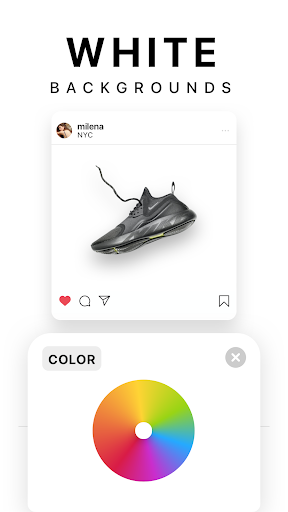
If you regularly create product imagery or social content, the Pro subscription is good value: it removes watermarks and unlocks unlimited background removals, templates, fonts, and backdrops—saving time versus manual editing. Casual users can do a lot for free but must accept a watermark and lighter feature access.
How it Compares to Alternatives
Compared to general photo editors like VSCO or Snow, Pixelcut is more specialized for e-commerce and social design with superior background cutouts, shadows, and storefront-ready templates. Versus AI portrait tools like Lensa, Pixelcut focuses on product imagery and layout workflows. Among background removers, users report higher-quality edges and fewer missed pixels, though AI generations can still produce occasional oddities common to most AI tools.
Summary
Pixelcut blends an intuitive interface with strong AI features to streamline product photography and social design: background removal, object cleanup, AI Photoshoot, captions via AI, and polished templates. User feedback highlights fast, accurate cutouts and cleaner object removal than many competitors, with the main trade-offs being a watermark on the free plan and occasional AI artifacts. For sellers, creators, and small businesses, it can replace multiple apps and drastically speed up content creation; for casual users, the free version remains useful, provided the watermark is acceptable.


Ratings
Trending APP












Alternative to this app










