
Copyright 2026 © swekartor. All Rights Reserved.


Information about Mirror Link Screen Connector
App Feature
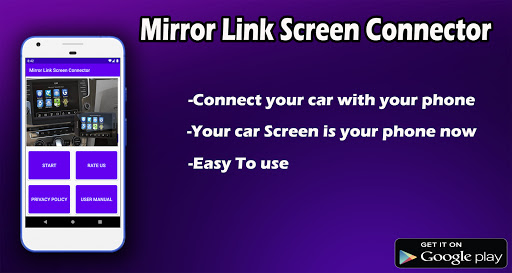
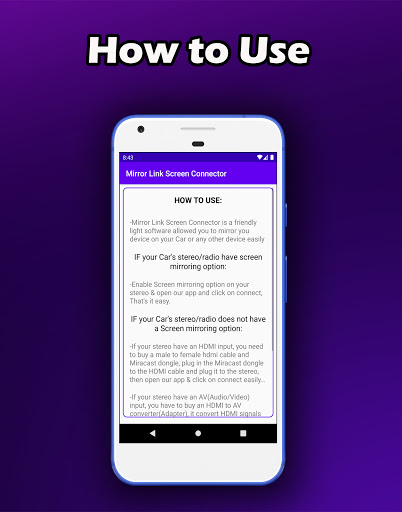
Mirror Link Screen Connector aims to mirror your Android phone or tablet screen to external displays—primarily car infotainment systems and also TVs—with simple setup, wireless or USB connection options, and broad device compatibility for sharing media, navigation, and calls.
Verdict
Verdict: A convenient, ad-supported mirroring tool that works for many setups, but expect occasional glitches and variable video smoothness.
Who is it for
Best for:
- Drivers who want basic phone-to-car screen mirroring for navigation, music, and calls
- Users seeking a quick, cable-free way to cast phone screens to TVs or displays
Not ideal for:
- Anyone needing guaranteed, lag-free video playback or gaming-grade performance
- Users who dislike navigating frequent ads or want a polished, premium experience
Real-world User Experience
Users like it:
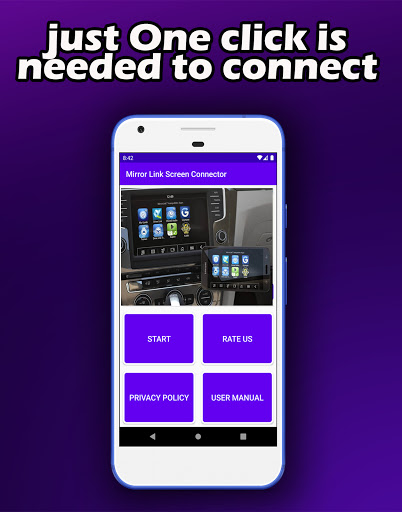
Straightforward setup once the target screen is found; reliably detects compatible TVs; effective for basic mirroring (games, audio, navigation) with clear phone screen rendering; works as advertised for many users.
Users complain about:
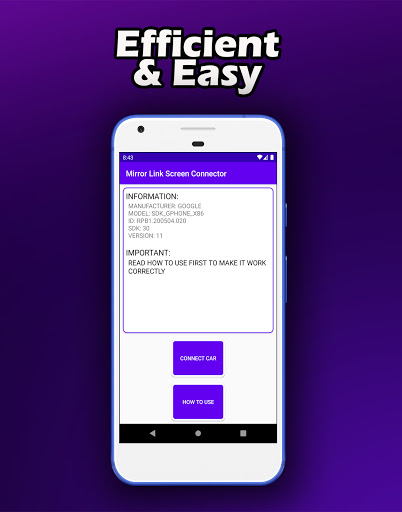
Noticeable ad interruptions before connecting; occasional glitches and choppy video during movie playback; some learning curve navigating past ads to the device selection screen.
Is it Worth Paying For?
The app is free and ad-supported with no in‑app purchases. There’s nothing to pay for, so the value depends on your tolerance for ads and occasional performance hiccups.
How it Compares to Alternatives
Compared to Google’s native casting (Google Home/Chromecast) or built‑in Miracast, this app offers broader, phone‑screen mirroring with a focus on car infotainment but may be less stable and more ad-heavy. Versus Android Auto/MirrorLink-compatible head units, it’s more flexible but lacks deep, official integration and may have more lag. Alternatives like ApowerMirror or AirDroid Cast provide polished multi‑platform mirroring (often with paid tiers) and can deliver smoother performance, while this app prioritizes quick, free connectivity at the cost of ads and occasional stutter.
Summary
Mirror Link Screen Connector targets a simple goal: mirror your Android screen to a car display or TV with minimal fuss. In practice, many users report easy detection and reliable basic casting once they navigate the ad screens, making it useful for maps, music control, and casual media. Video playback and games can stutter, and the ad flow before connecting can be intrusive. If you need a free, no-frills mirroring solution and can accept ads and occasional glitches, it’s a practical choice; for smoother, officially integrated, or premium experiences, consider native casting, Android Auto on supported head units, or paid mirroring tools.
Ratings
Trending APP





Alternative to this app










