
Copyright 2026 © swekartor. All Rights Reserved.


Information about Cardboard
App Feature
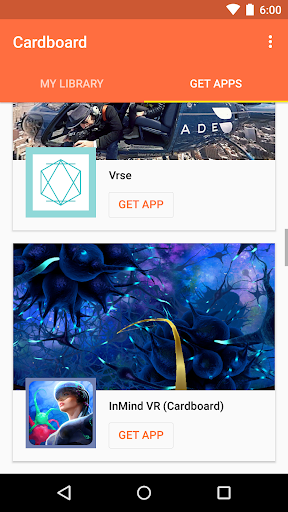
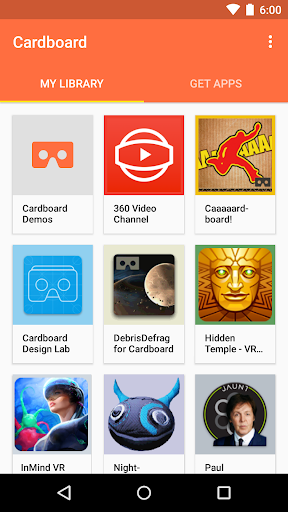
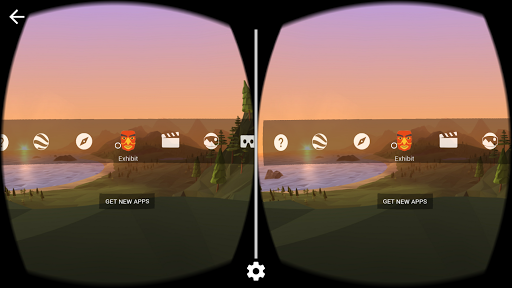
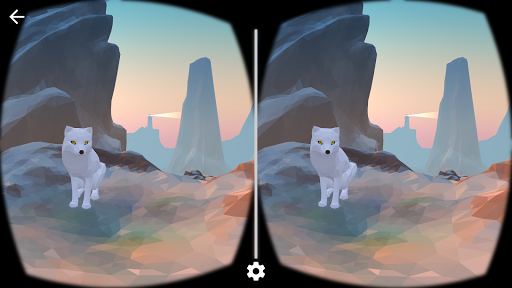
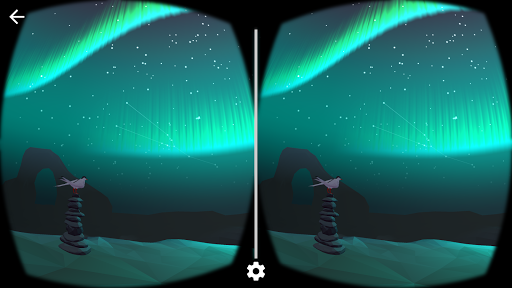
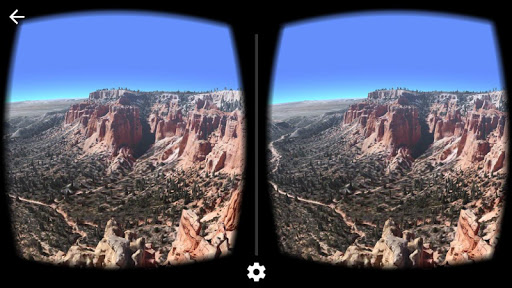
Google’s Cardboard app is a free, open‑source‑SDK–based VR launcher and demo hub that helps you set up a compatible cardboard viewer, calibrate via QR code, and sample basic VR experiences like tours, Earth/360 content, and simple games directly on a smartphone.
Verdict
Verdict: A simple, affordable gateway to phone‑based VR, but dated for power users seeking rich, modern experiences.
Who is it for
Best for:
- First‑time VR users who want a no‑cost taste of VR
- Teachers, families, and casual users exploring 360 videos and basic demos
- Anyone with a cardboard viewer seeking quick, easy VR setup
Not ideal for:
- Power users wanting advanced graphics, controllers, or deep game libraries
- People sensitive to motion sickness or jittery motion
- Users expecting frequent feature updates or robust navigation controls
Real-world User Experience
Users like it:
Free entry to VR with simple setup; widely compatible with many cardboard headsets; fun demos (Earth, tours, 360 video); great for showing VR to friends and family; feels immersive for the price, with some praising clarity and ease of use.
Users complain about:
Outdated/limited features and sparse updates; occasional choppiness and glitches; navigation issues (missing back button, fast movement in Earth); lacking fine‑tuning for different phone sizes and video controls (e.g., scrubbing); can cause dizziness for some; minimal interaction options without a controller.
Is it Worth Paying For?
It’s free with no ads or IAPs, so there’s nothing to pay for; the only cost is a viewer (often very inexpensive). As a free starter app, the value is high.
How it Compares to Alternatives
Compared to dedicated VR platforms (Meta Quest, PC VR), Cardboard is far more basic and less interactive but dramatically cheaper and simpler. Versus older mobile VR ecosystems (Daydream, Gear VR) that are now deprecated, Cardboard remains a lightweight, accessible path to 360/VR content. Third‑party Cardboard‑compatible apps (e.g., YouTube VR for 360 playback, various indie demos) can expand content, but overall polish and performance trail modern standalone headsets.
Summary
Cardboard delivers an easy, no‑cost introduction to smartphone VR backed by Google’s open‑source SDK and a huge install base. It shines as a demo and setup tool for basic VR experiences, classroom moments, or quick 360 video viewing with a low‑cost viewer. User feedback highlights its simplicity, broad compatibility, and fun factor per dollar, while also calling out aging design, limited interactivity, occasional choppiness, and missing controls (e.g., back button, finer motion tuning, video scrubbing). If you want a lightweight, accessible taste of VR, it’s a great place to start; if you’re seeking modern, high‑fidelity, controller‑rich VR, you’ll quickly outgrow it.
Ratings
Trending APP






Alternative to this app























