
Copyright 2026 © swekartor. All Rights Reserved.



Information about Design Space: DIY with Cricut
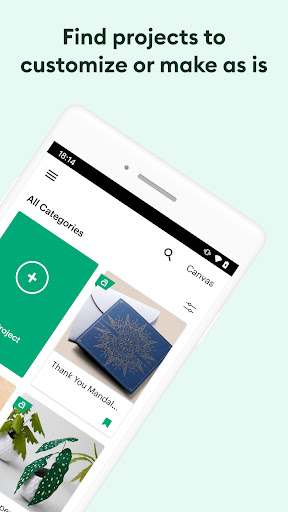
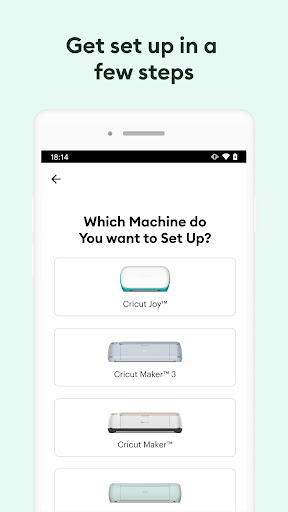
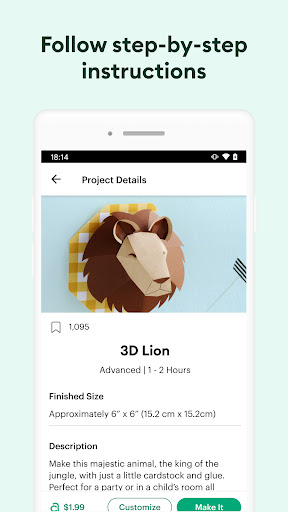
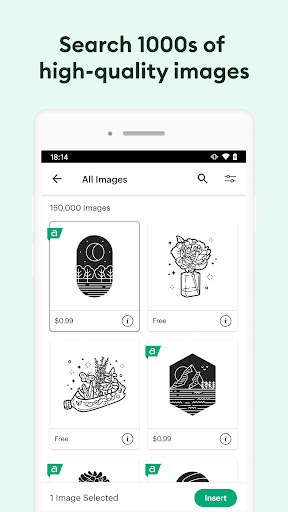
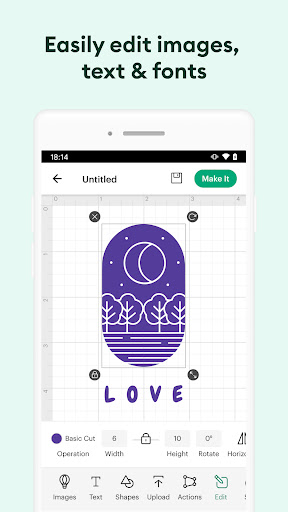
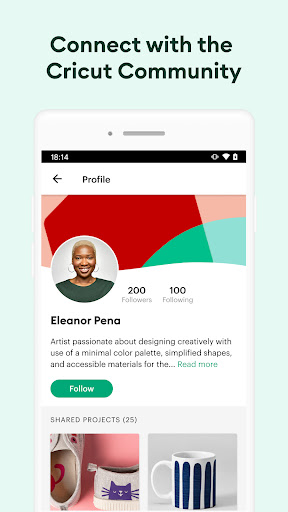

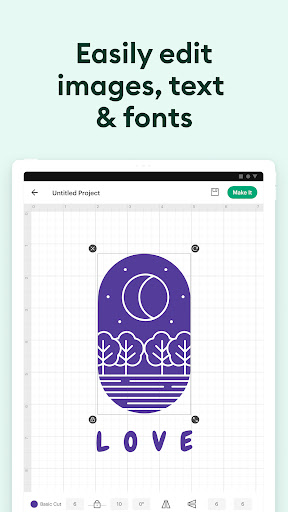
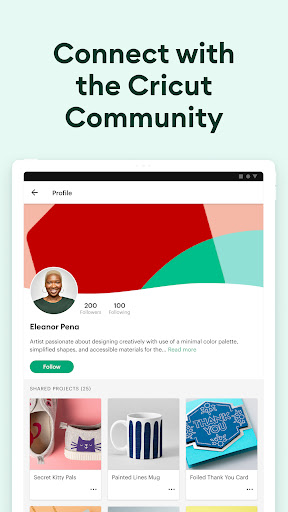
App Feature
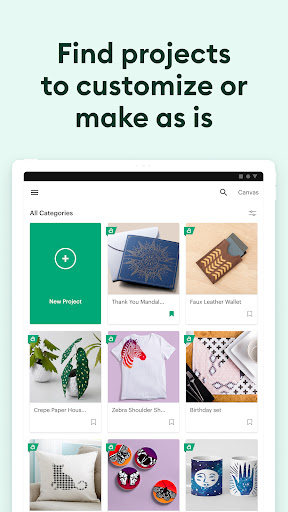
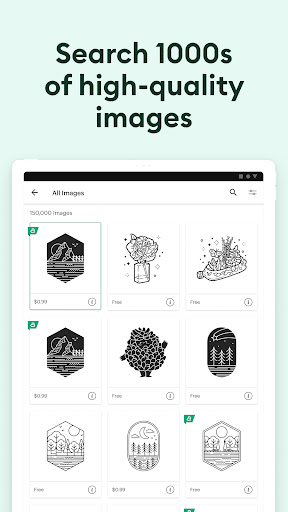
Design Space: DIY with Cricut is the official companion for Cricut cutting machines, letting you design, cut, and draw projects from an extensive image/font library with cloud sync, Bluetooth connectivity, and advanced text features (kerning, spell check, RTL) on Android 9+.
Verdict
Verdict: A capable, beginner‑friendly Cricut companion that shines with machine owners, but offers limited value without Cricut hardware or a paid content library.
Who is it for
Best for:
- Cricut Explore/Maker owners seeking mobile design-to-cut workflows
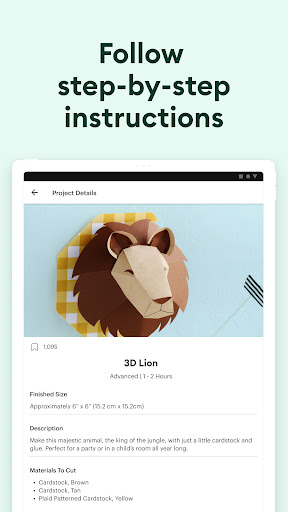
- Beginners who want guided, ready-to-make projects and templates
- Crafters who value cloud sync across phone, tablet, and other devices
Not ideal for:
- Users without a Cricut machine (core functionality depends on hardware)
- Power users needing granular precision tools beyond what mobile UI offers
- Designers wanting fully open, machine-agnostic workflows or export freedom
Real-world User Experience
Users like it:
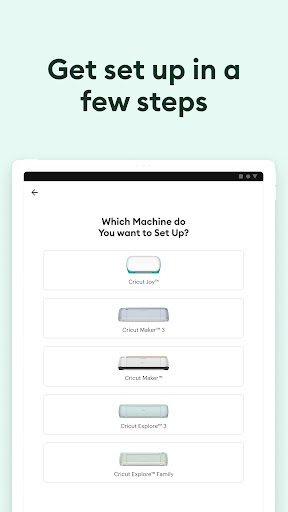
Onboarding is friendly and intuitive for first-timers; the app feels fluid and works even on some Chromebooks despite mixed compatibility messaging. There’s ample in‑house content and templates to learn and grow, and Bluetooth connectivity generally makes the design-to-cut process smooth.
Users complain about:
Some users want faster, more precise sizing (e.g., manual numeric input) instead of drag-to-resize. Advanced precision and desktop-grade controls can feel limited on mobile, and content depth often depends on a paid membership.
Is it Worth Paying For?
The app itself is free with no ads, but much of the premium content (images, fonts, projects) sits behind Cricut Access (IAP). If you craft regularly or want a large, curated library, the subscription is good value; casual users or those importing their own designs may be fine without it.
How it Compares to Alternatives
Versus Silhouette Studio and Brother CanvasWorkspace, Design Space is the most streamlined for Cricut owners, prioritizing ease and mobile/cloud convenience over deep, desktop-level editing. Compared to generic design tools like Canva, it’s far better for machine-ready workflows (cut/draw), but less flexible as a general graphic editor.
Summary
Design Space: DIY with Cricut delivers a smooth, approachable path from idea to finished cut for Cricut machine owners. Its strengths are a large library of ready-to-make projects, beginner-friendly UI, reliable Bluetooth connectivity, and cloud sync for working anywhere. Advanced text features on newer Android versions help polish designs, and support resources are readily available. However, power users may find precision controls on mobile limiting, and the richest content is tied to Cricut Access. If you own a Cricut and want a simple, portable way to design and cut, this app is a solid pick; without the hardware or a need for its library, its value drops.
Ratings
Trending APP












Alternative to this app










