
Copyright 2026 © swekartor. All Rights Reserved.


Information about Google Home
App Feature
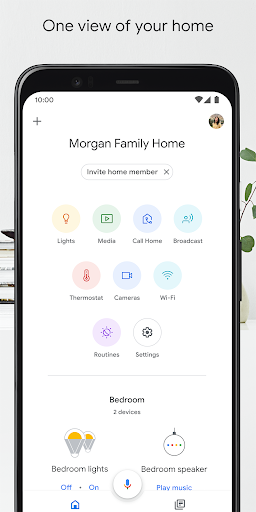
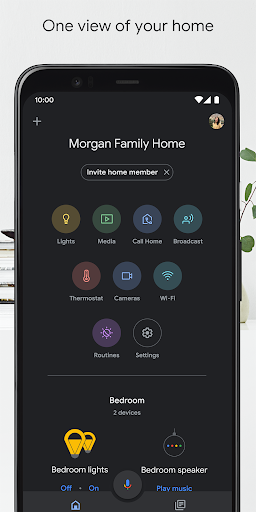
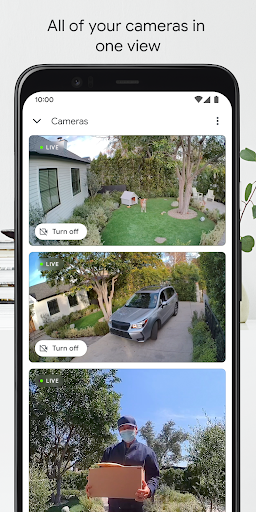
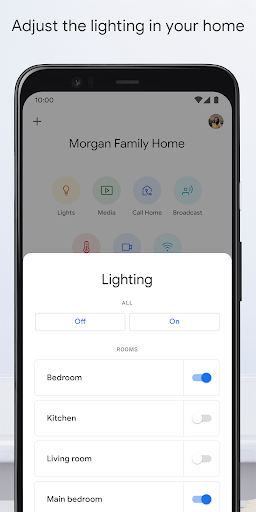
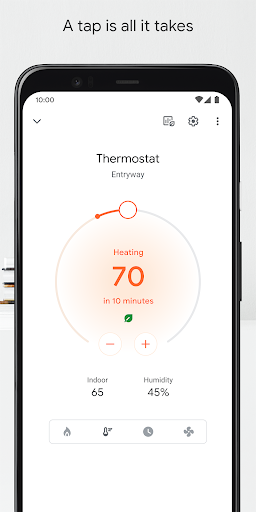
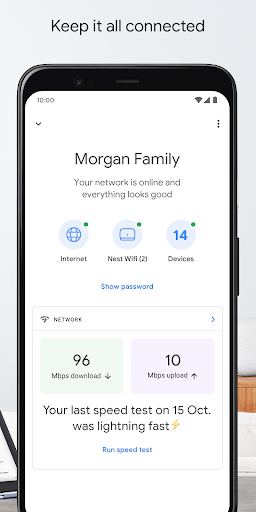
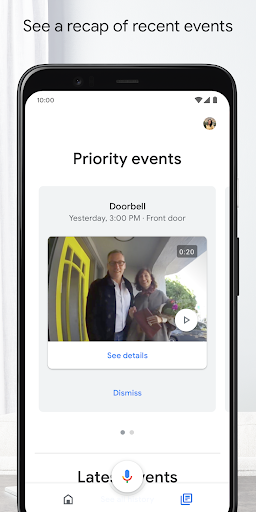
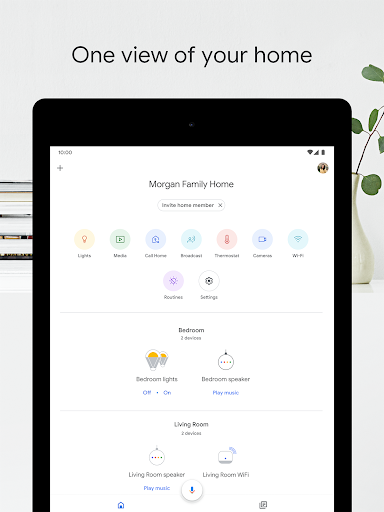
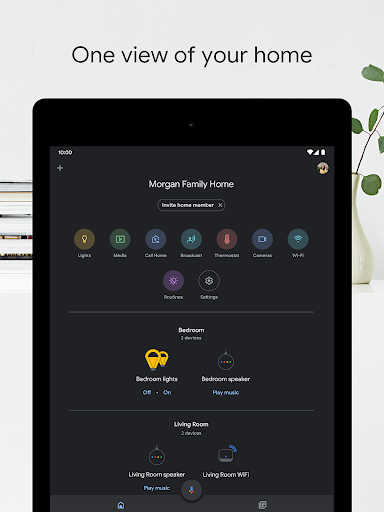
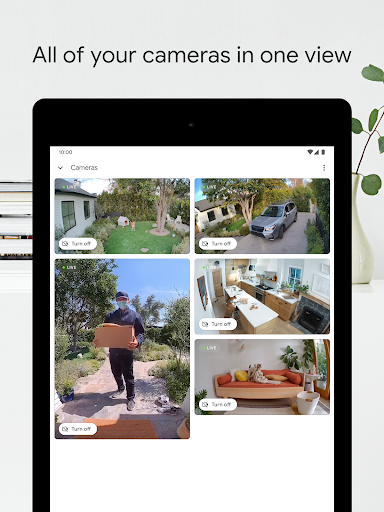
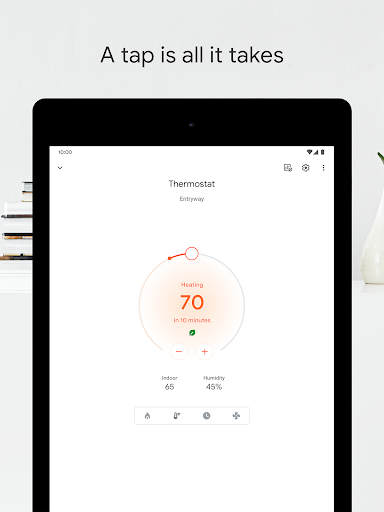
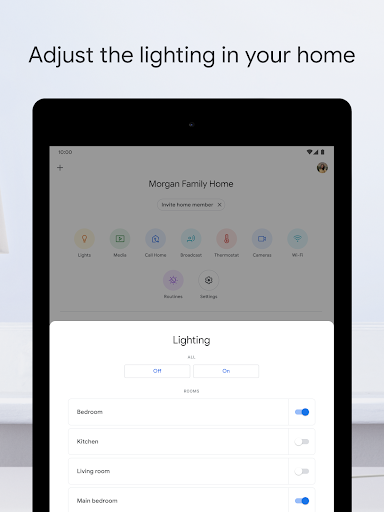
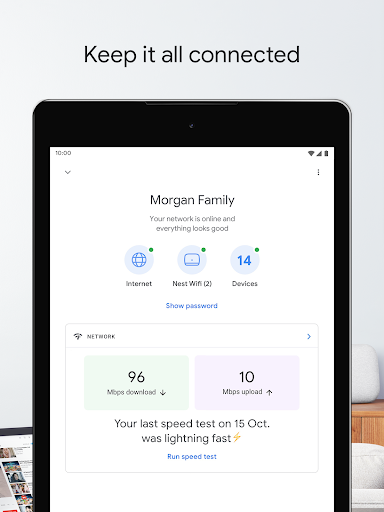
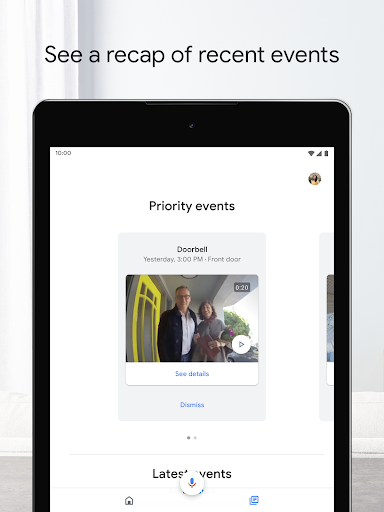
Google Home is a central hub to set up, organize, and control Nest, Chromecast, Google Home, and many compatible third‑party smart devices. It offers dashboards for rooms and routines, quick remote controls (lights, media, climate), camera live view and history, and voice control via Assistant/Gemini for Home. Privacy tools include activity deletion and security controls.
Verdict
Verdict: A polished, convenient hub for Google‑centric smart homes, though setup quirks and mixed third‑party support can frustrate power users.
Who is it for
Best for:
- Households invested in Nest/Chromecast/Google Assistant devices
- Users who want simple, reliable voice and tap controls with routines
- People who value a unified app for lights, media, and cameras
Not ideal for:
- Tinkerers needing granular, local automations and advanced troubleshooting
- Homes relying on niche sensors/cameras or mixed ecosystems with spotty support
- Users wary of cloud AI presence (e.g., Gemini) or complex account linking
Real-world User Experience
Users like it:
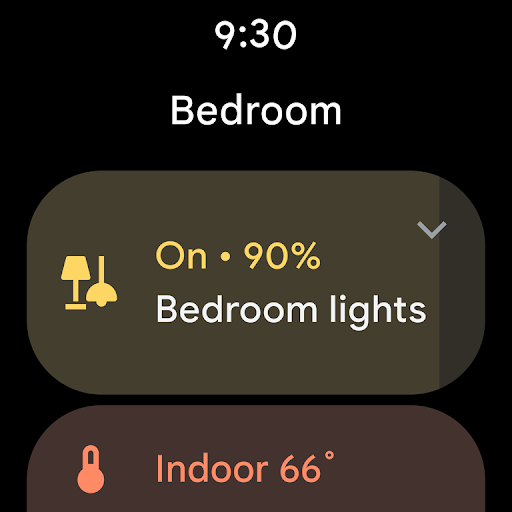
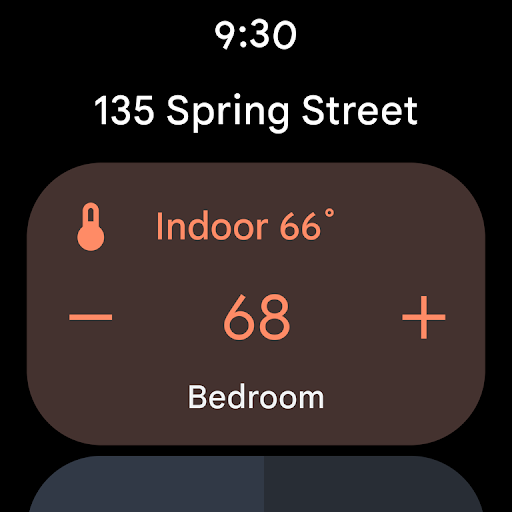
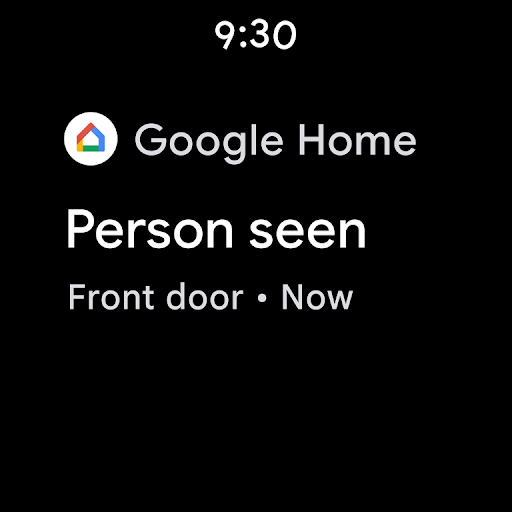
Smooth voice commands and responsive controls; easy device grouping and routines; broad compatibility for common lights, plugs, TVs; reliable media casting and Chromecast photo slideshows; watch/phone widgets for quick access; improved camera timeline; helpful safety alerts (e.g., smoke alarm notifications).
Users complain about:
Occasional painful setup or reconfiguration cycles (Wi‑Fi changes, new phones); scattered settings across Home/Assistant/device/phone; inconsistent support for certain brands (e.g., Wiz bulbs, some hubs/sensors); can’t tie a device to multiple Wi‑Fi networks; sporadic recognition issues (e.g., channel names); unease about Gemini’s presence/permissions.
Is it Worth Paying For?
The app is free with no ads. Most features cost nothing, but some camera capabilities and history may require optional subscriptions like Nest Aware, and of course you must buy compatible hardware. For most users, the free tier offers strong value; pay only if you need advanced camera features.
How it Compares to Alternatives
Compared to Amazon Alexa, Google Home often requires fewer brand‑specific add‑ons (“skills”) and feels more seamless with Chromecast/Nest, while Alexa can offer broader third‑party depth and robust multi‑room audio options. Against Apple Home, Google Home is more accessible across Android/Chromecast ecosystems, whereas Apple emphasizes local control/privacy and tight iOS/macOS integration (but needs HomeKit‑certified gear). Samsung SmartThings typically provides deeper device type coverage and more complex automations; Google Home prioritizes simplicity, voice control, and media casting.
Summary
Google Home unifies setup and control for Nest, Chromecast, and many compatible devices with a clean dashboard, fast controls, and strong voice integration via Assistant/Gemini. It shines for everyday tasks—turning lights on, playing music, checking cameras, and managing routines—while offering helpful privacy controls and optional advanced camera features via subscriptions. Real‑world feedback highlights ease of use and reliability once configured, but setup can be finicky, settings feel scattered, and brand compatibility varies. If your home leans Google and you want a straightforward controller that doubles as a solid voice hub and casting companion, this is one of the best choices; power users seeking granular automations or fully local control may prefer alternatives.
Ratings
Trending APP




Alternative to this app























