
Copyright 2026 © swekartor. All Rights Reserved.


Information about AR Drawing: Draw Sketch Camera
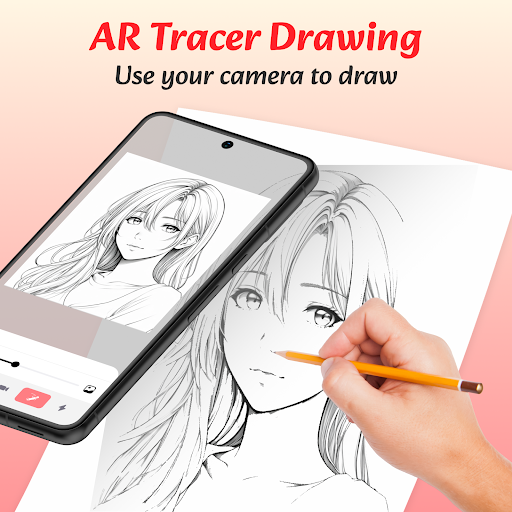
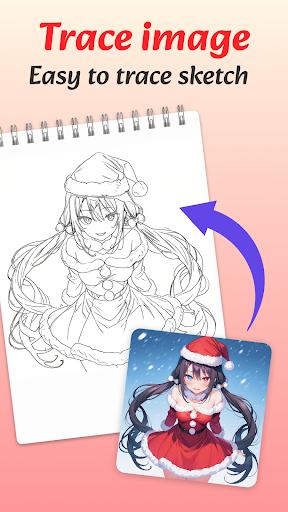
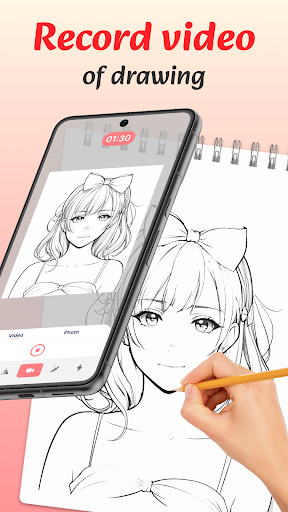
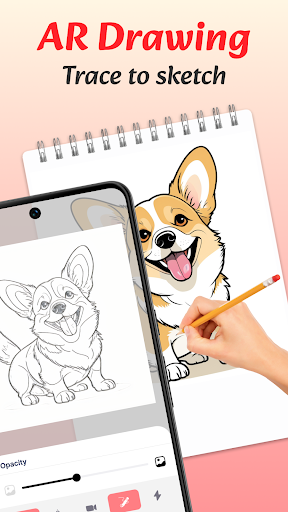
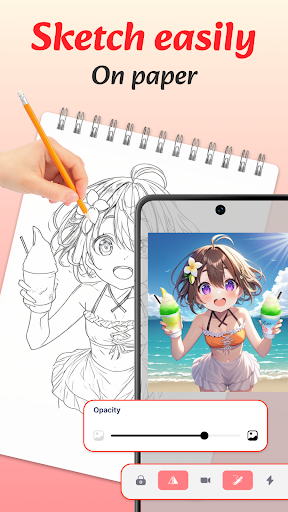
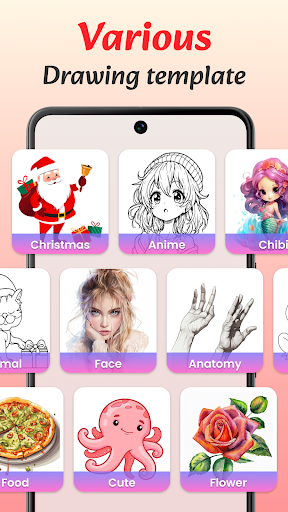
App Feature
AR Drawing: Draw Sketch Camera uses your phone’s camera to project traceable sketches onto real surfaces, guiding you to draw by hand. It offers AR overlays, a simple interface, tracing templates, flashlight support for low light, in‑app gallery saves, and the option to record and share your drawing process.
Verdict
Verdict: A handy AR tracer for quick sketching and practice, but mixed polish and limited depth may frustrate power users.
Who is it for
Best for:
- Beginners who want AR guidance to trace and learn proportions
- Hobbyists seeking a simple projector-style tool for crafts or murals
- Creators who want to record and share time‑lapses of their drawing
Not ideal for:
- Artists needing robust illustration suites with layers and advanced brushes
- Users expecting perfectly stable AR alignment without a tripod
- Anyone sensitive to ads or gated content behind IAP
Real-world User Experience
Users like it:
The interface is straightforward, making it easy to set up a sketch and start tracing. AR overlays help with proportions and layout, templates jumpstart ideas, and built‑in recording/sharing adds a nice touch for social posts.
Users complain about:
Feedback suggests mixed reliability: AR drift/alignment can occur without a stable mount, low‑light performance varies despite the flashlight, and ads plus paywalled items can interrupt workflow. Some users report device‑specific stability quirks typical of AR apps.
Is it Worth Paying For?
The app is free with ads and offers IAP. The free tier is sufficient to evaluate core AR tracing. Paying likely removes ads and unlocks more templates/features; it’s worth it if you frequently use the app for projects and want extra content and fewer interruptions, but casual users can remain on the free tier.
How it Compares to Alternatives
Compared with Da Vinci Eye and SketchAR, this app focuses on straightforward AR tracing over lessons and community. It’s simpler than SketchAR’s learning tracks and generally lighter than full drawing suites (e.g., Procreate/Adobe Fresco) which lack AR projection. Da Vinci Eye often provides refined projection controls; AR Drawing trades depth for ease and accessibility, with a lower barrier to entry but potentially less precise controls and fewer structured tutorials.
Summary
AR Drawing: Draw Sketch Camera streamlines the projector‑style, trace‑to‑learn approach with a clean AR overlay, starter templates, and helpful extras like flashlight, saving, and recording. It’s best as a practical tool to transfer references onto paper, canvas, or walls and to practice proportions without complex setup. The 3.5–4.0 star range and modest review count indicate a solid but imperfect experience: expect occasional AR drift, the need for a tripod or stable surface, and ad/IAP friction. If you want a no‑frills AR tracing companion for quick sketches or craft projects, the free version delivers; if you rely on it regularly, an upgrade may improve convenience and content.
Ratings
Trending APP












Alternative to this app










