Copyright 2026 © swekartor. All Rights Reserved.


Information about AR Drawing - Sketchar App
App Feature
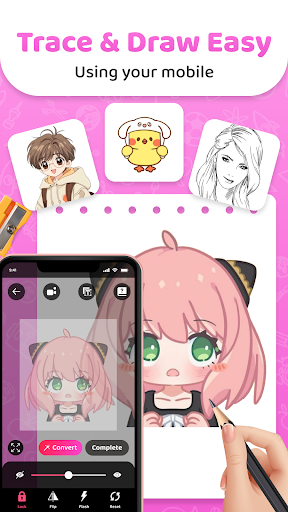
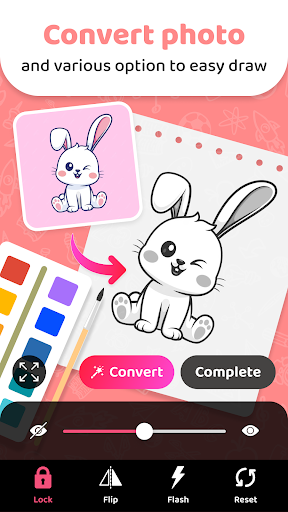
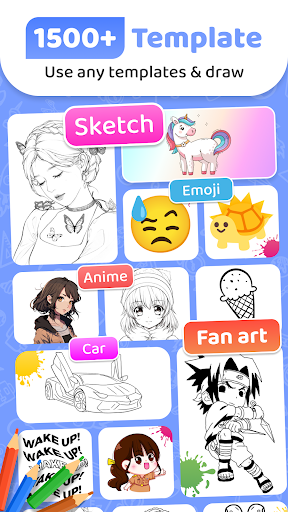
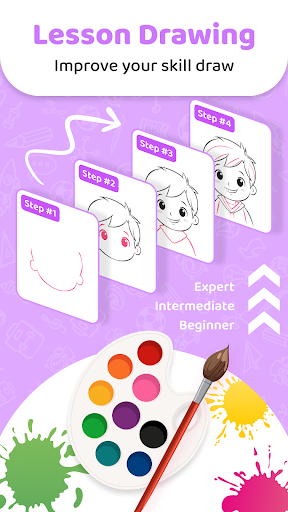
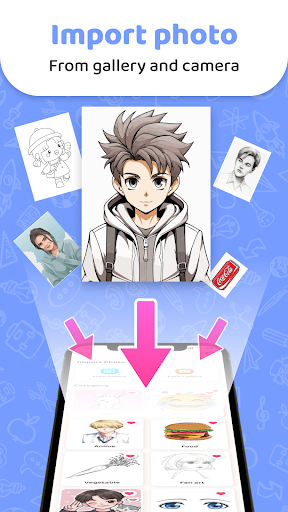
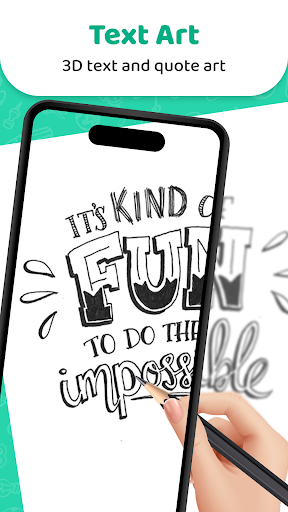
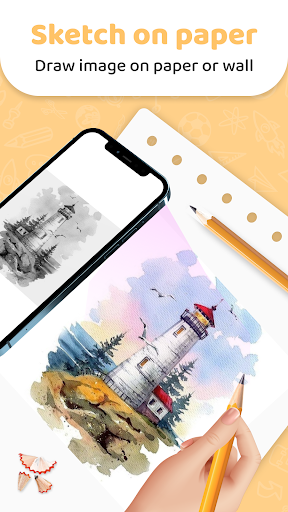
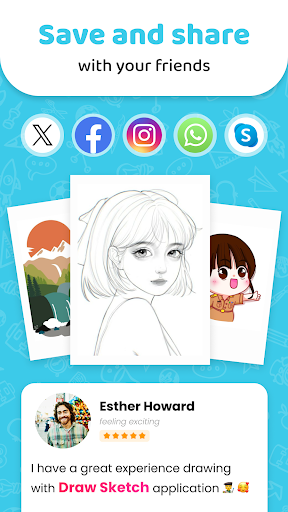
AR Easy Draw - Trace Sketch uses your phone’s camera to overlay reference images onto real surfaces so you can trace accurately. Core tools include adjustable opacity, scale/rotate, zoom, a handy image lock, flash toggle, video recording of the drawing process, and a large built-in library plus import from gallery. It also offers step-by-step lessons with difficulty levels and personalized profiles to track progress and share outputs.
Verdict
Verdict: A powerful, easy-to-use AR tracing app that’s great for learning and practice, though frequent ads may frustrate heavy users.
Who is it for
Best for:
- Beginners who want guided tracing and quick wins
- Hobbyists and students needing accurate proportions for sketches and diagrams
- Creators who like recording and sharing time-lapse drawing videos
Not ideal for:
- Artists seeking full-featured digital painting or pro editing suites
- Users who are highly sensitive to ads and interruptions
- Offline-only users or those expecting robust non-AR drawing tools
Real-world User Experience
Users like it:
Helps non-artists produce surprisingly accurate sketches; large selection of templates with the option to import any image; effective AR overlay with opacity, scale/rotate, and a useful lock feature; good for practice, school diagrams, and making proportionally correct outlines; recording and sharing are easy; many report tangible improvement and enjoyable results.
Users complain about:
Frequent ads, especially during setup and navigation; requests for more content in specific categories (e.g., additional anime/older cartoons); minor learning curve at the start; reliance on a stable phone position/stand for best results.
Is it Worth Paying For?
The app is free with ads and offers in-app purchases (likely to remove ads or unlock premium content/lessons). Given the strong free experience, casual users can stick with the free tier. If you use it often or find the ads disruptive, paying to remove ads or access more lessons/templates is a reasonable value, especially compared to pricier AR tracing competitors.
How it Compares to Alternatives
Functionally on par with other AR tracing tools like Da Vinci Eye and SketchAR-style apps: it delivers solid AR alignment, opacity controls, and a sizable template library. Its standout is the convenient image lock and easy recording/sharing. Compared to premium-focused alternatives, it’s more ad-heavy but cost-friendly; accuracy and usability are competitive once the image is locked and the phone is stabilized.
Summary
AR Drawing - Sketchar App turns your phone into an AR projector for tracing, making it easy to produce clean, proportionally accurate sketches from built-in templates or your own photos. Reviews praise the intuitive controls (opacity, scaling, lock), helpful lessons, and satisfying results—even for beginners. Ads are the main trade-off, but the core experience remains strong and approachable. With 10M+ installs and a solid rating, it’s a compelling choice if you want to learn, practice, or quickly draft outlines before inking or painting—especially if you’re comfortable with ads or willing to upgrade to reduce them.
Ratings
Trending APP








Alternative to this app