
Copyright 2026 © swekartor. All Rights Reserved.


Information about Live Earth Maps GPS Navigation
App Feature
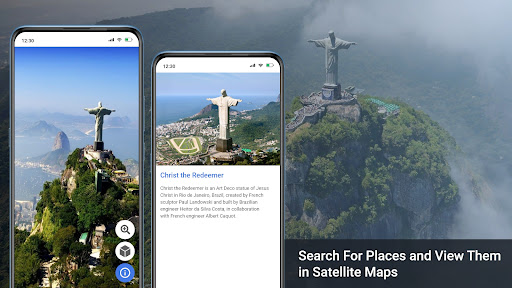
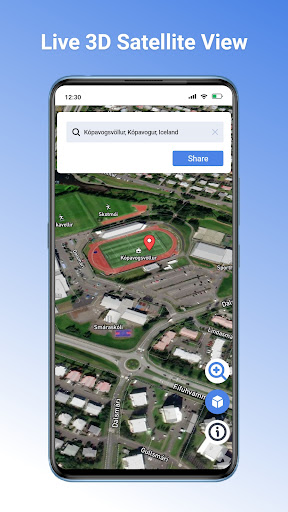
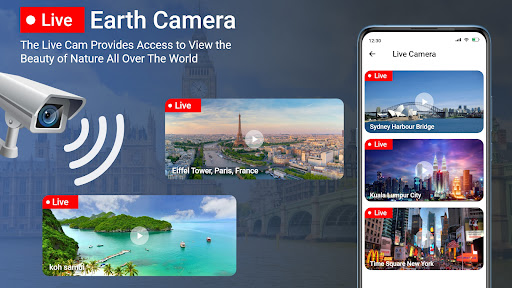
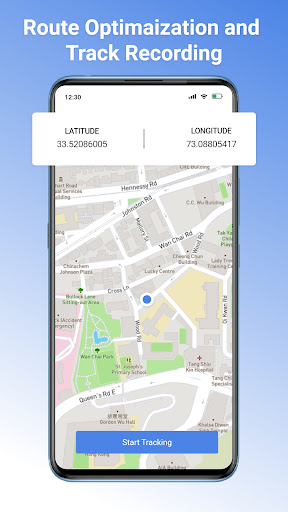
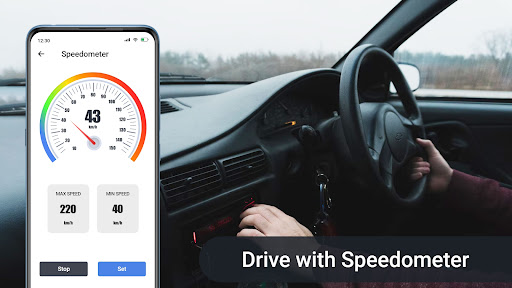
Live Earth Maps GPS Navigation combines turn-by-turn voice navigation with rich map layers (satellite, terrain, traffic), nearby place search, live location sharing, trip planning, a GPS camera overlay, speedometer/compass, parking finder, weather, and travel utilities like a currency converter, QR scanner, altitude/area measurement, and a world clock.
Verdict
A feature-packed navigator with handy travel add‑ons, best if you want extras beyond basic routing but can accept ads and occasional coverage limitations.
Who is it for
Best for:
- Drivers, hikers, and cyclists who want maps plus tools (compass, speedometer, weather).
- Travelers who value nearby search, trip planning, and GPS-tagged photos.
Not ideal for:
- Power users who need community traffic data, lane-level accuracy, or deep offline maps.
- Minimalists who prefer a clean, ad-free interface without auxiliary utilities.
Real-world User Experience
Users like it:
Reviewers praise accurate location, helpful guidance, and clear zoomable imagery; several note it helped them find people/places or retrieve a vehicle, and hikers/bikers find it useful outdoors.
Users complain about:
Few explicit negatives in the provided reviews; one user questioned regional coverage, and the store listing indicates ads and IAP that may introduce interruptions or upsells.
Is it Worth Paying For?
The app is free with ads and optional IAP. If the purchase removes ads or unlocks premium layers/tools, it can be worthwhile for frequent users; casual users can get strong value without paying.
How it Compares to Alternatives
Compared to Google Maps and Waze, it adds niche tools (GPS camera, compass/speedometer, currency/QR utilities) but likely trails them in real-time incident reporting, lane guidance, and ecosystem depth. Versus HERE WeGo or Maps.me, it offers more travel gadgets but appears lighter on robust offline mapping and downloadable region packs.
Summary
GPS Navigation: Live Maps View delivers solid, voice-guided routing with multiple map styles and a surprisingly broad toolkit—nearby search, trip planning, live traffic layers, weather, a digital compass/speedometer, and even a GPS camera for geotagged photos. User feedback highlights reliable location and practical guidance for driving and outdoor activities, with occasional questions about regional coverage. It monetizes via ads and IAP, so expect some interruptions unless you upgrade. If you want an all-in-one navigation and travel companion with useful extras, it’s a strong pick; if you require the most advanced traffic intelligence, offline capabilities, or a completely ad-free, streamlined UI, mainstream alternatives may suit you better.

Ratings
Trending APP












Alternative to this app









