
Copyright 2026 © swekartor. All Rights Reserved.



Information about Google Earth
App Feature
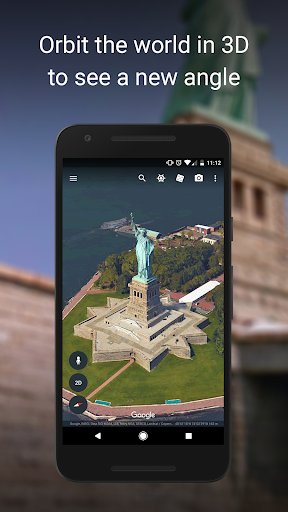
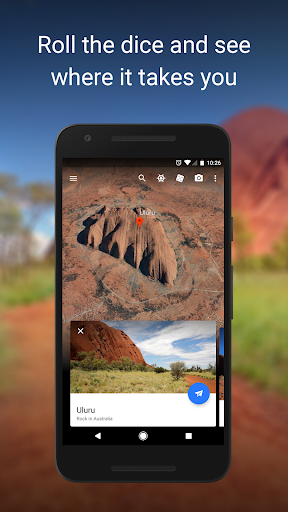
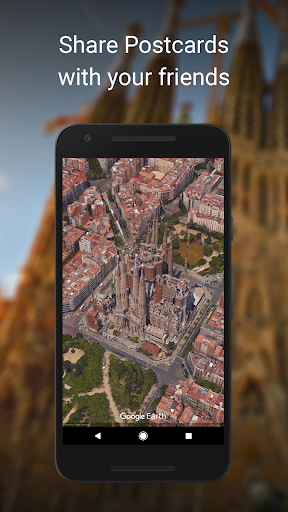
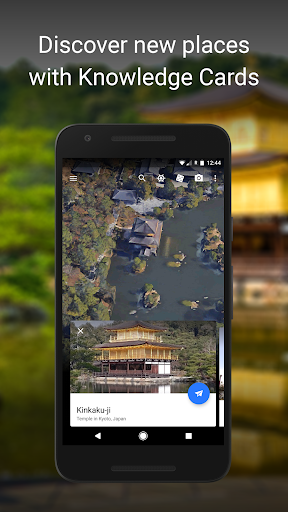
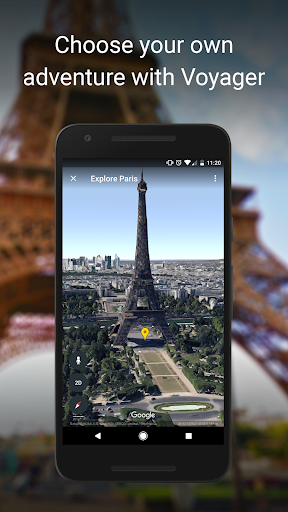
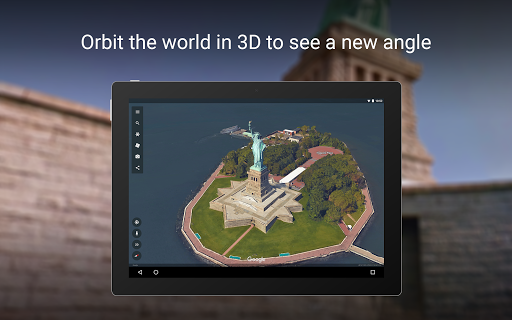
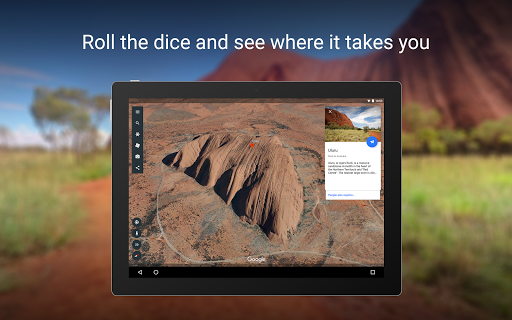
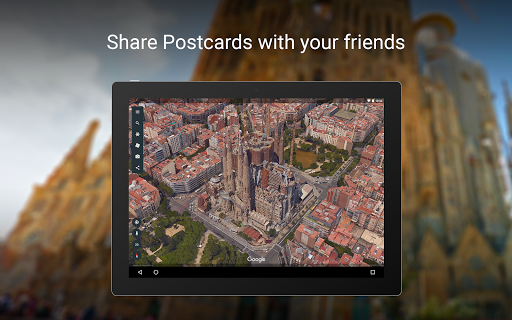
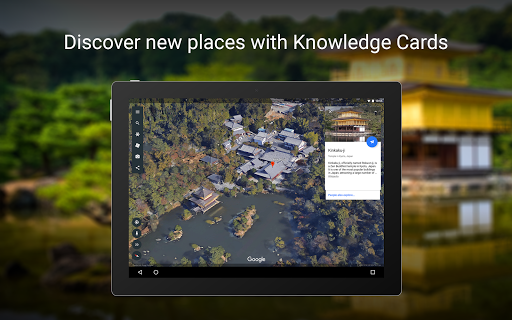
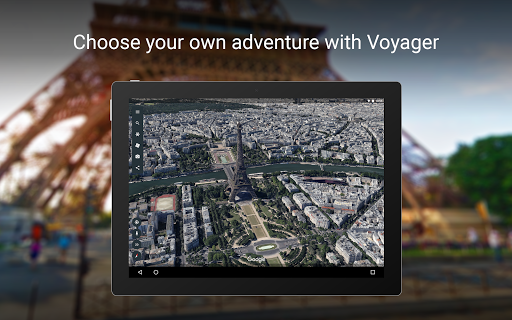
Google Earth lets you explore the planet in high‑resolution satellite imagery, 3D terrain/buildings, and Street View. You can search any location, zoom from globe to street level, measure distances, build collaborative map projects, and view geographic context for planning, education, or curiosity.
Verdict
Verdict: A stunning free globe explorer for discovery and planning, but inconsistent imagery freshness and occasional stability issues limit reliability.
Who is it for
Best for:
- Explorers, students, and educators seeking immersive 3D geography
- Travel planners, creators, and hobbyists (hiking, prospecting, urban exploration)
- Anyone needing a visual sense of place and terrain
Not ideal for:
- Users needing up‑to‑date street‑level data or navigation
- Offline‑first use or full‑globe downloads
- Professional surveying requiring precise elevation models
Real-world User Experience
Users like it:
Smooth global zoom from space to streets; impressive 3D terrain/buildings; Street View immersion; useful for trip prep, hiking, SAR, content planning, and learning; handy measure and Projects tools; frequent updates improve performance and UI placement; inspiring for discovery.
Users complain about:
Street View crashes (intermittent), occasional app closures after updates; some UI regressions and less intuitive Street View entry; imagery often outdated in areas; map style settings not persisting for some; no offline globe; DEM/slope inaccuracies; missing Street View coverage in places.
Is it Worth Paying For?
It’s completely free with no ads or in‑app purchases, so there’s nothing to buy—excellent value for exploration and education.
How it Compares to Alternatives
Compared to Google Maps, Earth is far better for 3D visualization and exploration, while Maps is superior for live navigation, local data, and freshness. Versus MAPS.ME or Organic Maps, Earth lacks robust offline support but delivers richer 3D and global imagery. Esri ArcGIS Earth and NASA Worldview cater more to professional or scientific layers; Google Earth is easier, faster, and more polished for casual to advanced exploration. Bing Maps and Apple Maps offer solid imagery in some regions, but Earth’s globe navigation and Street View integration remain more immersive.
Summary
Google Earth excels as a free, visually captivating window into our planet—ideal for discovering places, planning adventures, and teaching geography. Its strengths are high‑quality satellite imagery, 3D terrain/buildings, and integrated Street View, plus practical tools like measuring and collaborative Projects. User reviews praise its immersion and versatility, though they also cite crashes (especially with Street View), occasional UI friction, dated imagery in some areas, and limited offline capability. If you want a globe to explore and visualize locations, it’s outstanding; if you need up‑to‑date street‑level data, offline maps, or survey‑grade elevation, pair it with a navigation app or specialized GIS tools.
Ratings
Trending APP



Alternative to this app























