
Copyright 2026 © swekartor. All Rights Reserved.


Information about PaperColor
App Feature
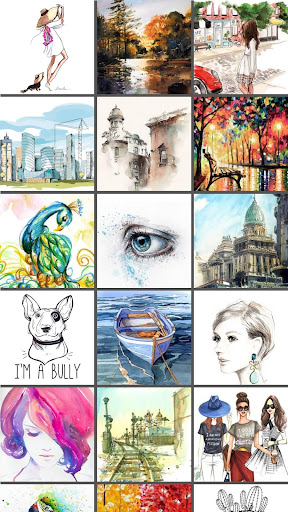
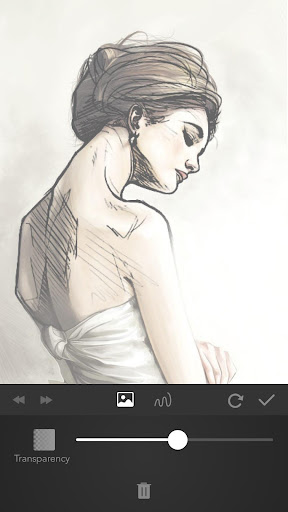
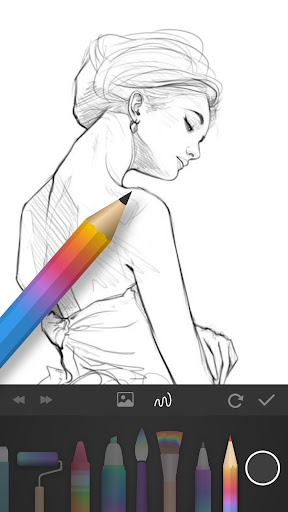
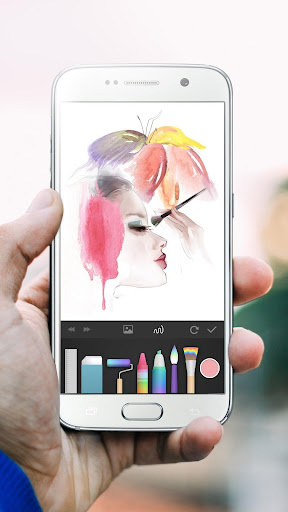
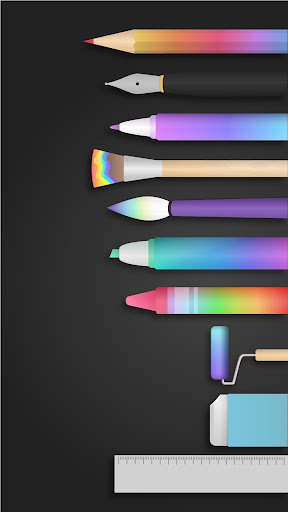
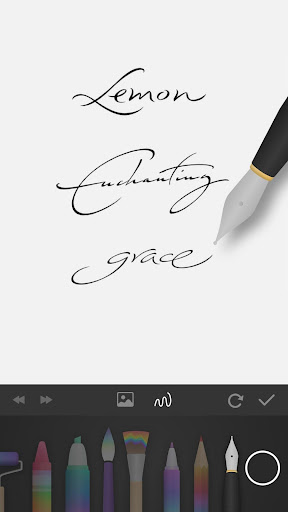
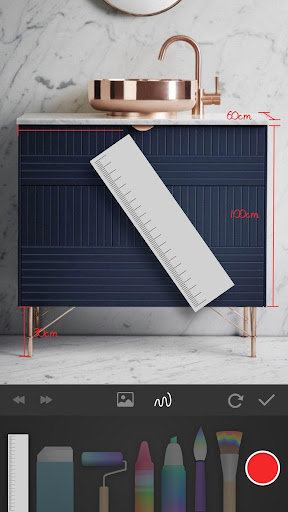
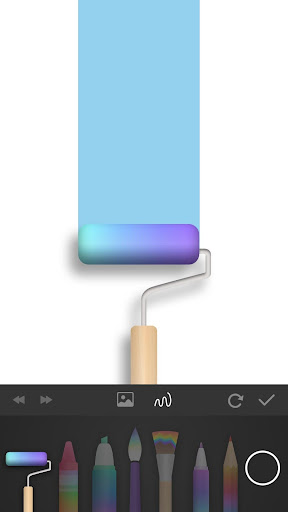
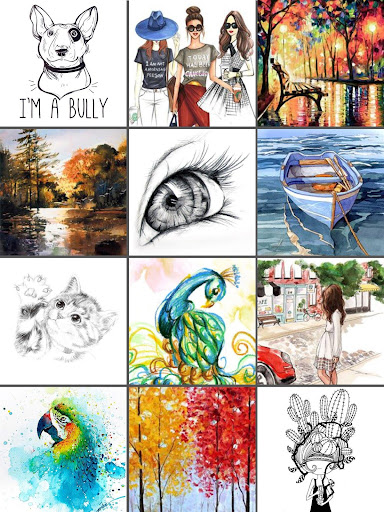
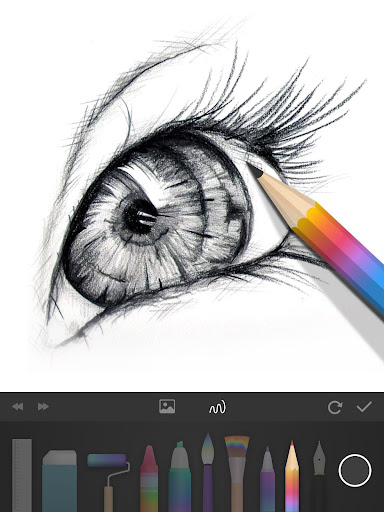
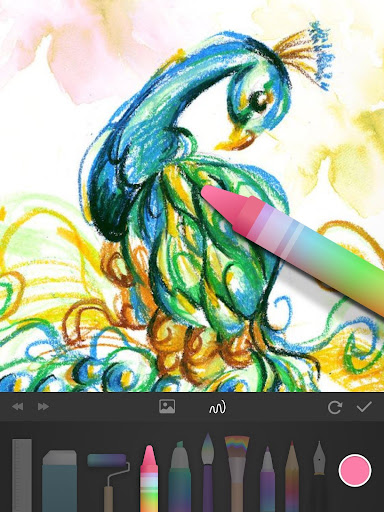
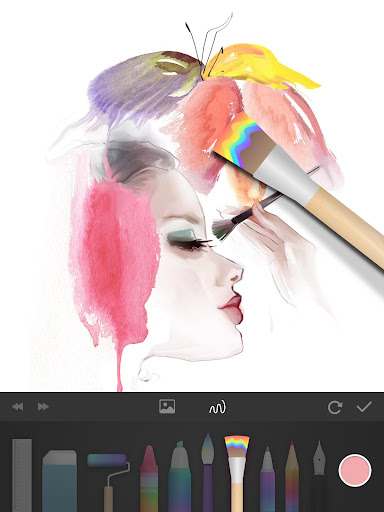
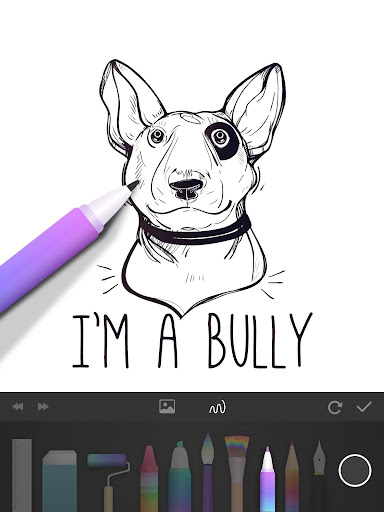
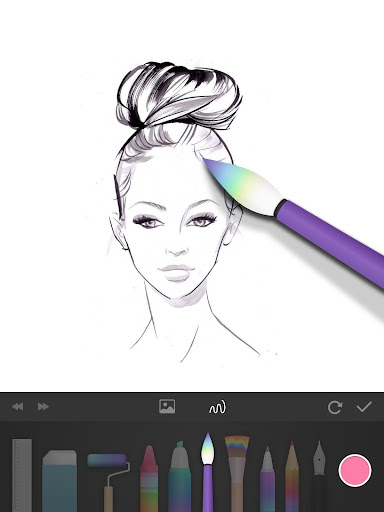
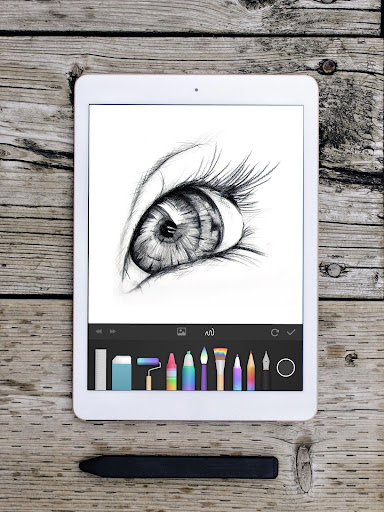
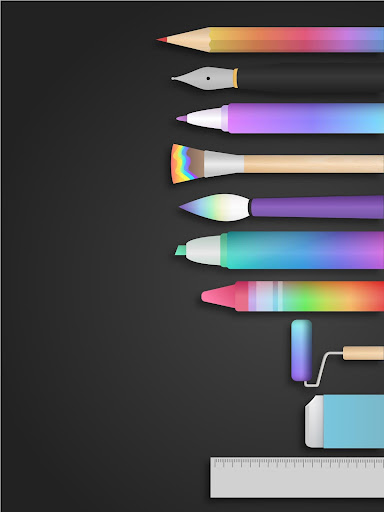
PaperColor is a lightweight Android sketchbook that mimics real paper and pen, offering simple brushes (notably an excellent pencil), eraser, rulers, color library, zoom, photo import for tracing, handwriting signatures, and easy sharing. A paid upgrade adds layers, a color wheel, extra brushes, and more control.
Verdict
Verdict: A friendly, low-friction drawing app perfect for quick sketches and learning, but limited for advanced digital art workflows.
Who is it for
Best for:
- Beginners and casual doodlers who want a simple, paper-like feel
- Artists who sketch ideas quickly or trace from photos on the go
- Users on low-end devices seeking a fast, stable drawing app
Not ideal for:
- Advanced artists needing robust layer management and pro brush engines
- Users who require precise undo control, autosave, and full canvas rotation
- Those expecting extensive brush libraries and deep customization for free
Real-world User Experience
Users like it:
Very easy to learn; realistic pencil and clean erasing; smooth performance across devices; helpful photo-tracing/base-map workflow; minimal or optional ads; sketchbook organization; good value upgrade with layers/color wheel; works offline; stable saves without quality loss.
Users complain about:
Undo can remove multiple strokes unexpectedly; no autosave leads to potential work loss; two-finger canvas rotation missing; brush variety outside pencil is modest; some features locked behind VIP; occasional ads (e.g., on save or to unlock tools) reported by some.
Is it Worth Paying For?
Yes for casual-to-intermediate users: the inexpensive VIP unlock (layers, color wheel, extra brushes, text, recording) meaningfully expands capability at low cost. Heavy users or professionals may still outgrow it and be better served by more feature-rich apps even if they cost more.
How it Compares to Alternatives
Compared to Autodesk SketchBook and Infinite Painter, PaperColor is simpler and faster to grasp but less powerful (fewer layers/tools). Versus Ibis Paint X, it has fewer brushes and community features but a cleaner, quieter workspace and less ad pressure. Procreate (iPad) and ArtFlow offer deeper brush engines, gestures, and pro workflows; PaperColor focuses on immediacy and a convincing pencil feel rather than breadth.
Summary
PaperColor delivers a paper-like drawing experience with a standout pencil tool, intuitive UI, and handy tracing-from-photos workflow, making it excellent for quick sketches, learning, and casual art. Its paid upgrade adds valuable essentials like layers and a color wheel without overwhelming complexity. However, the app’s limitations—occasional overzealous undo, lack of autosave and native canvas rotation, modest brush variety, and some features gated behind VIP—mean serious artists may hit ceilings. If you want a stable, beginner-friendly sketchbook that feels like drawing on real paper and you value speed and simplicity over deep toolsets, PaperColor is an easy recommendation.
Ratings
Trending APP








Alternative to this app










