
Copyright 2026 © swekartor. All Rights Reserved.


Information about ChromaCam
App Feature
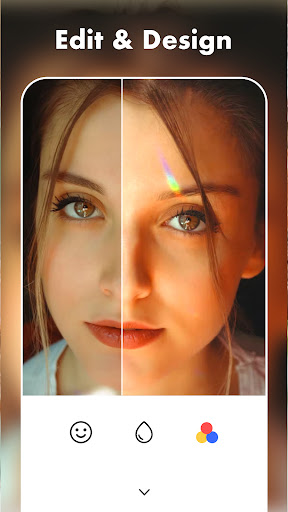
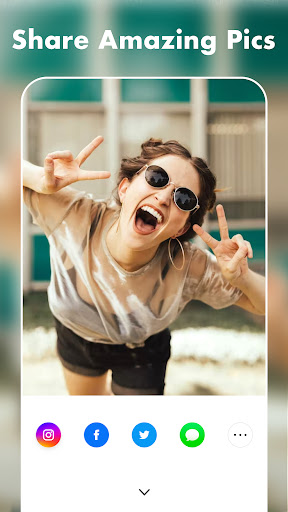
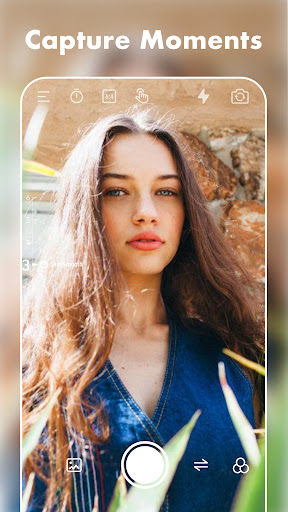
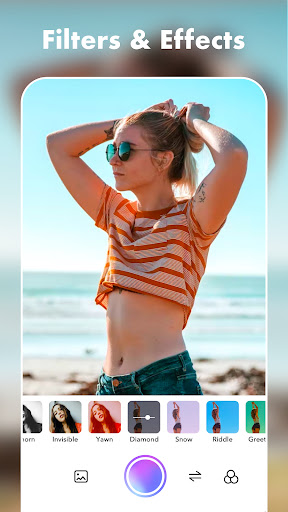
ChromaCam is a free photo editor focused on quick, beginner-friendly enhancements: crop/resize/rotate, simple text and sticker overlays, and one-tap filters spanning vintage to modern styles, with built-in saving and social sharing.
Verdict
Verdict: A straightforward, beginner-friendly photo editor for quick tweaks and fun overlays, but too basic for serious retouching or pro-grade control.
Who is it for
Best for:
- Casual users who want fast edits with filters, text, and stickers
- Beginners who prefer a clean, intuitive interface for simple adjustments
- Social sharers who want to save and post directly from the app
Not ideal for:
- Photographers needing advanced tools like RAW editing, curves, or masking
- Users seeking extensive layer control or professional color grading
- Power users who expect comprehensive batch workflows or fine-grained tuning
Real-world User Experience
Users like it:
The interface is intuitive and easy to navigate; applying filters and adding text/stickers is quick; saving and sharing directly from the app is convenient and typically preserves image quality.
Users complain about:
Advanced editing capabilities appear limited beyond basic crop/resize/rotate; power users may find the toolset too simple and the filter adjustments not granular enough.
Is it Worth Paying For?
The app is free with no noted in-app purchases; as a no-cost option for basic edits and creative overlays, it offers good value without a paywall.
How it Compares to Alternatives
Compared to all-in-one editors like Snapseed or Adobe Lightroom, ChromaCam is simpler and more approachable but lacks pro tools (RAW, selective edits). Versus creative suites like PicsArt, it focuses on essential edits and straightforward filters rather than deep effect stacks or community features.
Summary
ChromaCam delivers a clean, lightweight photo-editing experience centered on the essentials: crop/resize/rotate, easy text and stickers, and a broad set of one-tap filters. Its intuitive design makes it ideal for quick touch-ups and social sharing without a learning curve. However, it does not aim to replace professional editors, so photographers and power users may miss advanced controls like curves, masking, and RAW handling. As a free, user-friendly option, it’s a practical choice for everyday edits and creative captions, especially if you value speed and simplicity over depth.
Ratings
Trending APP












Alternative to this app










