
Copyright 2026 © swekartor. All Rights Reserved.



Information about Gallery manage photos & albums
App Feature
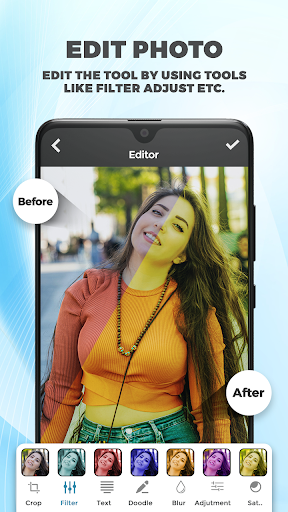
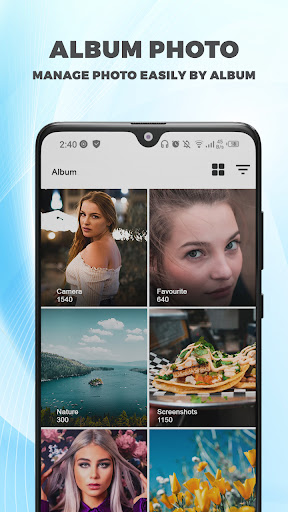
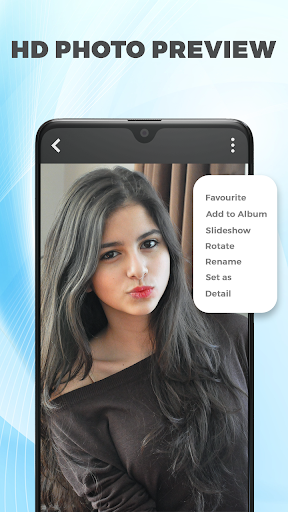
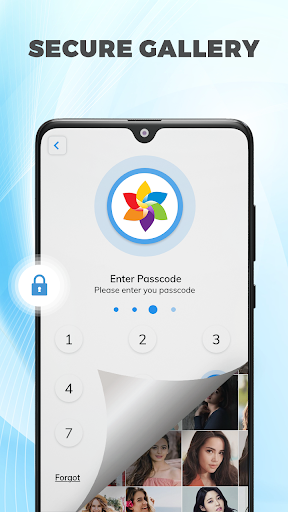
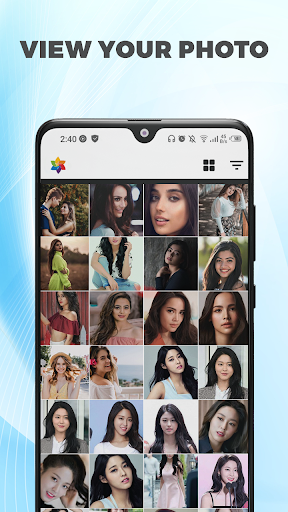
An all‑in‑one gallery and AI photo toolkit that organizes photos into albums, locks private media in a vault, and adds quick editing with AI enhancements, filters, background removal, collage layouts, and simple slideshow video creation.
Verdict
A capable gallery-plus-AI editor with a built‑in vault, best if you want organization, enhancement, and privacy in one place.
Who is it for
Best for:
- Users who want a private photo/video vault with password protection
- People needing quick AI fixes (enhance, unblur, background removal) without pro skills
- Anyone replacing a basic gallery with smarter albums and duplicate cleanup
Not ideal for:
- Power editors seeking pro-grade controls, layers, or RAW workflows
- Users who dislike ads or promotional notifications
- Those already invested in Google Photos/Samsung Gallery ecosystems
Real-world User Experience
Users like it:
Simple, coordinated interface; useful vault/lock; effective AI upscaling and unblur for better print quality; duplicate counter for freeing space; enjoyable filters/collage; generally stable and reliable.
Users complain about:
Occasional irrelevant or promotional notifications; ads present (even if some find them tolerable); minor usability wishes like easier home screen access/shortcut management.
Is it Worth Paying For?
The core features are free with ads; in‑app purchases likely unlock premium AI tools or remove ads. Worth paying if you frequently use AI enhancement/background eraser or want an ad‑light experience. If you only need basic viewing, the free tier (or your phone’s default gallery) may suffice.
How it Compares to Alternatives
Versus Google Photos/Samsung Gallery, this adds an integrated vault and AI enhancer out of the box but lacks cloud backup depth and ecosystem features. Compared to dedicated editors like PicsArt or Remini, its AI tools are simpler yet convenient; you trade advanced controls for an all‑in‑one gallery, vault, and quick edits. It’s a strong middle ground for privacy plus casual editing.
Summary
AI Photo Editor: Gallery Vault blends a competent gallery manager with privacy and easy AI edits. You can sort and auto‑album photos, detect duplicates, lock private media, enhance or unblur shots, remove backgrounds, make collages, and turn images into slideshow videos—without heavy learning. Reviews praise the clean layout, vault utility, and surprisingly good upscaling, while calling out ads and occasional off‑topic notifications. If you want a single app to manage, secure, and lightly improve your media, it’s an attractive choice; advanced photographers and ad‑averse users may prefer specialized or premium alternatives.
Ratings
Trending APP












Alternative to this app










