Copyright 2026 © swekartor. All Rights Reserved.



Information about Google Docs
App Feature
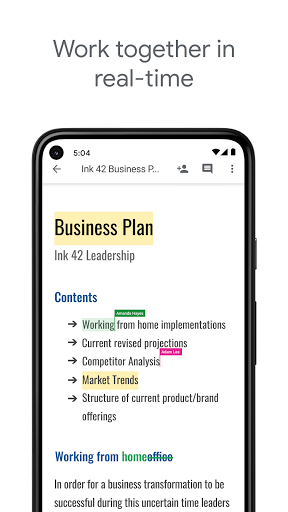
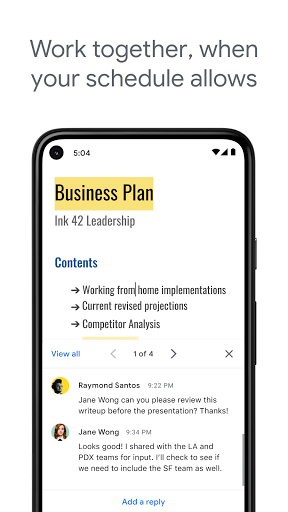
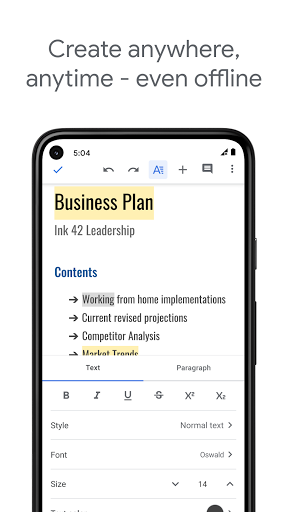
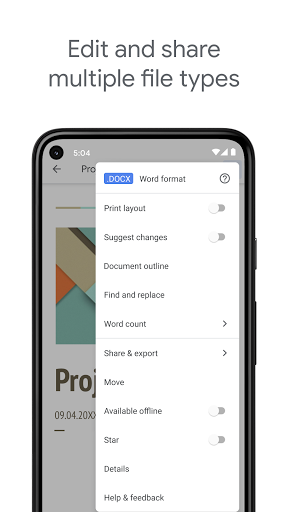
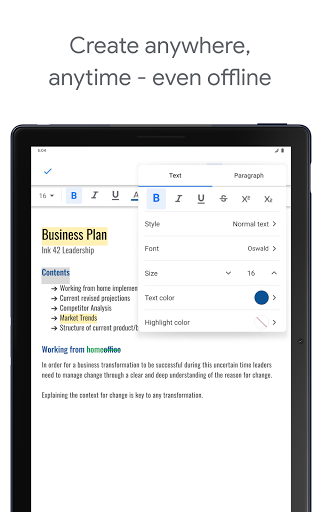
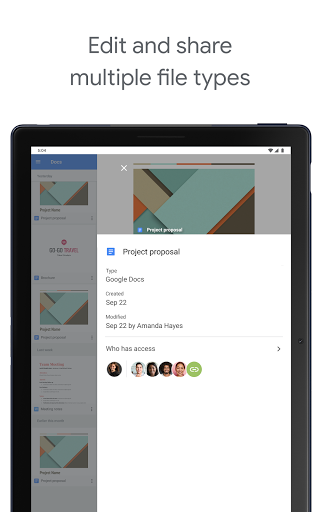
Google Docs is a free, cloud-first word processor for creating, editing, and collaborating on documents across Android and the web. It offers real-time co-authoring, comments and action items, autosave, templates, offline mode, and seamless import/export with Microsoft Word files. As part of Google Workspace, it also ties into Drive for storage and optionally adds Gemini-powered drafting and editing for paid Workspace users.
Verdict
Verdict: The best free mobile document editor for real-time collaboration, though power users may miss some advanced formatting and flawless offline reliability.
Who is it for
Best for:
- Students, writers, and everyday users who want effortless autosave, spell/grammar checks, and cross-device sync
- Teams that need real-time collaboration, comments, and versioning
- Anyone already using Google Drive who wants frictionless cloud storage
Not ideal for:
- Users needing advanced desktop-publishing features or fine-grained layout controls
- Workflows that require rock-solid offline access and organization within the app (folders live in Drive)
- Organizations avoiding cloud-based editors for strict data residency or privacy reasons
Real-world User Experience
Users like it:
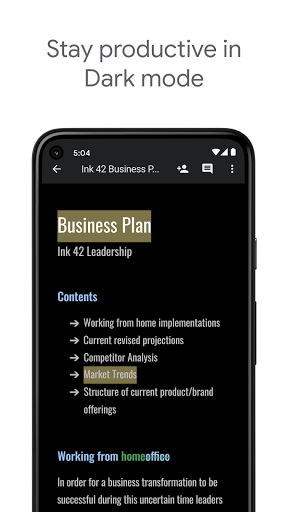
Highly praised for its user-friendly interface, dark mode, robust autosave (no lost work), reliable cross-device syncing, and strong collaboration features (comments, track changes). Users appreciate the rich font options, templates, and recent mobile UI improvements that make formatting easier. It’s frequently recommended for long-form writing (novels, fanfiction, lyrics) and academic work.
Users complain about:
Some report offline documents not opening despite being marked available offline, occasional syncing delays vs. desktop, temporary freezes and issues changing fonts/sizes within documents, and slow loading when organizing via Drive. A few want better in-app organization (folders) and more granular mobile formatting like custom spacing.
Is it Worth Paying For?
The app is free with no ads or in-app purchases. For most users, the free version is more than enough. Paid Google Workspace plans add extras—most notably Gemini in Docs for AI-assisted drafting, editing, and image generation—which can be worth it for teams that already use Workspace or want integrated AI features.
How it Compares to Alternatives
Compared to Microsoft Word (mobile), Google Docs is simpler, faster for collaboration, and entirely free; Word still leads in advanced formatting, offline robustness, and complex layout but often sits behind subscriptions. WPS Office offers a broad toolset and offline capabilities but includes ads/IAP and weaker real-time collaboration. Apple Pages is polished but iOS/macOS-centric and not as seamless on Android. For cloud-first teamwork and everyday writing, Docs remains the category leader; for publishing-grade formatting, Word or desktop tools may be better.
Summary
Google Docs combines an intuitive mobile editor with best-in-class real-time collaboration, autosave, and seamless cross-device access—backed by the reliability of Google Drive. It excels for students, writers, and teams who value speed, simplicity, and sharing over deep layout control. While most users love the polish and stability, some experience occasional offline and syncing hiccups, and a few advanced formatting options are limited on mobile. With no cost, no ads, and easy Word compatibility, it’s an easy recommendation; teams invested in Google Workspace can unlock Gemini-powered features for even faster drafting and editing.
Ratings
Trending APP








Alternative to this app