Copyright 2026 © swekartor. All Rights Reserved.



Information about Files by Google
App Feature
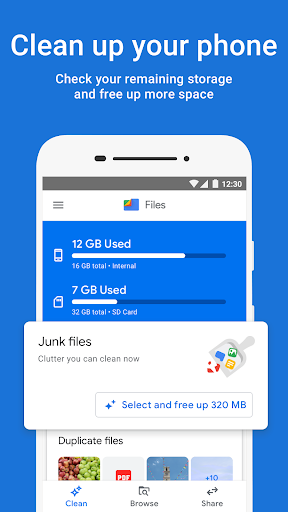
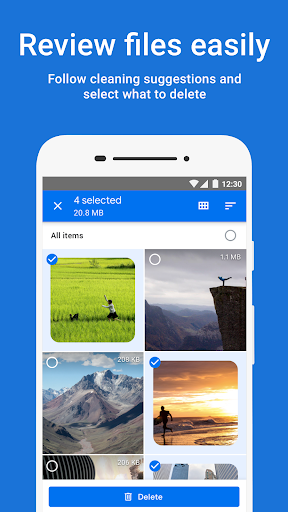
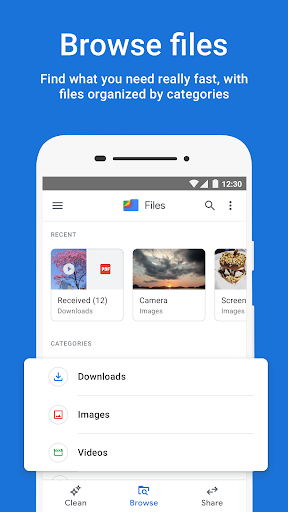
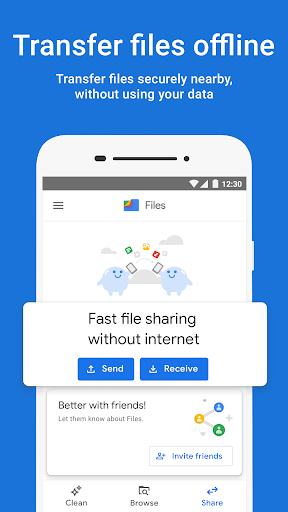
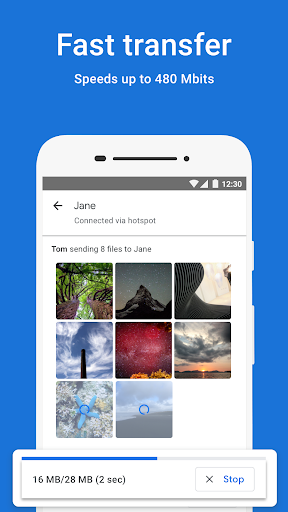
Files by Google is a lightweight, ad-free Android file manager focused on freeing up storage, organizing files, playing local media, securely locking sensitive items, backing up to cloud/SD, and fast offline sharing via Quick Share with end-to-end encryption.
Verdict
Verdict: An excellent, no‑nonsense Android file manager and cleaner for most users, but power users may miss advanced controls and deeper system access.
Who is it for
Best for:
- Android users who need easy storage cleanup (duplicates, large files, cache).
- People who want fast, private offline sharing and basic media playback.
- Anyone seeking a trustworthy, ad‑free, low‑footprint file manager.
Not ideal for:
- Power users needing root-level access, network/Samba mounts, or granular file system tools.
- Users who require broad codec support or a full-featured media player.
- Those wanting to purge opaque "other" system files beyond Android’s allowed scope.
Real-world User Experience
Users like it:
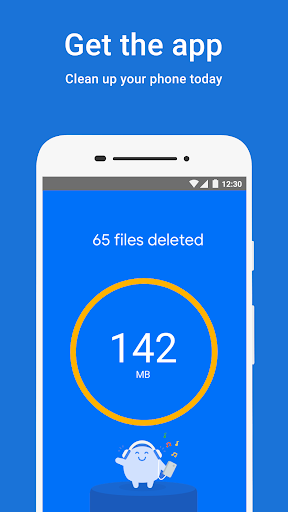
Simple, reliable cleanup that actually recovers space; smart suggestions for junk, duplicates, and rarely used apps; clear categories and fast search; easy moves/copies across internal, SD, and USB storage; quick, encrypted local sharing; handy trash/restore flow; stable for many users and tiny app size with no ads.
Users complain about:
Occasional bugs/crashes and UI regressions reported by some; duplicate detection not consistently available across all devices/versions; limited ability to clean mysterious "other" storage; a few audio formats won’t play; some features feel hidden; Android/Play policies restrict certain third‑party‑style file manager powers.
Is it Worth Paying For?
It’s free with no ads and no in‑app purchases; there’s nothing to buy, and the value is excellent out of the box.
How it Compares to Alternatives
Compared with many OEM file managers (especially on some Chinese brands), Files by Google is cleaner, more consistent, and better at automated cleanup and recommendations. Versus power-user apps like Solid Explorer, MiXplorer, or FX, it lacks advanced features (root, SMB, scripting, detailed permissions), but wins on ease, safety, and Quick Share’s fast, encrypted offline transfers. It’s not a full media player, but its built‑in player and secure folder cover common needs without bloat.
Summary
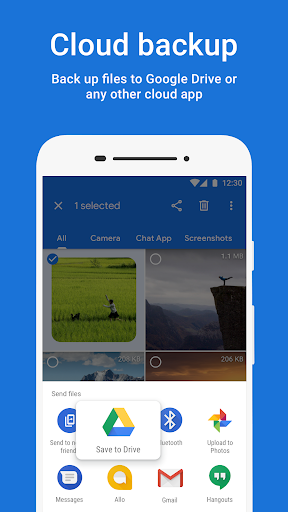
Files by Google delivers a streamlined, trustworthy way to see where your storage went, reclaim space quickly, keep documents and media organized, and share files offline at high speed with end‑to‑end encryption. It adds practical touches like a trash bin, secure PIN/pattern-locked storage, Drive/SD backups, and a lightweight media player—while staying small, free, and ad‑free. If you want powerful desktop‑class features or deep system access, you’ll prefer a pro file manager; for everyone else, this is the best default choice for keeping an Android phone tidy and responsive.
Ratings
Trending APP












Alternative to this app