
Copyright 2026 © swekartor. All Rights Reserved.


Information about GPS Camera: Add GeoTag Picture
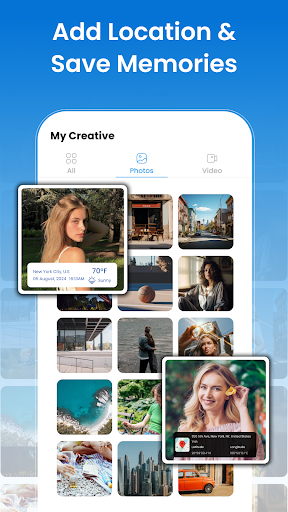
App Feature
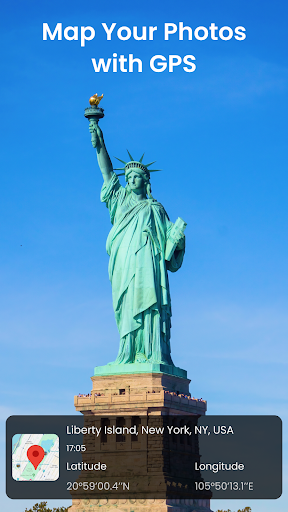
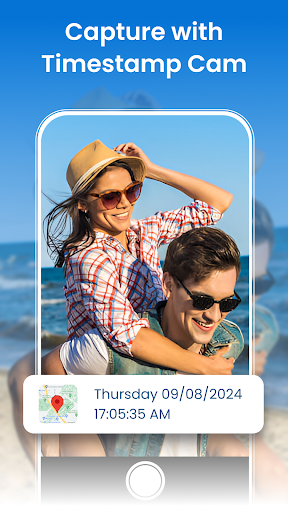
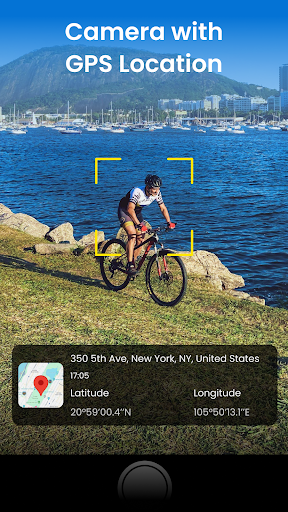
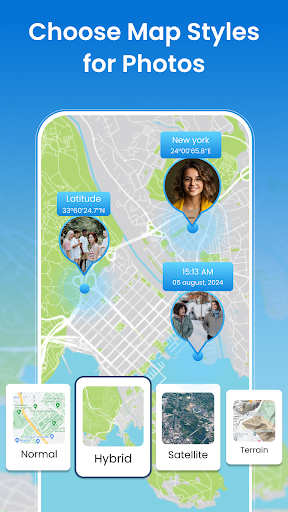
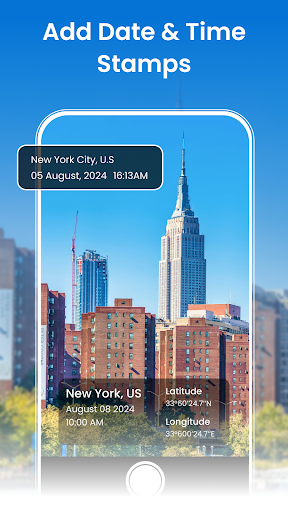
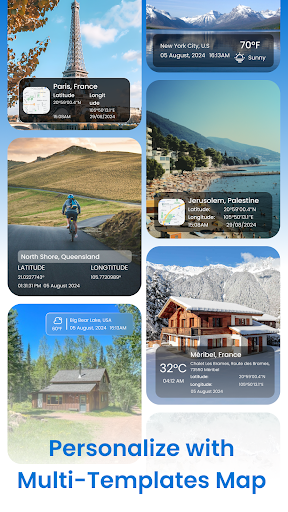
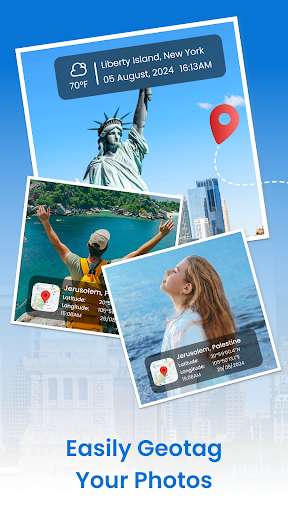
GPS Camera: Add GeoTag Picture lets you capture photos and videos with embedded GPS coordinates, timestamps, and optional weather overlays, then visualize them on map views and organize them in a built‑in gallery. It offers templates for on‑image labels and a subscription to remove ads/watermarks and unlock more styles.
Verdict
Verdict: A capable geo‑tagging camera for travelers and fieldwork, best if you want on‑image location/time stamps without post‑processing.
Who is it for
Best for:
- Travelers, hikers, and explorers who want precise location and time stamped on media
- Field workers (real estate, inspections, deliveries) needing quick, shareable proof-of-location
- Users who prefer an all‑in‑one camera with map view and basic organization
Not ideal for:
- Photographers seeking advanced manual controls or RAW workflows
- Privacy‑focused users who avoid storing or displaying location data
- Those who dislike ads/watermarks and don’t plan to subscribe
Real-world User Experience
Users like it:
Overall rating of 4.1 from 114 ratings suggests generally positive sentiment toward easy geo‑tagging, clear timestamps, and a straightforward interface.
Users complain about:
Presence of ads, watermarks in the free tier, and potential GPS lock delays typical of location apps may be pain points; the small number of written reviews (10) limits certainty about edge‑case issues.
Is it Worth Paying For?
The subscription removes ads/watermarks and unlocks all templates. If you regularly need clean, professional overlays (e.g., for reports or client deliverables), the upgrade is worthwhile. Casual users can remain on the free version but should expect ads and a watermark.
How it Compares to Alternatives
Compared with general camera apps like Open Camera (which supports EXIF geotagging but not rich on‑image labels), this app emphasizes visible location/time/weather stamps and map visualization. Versus niche tools like Timestamp Camera or GPS Map Camera alternatives, it’s competitive on features (photo+video GPS tags, templates, weather overlays). Its edge is the integrated gallery with map views; its trade‑off is reliance on a subscription for a watermark‑free experience.
Summary
GPS Camera: Add GeoTag Picture focuses on practical, visible proof-of-location: it captures photos and videos with accurate GPS coordinates, timestamps, and optional weather, then plots them on a map for easy recall. The interface is approachable, and the feature set fits travelers and field professionals who need fast, shareable context on their media without manual post‑processing. While the free tier is functional, ads and a watermark push power users toward the subscription for a cleaner, more customizable output. With a 4.1 rating and 100K+ installs, it’s a solid, focused geo‑tagging solution—especially if your priority is on‑image context rather than advanced photographic controls.
Ratings
Trending APP












Alternative to this app










