
Copyright 2026 © swekartor. All Rights Reserved.


Information about GPS Camera & Photo Timestamp
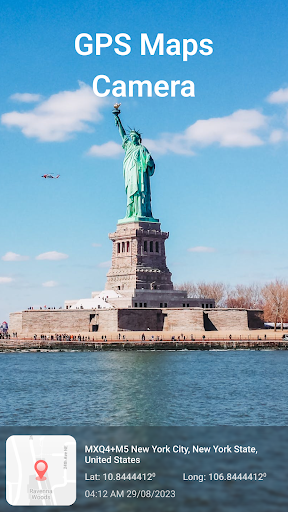
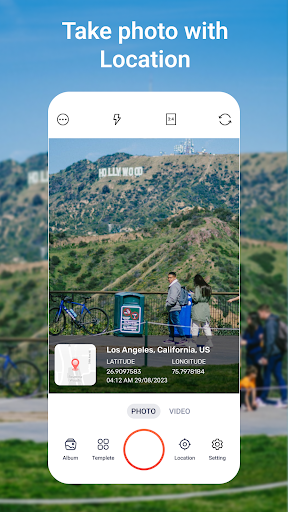
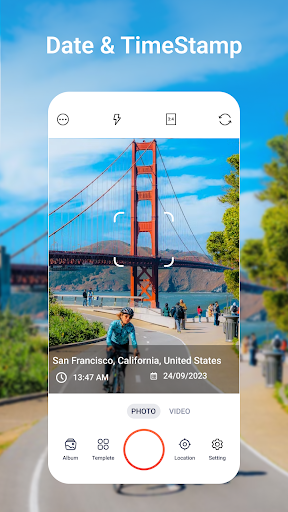
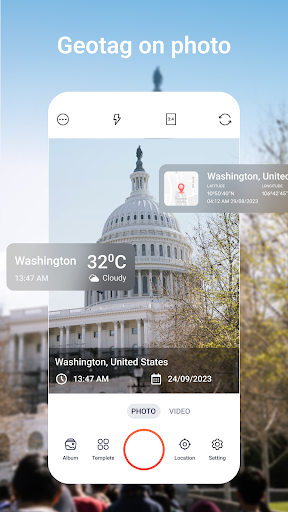

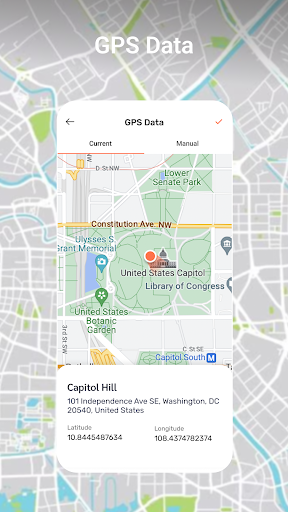
App Feature
A location-focused camera utility that captures photos with precise GPS coordinates, displays your live route while shooting, and lets you overlay customizable timestamps and text on images.
Verdict
A handy geotag-and-timestamp camera for travelers and field work, though real-time tracking may strain battery and accuracy indoors.
Who is it for
Best for:
- Travelers, hikers, and field workers who need reliable geotagged photos
- Users who want clear, customizable timestamps or notes on images
- Anyone documenting routes or site visits with location context
Not ideal for:
- Privacy-focused users who avoid embedding precise location data
- Photographers seeking advanced manual camera controls or RAW workflows
- Users who rarely need on-photo timestamps or route tracking
Real-world User Experience
Users like it:
Straightforward geotagging that makes organizing photos by place easy; visible timestamps and text overlays that can be tailored to the moment; real-time map view that helps situational awareness during trips.
Users complain about:
GPS lock can be slow or imprecise indoors or in dense areas; continuous tracking can consume noticeable battery; overlays can clutter images if not carefully configured.
Is it Worth Paying For?
The app is free. If optional paid features exist, try the core geotagging and timestamp tools first; only consider upgrades if you need more overlay styles, export options, or workflow conveniences.
How it Compares to Alternatives
Compared to general gallery apps like Google Photos (which stores location in metadata but doesn’t stamp it on the image), this app focuses on visible, customizable overlays and live route capture. Against niche tools like Timestamp Camera or GPS Map Camera alternatives, it offers similar on-photo stamps and mapping; some rivals may have more template variety or camera controls, while this app emphasizes accurate geotagging and simple, real-time tracking.
Summary
GPS Camera & Photo Timestamp centers on one job—pairing photos with accurate location and time—and does it in a traveler- and field-friendly way. Its real-time route display adds context to shoots, and the customizable timestamps make photos self-descriptive without needing to inspect metadata. Expect the usual GPS caveats: lock speed and accuracy vary by environment, and live tracking affects battery. If your workflow benefits from visible location/time on images (inspections, site surveys, trip logs), it’s a practical, lightweight choice; if you need pro-grade camera controls or prefer to keep location private, look elsewhere.
Ratings
Trending APP












Alternative to this app










