Copyright 2026 © swekartor. All Rights Reserved.



Information about HP
App Feature
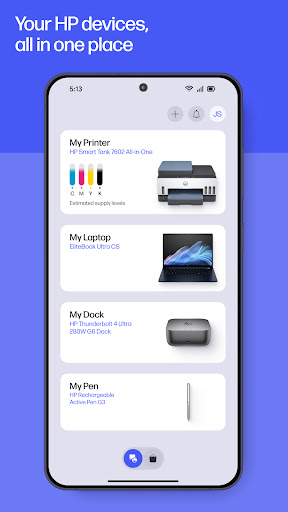
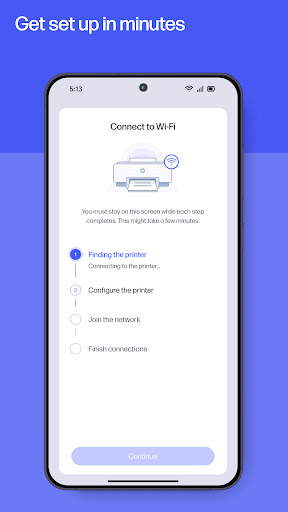
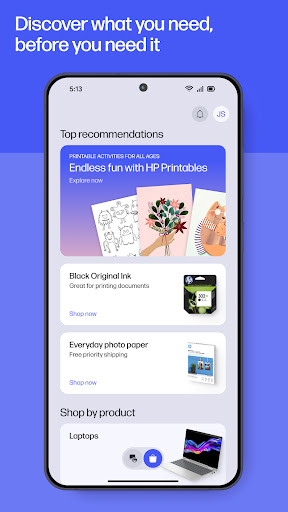
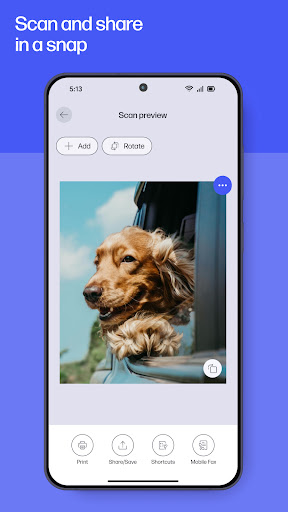
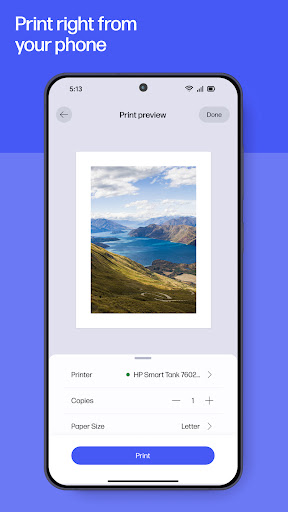
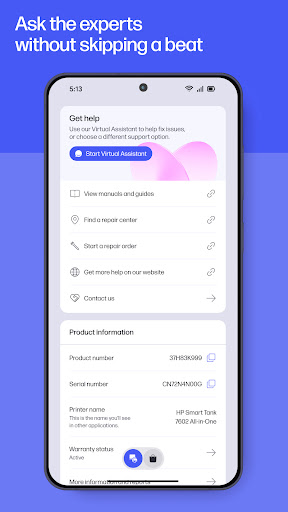
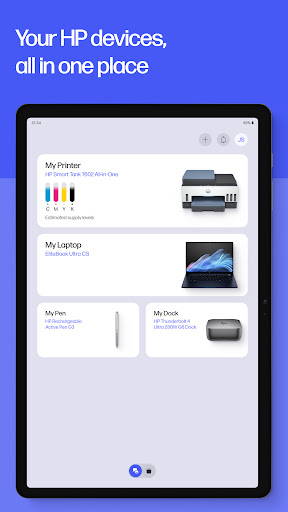
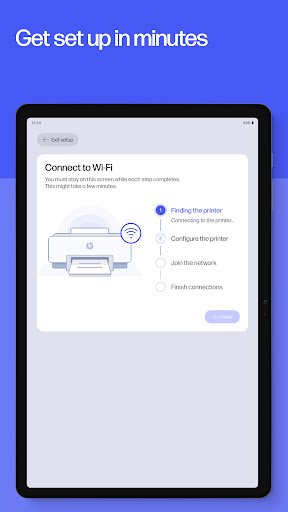
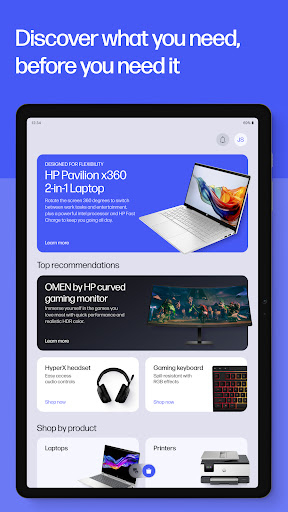
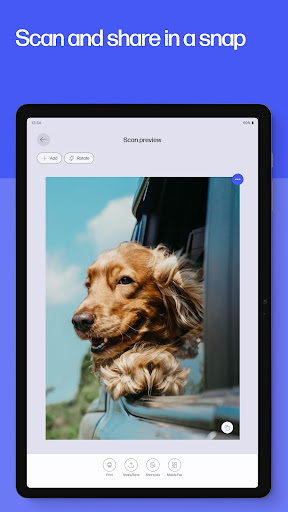
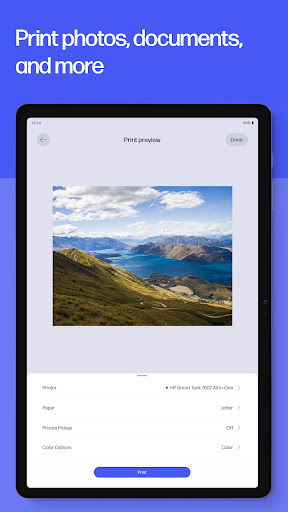
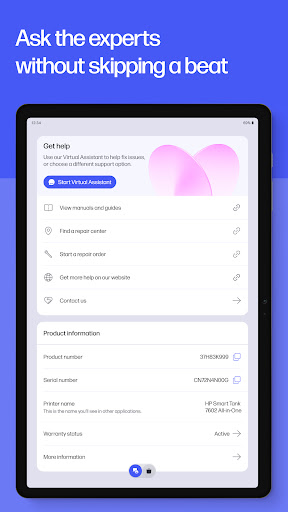
HP (formerly HP Smart) centralizes setup, printing, scanning, faxing, supplies, and support for HP printers and PCs. It offers guided device setup, mobile print from phone or cloud, high-quality camera scanning with auto-enhancements, basic mobile fax, printer management (ink levels, settings), shortcuts, printables, photo printing, and warranty checks—all tied to an HP account.
Verdict
Verdict: A polished, all‑in‑one companion for HP printers that makes everyday printing and scanning easy, but occasional logins, connectivity quirks, and ecosystem lock‑ins may frustrate power users.
Who is it for
Best for:
- Home and student users who want quick, reliable mobile print/scan.
- Households with multiple HP printers needing simple device switching and management.
- Anyone who values camera-based scanning and cloud sharing from one app.
Not ideal for:
- Users without HP hardware or those seeking brand-agnostic print tools.
- People sensitive to account requirements, connectivity hiccups, or subscription tie-ins like Instant Ink.
Real-world User Experience
Users like it:
Smooth printer setup and management; high-quality camera scans; easy switching among multiple HP printers; quick cloud/email sharing; reliable mobile printing and photo printing; shortcuts that save time; helpful when on the road or away from a PC.
Users complain about:
Intermittent sign-in prompts; occasional Wi‑Fi or device discovery failures requiring reinstalls or troubleshooting; features blocked by tracker/firewall settings; confusion with default printer IDs; limited direct access to certain file types (e.g., Word) from within the app; Instant Ink dependency quirks if the printer is offline.
Is it Worth Paying For?
The app is free with no ads or IAPs. Core print/scan/fax features work without payment, though an HP account is required for full functionality. Optional HP services (e.g., Instant Ink) are paid and can add convenience but also impose page limits and online checks—worth it if you value automatic supplies and predictable costs.
How it Compares to Alternatives
Compared to Canon PRINT, Epson iPrint, and Brother iPrint&Scan, HP offers similarly strong mobile print/scan plus extras like Printables, shortcuts, and integrated support. Camera scanning quality is competitive, and multi-printer management is straightforward. Like rivals, reliability hinges on network setup and accounts; HP’s Instant Ink ecosystem is more prominent than most, which some appreciate for convenience and others dislike for lock‑in.
Summary
HP consolidates everything most people need for an HP printer into one app: fast setup, dependable mobile printing, excellent camera-based scanning, simple sharing, and access to support. It’s well suited for home, school, and light office use, especially if you manage multiple HP devices. While most users report smooth performance, some encounter login loops, network discovery issues, or file access limitations, and Instant Ink’s online checks can be inconvenient. If you’re in the HP ecosystem, it’s an easy recommendation—free, capable, and thoughtfully designed—just be prepared for the occasional account or connectivity wrinkle.
Ratings
Trending APP











Alternative to this app