
Copyright 2026 © swekartor. All Rights Reserved.


Information about My Notes
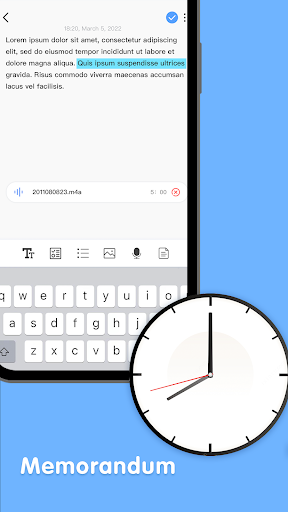
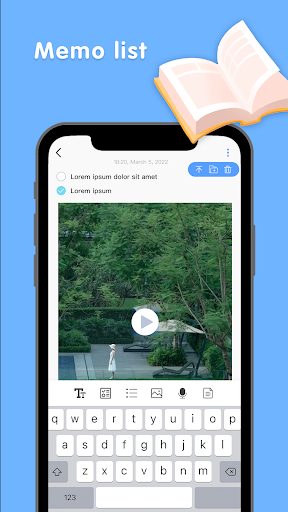
App Feature
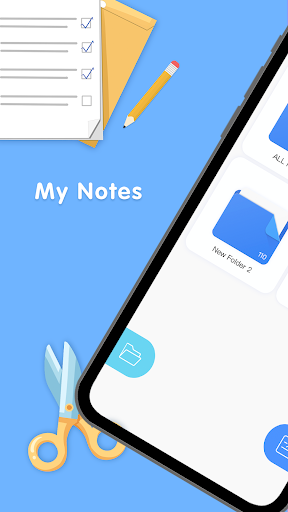
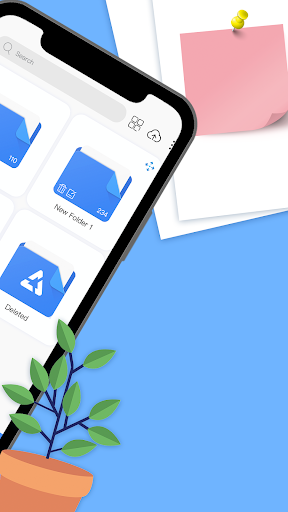
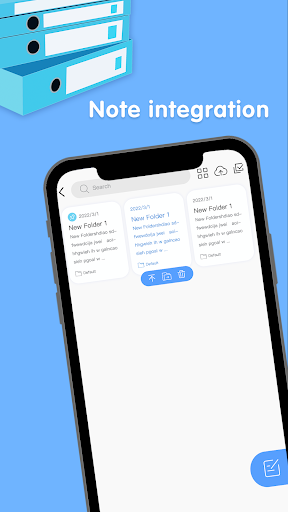
A free, cross-device note-taking app focused on fast capture, clean organization (folders, tags, search), customization (fonts, colors, themes), and secure access with PIN/password/biometric lock plus Google Drive sync/backup.
Verdict
Verdict: A streamlined, secure notes app with reliable Google Drive sync, best for simple, organized note-taking across Android devices.
Who is it for
Best for:
- Users who want quick, organized note capture with folders/tags
- Android users who prefer Google Drive-based sync and backups
- Privacy-minded users seeking PIN/password/biometric protection
Not ideal for:
- Power users needing rich features like handwriting, OCR, or web/desktop apps
- Teams requiring real-time collaboration and integrations
- Users who avoid Google Drive or need cross-platform (iOS/web) access
Real-world User Experience
Users like it:
The 4.4 rating suggests users appreciate the fast, intuitive interface, dependable Google Drive sync across Android devices, solid organization via folders/tags/search, and built-in security (PIN/password/biometric).
Users complain about:
No specific complaints provided; potential pain points for similar apps include reliance on Google Drive, lack of advanced features (handwriting/OCR), and no mention of iOS/web/desktop clients.
Is it Worth Paying For?
The app is free and no in-app purchases are indicated; for core note-taking with sync and security, it offers strong value at no cost.
How it Compares to Alternatives
Compared to Google Keep, My Notes offers stronger folder/tag structure and privacy locks but lacks Keep’s web/iOS apps and collaboration. Versus Microsoft OneNote, it’s lighter and faster but misses deep features like notebooks/sections, OCR, and cross-platform clients. Against Simplenote, it matches simplicity and tagging but trades Simplenote’s cross-platform reach for Google Drive–based Android sync and built-in biometric locks. Standard Notes emphasizes end‑to‑end encryption and cross-platform support; My Notes is simpler, with easier Drive backups but fewer security and extensibility options.
Summary
My Notes focuses on the essentials: quick capture, clean organization, custom styling, and straightforward security, all tied together with Google Drive sync and backups for Android. Its 4.4 rating indicates users find it reliable and pleasant to use for everyday notes, lists, and reminders. It’s not positioned as a heavyweight: there’s no evidence of advanced features like collaboration, OCR, or handwriting, nor confirmed web/desktop/iOS apps. If you want a fast, private, Android-first notepad with folders, tags, and dependable backups—without subscription overhead—My Notes is an easy recommendation. Power users or cross-platform teams may be better served by Keep, OneNote, or other full-featured note systems.
Ratings
Trending APP






Alternative to this app










