Copyright 2026 © swekartor. All Rights Reserved.



Information about Meitu- Photo & Video Editor

App Feature
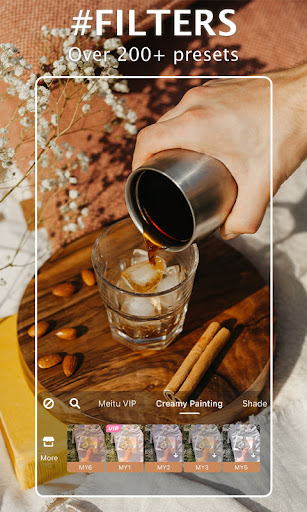
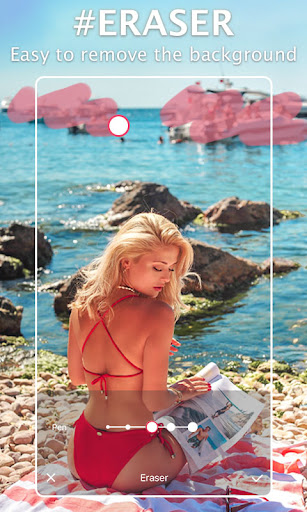
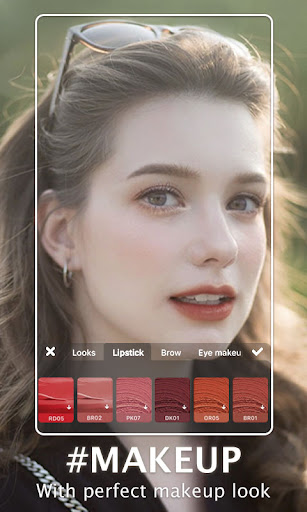
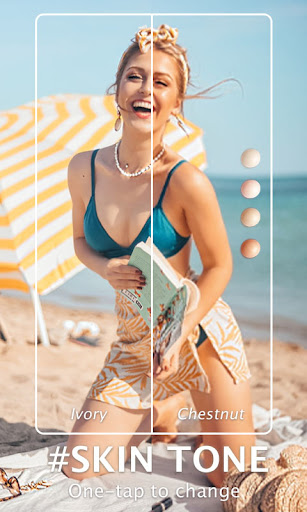
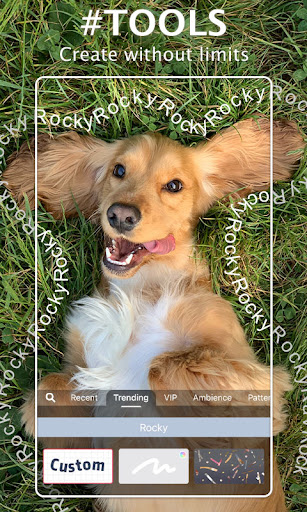
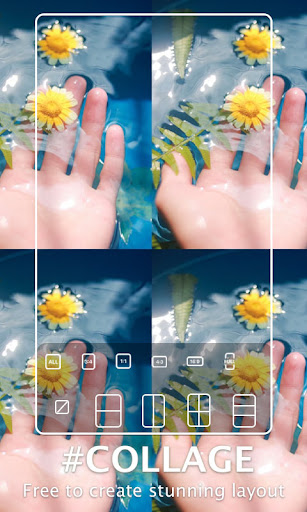
Meitu is an all‑in‑one AI‑powered photo and video editor focused on beautification and creative effects. It offers robust photo retouching (skin, blemish, makeup, body shaping), 200+ filters, AI art effects, object remover, collages, stickers/text, and a capable video editor with filters, music, text, and portrait retouching.
Verdict
Verdict: A feature‑rich, beauty‑forward editor that shines for portraits and social content, though advanced pros may outgrow its control and AI quirks.
Who is it for
Best for:
- Creators who prioritize portrait beautification, AI art styles, and aesthetic filters
- Casual to intermediate editors wanting a fast, mobile‑first all‑in‑one toolkit
- Social media users who need stickers, frames, themes, and quick edits without watermarks
Not ideal for:
- Pro editors needing granular color grading, LUT pipelines, or multi‑track video timelines
- Users who dislike upsells/asset downloads or region‑tied subscriptions
- Those expecting flawless AI results across diverse hair styles/skin tones or multi‑person shots
Real-world User Experience
Users like it:
Abundant free tools and assets; standout beautification that can remain subtle; high‑quality filters (including anime/AI art); consolidated workflow that preserves image quality versus hopping across apps; offline use after asset downloads; no intrusive branding/watermarks; strong sticker/frame/template library; reliable basics (crop, lighting, sharpness) plus AI remover and makeup/body shaping.
Users complain about:
Occasional prompts that feel like forced upgrades during capture; AI art hiccups with multiple people, short hair vs. gender, and varying skin tones; some features/assets require VIP and daily limits for AI art; asset packs need separate downloads; video exports can balloon in size and don’t always compress or export in background; sporadic cloud/upload confusion and repair stalls; missing niceties like custom font import or transparent PNG handling for some workflows; regional billing friction for subscriptions; periodic feature removals/returns (e.g., filters).
Is it Worth Paying For?
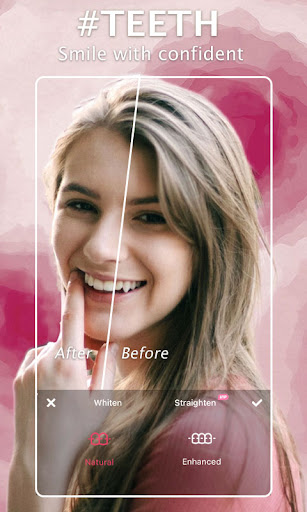
The free tier is generous and sufficient for most casual editing. VIP meaningfully expands materials (1,000+), unlocks premium retouch tools (e.g., teeth correction, wrinkle removal, hair bangs), and removes some limits—worth it for frequent portrait editors and template/sticker power users. Consider regional billing quirks reported by users and that some AI/art filters may rotate; if you mainly do basic edits, you can comfortably stay free.
How it Compares to Alternatives
Compared to Picsart, Meitu leans harder into beauty/portrait retouching and curated aesthetic packs, while Picsart offers broader community content and remix features. Versus CapCut, Meitu’s video tools are simpler but its portrait retouching is stronger; CapCut excels at multi‑track editing, effects timing, and social templates. Against Adobe Lightroom/Photoshop Express, Meitu trades pro‑grade color tools and RAW workflows for one‑tap beauty, AI art, and playful assets. Compared to Facetune/FaceApp, Meitu is more balanced as a full editor (photos and videos) with extensive filters and add‑ons, though Facetune may have finer facial control.
Summary
Meitu- Photo & Video Editor delivers a polished, user‑friendly editing suite tailored to portraits and social‑ready visuals. It bundles powerful beautification (skin, makeup, body shape), AI art, object removal, and a wide filter/sticker ecosystem with a capable video editor—making it a true one‑stop shop. Real‑world users praise its generous free offering, preserved image quality, and cute, frequently updated assets, while noting friction from VIP upsells, asset downloading, AI inconsistencies with complex subjects, and occasional export/cloud quirks. If your priority is quick, attractive portrait edits and creative aesthetics, Meitu stands out; professionals needing deep grading or complex timelines may prefer more advanced tools. The VIP plan is a good value for heavy users of its beauty and asset libraries, but the free version already covers most everyday editing needs.
Ratings
Trending APP












Alternative to this app