Copyright 2026 © swekartor. All Rights Reserved.



Information about Salesforce Authenticator
App Feature
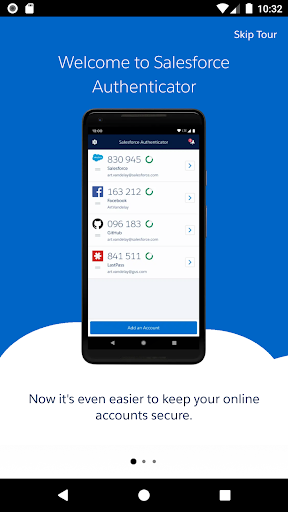
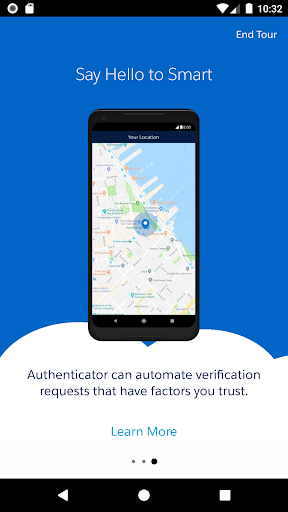
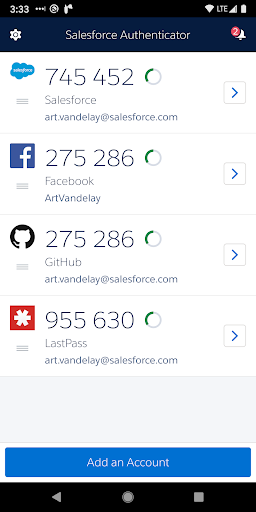
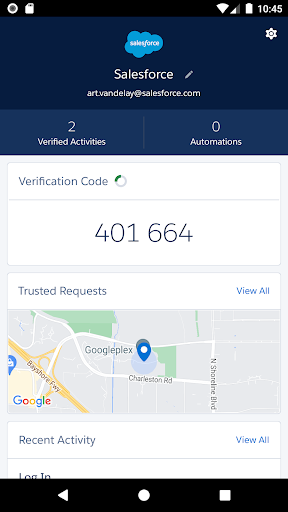
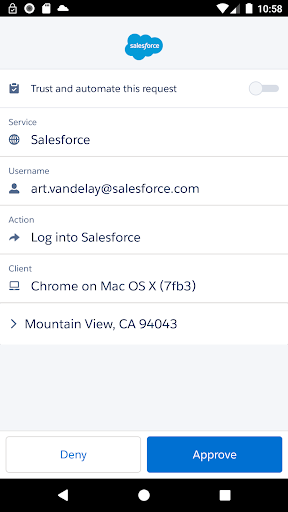
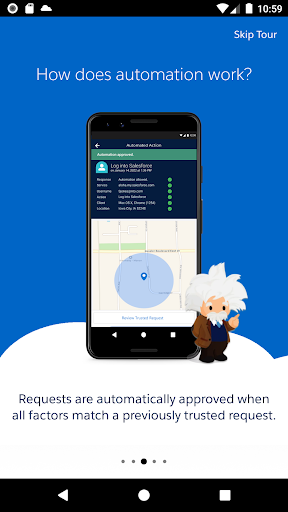
Salesforce Authenticator is a free multi-factor authentication app that secures Salesforce and other TOTP-compatible accounts with push approvals, one-tap allow/deny, optional geofenced auto-approvals, offline one-time codes, and biometric confirmation to streamline sign-ins.
Verdict
Verdict: A reliable MFA companion for Salesforce users, best if you value push-based approvals and geofenced automation over rich cross-device features.
Who is it for
Best for:
- Salesforce admins and users who want seamless push MFA tied to Salesforce
- Business users who appreciate geofenced auto-approvals and offline TOTP codes
- Security-conscious teams standardizing on a simple, battery-friendly authenticator
Not ideal for:
- Users needing effortless multi-device sync and cloud backups across phones
- People who dislike granting location permissions for automation
- Those seeking a general-purpose authenticator with broad ecosystem extras (password manager, passwordless, account recovery)
Real-world User Experience
Users like it:
Fast, one-tap approvals for Salesforce logins; dependable offline codes; smooth Salesforce integration; optional geofencing that reduces prompts without hammering battery; straightforward, uncluttered UI.
Users complain about:
Migrating to a new device can be cumbersome and may require admin help; occasional push delays or connectivity hiccups; confusion or hesitation around location permissions; fewer convenience features than rivals (e.g., cloud backup, multi-device sync).
Is it Worth Paying For?
It’s free with no ads or in-app purchases, so there’s no cost barrier—if you use Salesforce, it’s an easy win.
How it Compares to Alternatives
Compared to Google Authenticator, Salesforce Authenticator adds push approvals and geofenced automation but lacks Google’s broad familiarity and now-basic cloud sync. Against Microsoft Authenticator, it’s narrower in scope (fewer ecosystem perks and backups) but integrates more cleanly with Salesforce. Versus Authy, it trades away seamless multi-device/cloud backup for tighter Salesforce push workflows and a lean, enterprise-focused setup.
Summary
Salesforce Authenticator is a focused, enterprise-ready MFA app that shines for Salesforce sign-ins: tap-to-approve pushes, optional geofenced auto-approvals, and offline TOTP codes provide strong, practical security with minimal friction. The minimalist approach keeps it reliable and battery-friendly, though it forgoes advanced consumer features like cloud backups and multi-device sync. If your organization runs on Salesforce and you want a secure, straightforward authenticator tailored to that ecosystem, it’s an excellent fit; if you prioritize rich cross-device convenience across many services, a more feature-heavy authenticator may suit you better.
Ratings
Trending APP












Alternative to this app