Copyright 2026 © swekartor. All Rights Reserved.



Information about Samsung Music
App Feature
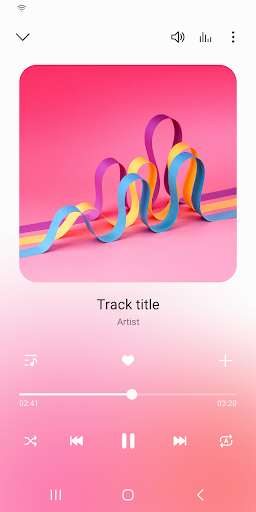
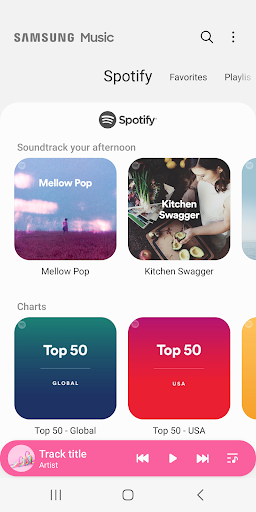
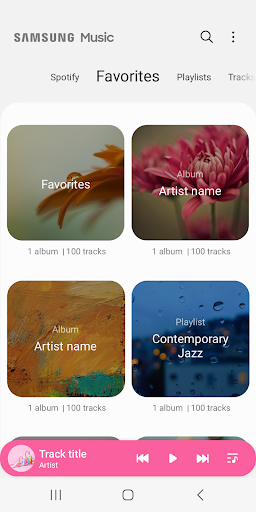
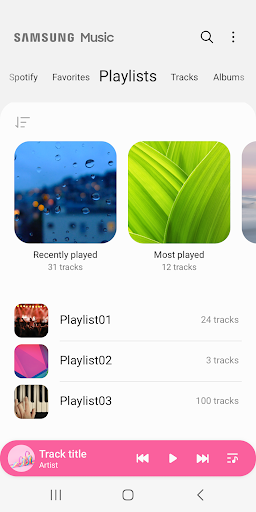
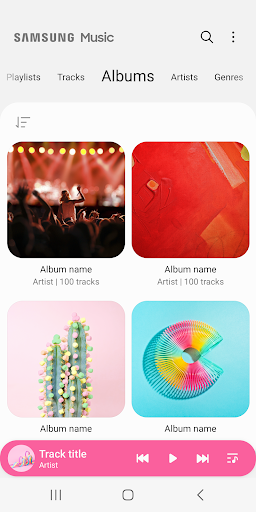
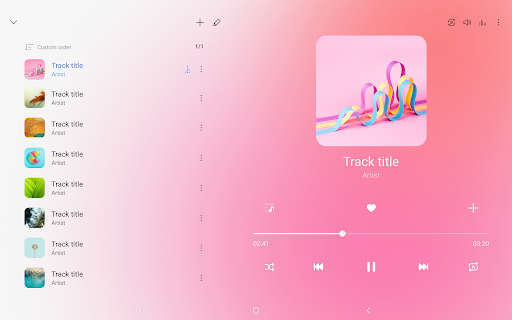
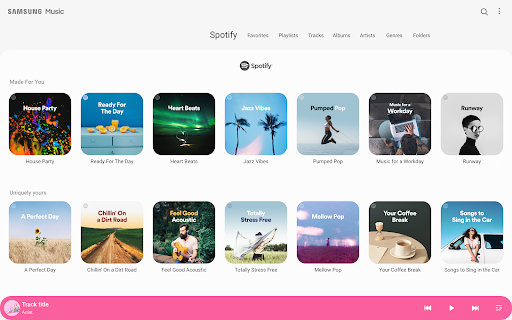
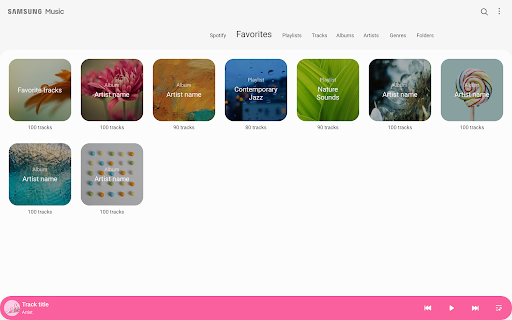
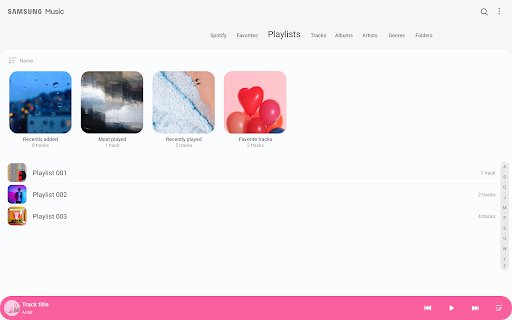
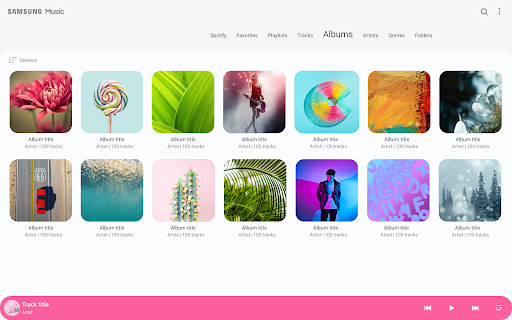
Samsung Music is a free, offline-first music player optimized for Galaxy devices. It scans and organizes local audio files by track, album, artist, genre, folder, and composer, supports common formats (MP3/AAC/FLAC), offers playlists and queue controls, a built-in equalizer and sound effects, dark/light themes, and optional Spotify recommendations (where available).
Verdict
Verdict: A clean, reliable local music player for Samsung users, but not ideal if you want full-featured cloud streaming or advanced library analytics.
Who is it for
Best for:
- Samsung Galaxy owners who manage and play local music files offline
- Users who want a simple, ad-light interface with playlists, tags, and EQ
- Listeners switching from Google Play Music seeking a straightforward replacement
Not ideal for:
- People who primarily use cloud streaming and synced libraries
- Users needing advanced features like synced lyrics, play-count stats, or deep crossfade controls
- Those wanting robust duplicate detection or bulk library cleanup tools
Real-world User Experience
Users like it:
Consistently praised for being fast, simple, and nearly ad-free in practice; stable offline playback; good sound quality with EQ; useful library organization and the ability to edit song metadata and album art; dark mode; reliable Bluetooth/car AUX behavior; customizable queue, sleep timer, and multiple sorting options.
Users complain about:
Occasional bugs (e.g., past resume issues after pause, later fixed); limited advanced controls (e.g., precise crossfade in milliseconds, auto-scrolling lyrics, play-next from context for everyone); playlist cover customization inconsistencies; no built-in duplicate track remover or playlist search; some report shuffle repetition and sporadic artwork mismatches.
Is it Worth Paying For?
The app is free with no IAP; while the listing notes it contains ads, users generally report little to no intrusive advertising when playing local files. For a baseline local player, the value is excellent at no cost.
How it Compares to Alternatives
Compared to streaming apps like Spotify or YouTube Music, Samsung Music is focused on local files and offline playback, not discovery or cloud sync. Versus Poweramp or Musicolet, it’s simpler and more integrated on Samsung devices but lacks some pro features (granular DSP, smart playlists, duplicate cleaning). Against VLC, it offers a cleaner music-centric UI but fewer universal codec/video features. It’s a strong default for Galaxy owners who don’t need advanced audiophile controls.
Summary
Samsung Music is a polished, lightweight local music player tailored for Galaxy devices. It excels at scanning and organizing on-device files, offers straightforward playlist and queue management, and includes a built-in equalizer and dark mode. Day-to-day performance is smooth and reliable, with users highlighting minimal ads and solid audio quality. However, it’s not a full streaming solution and omits several power-user features like synced lyrics, precise crossfade settings, robust duplicate handling, and deep analytics. If you primarily listen to local files and want a clean, dependable player that integrates well with Samsung phones, this is an easy recommendation—just don’t expect cloud features or the depth of premium third-party players.
Ratings
Trending APP






Alternative to this app