Copyright 2026 © swekartor. All Rights Reserved.



Information about PhotoApp - AI Photo Enhancer
App Feature
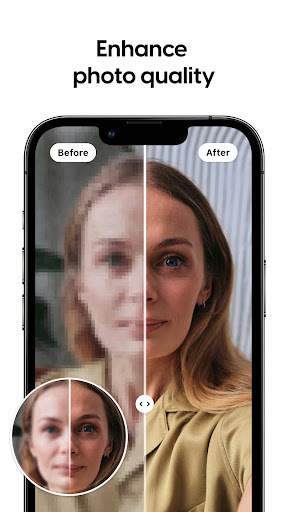
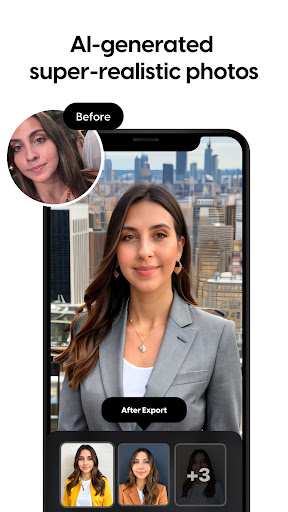
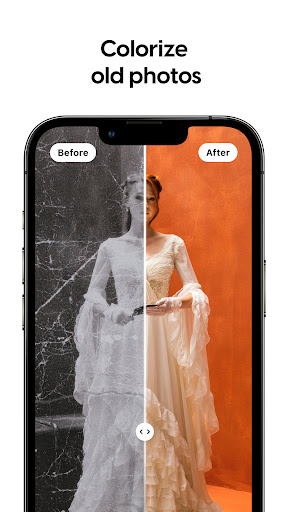
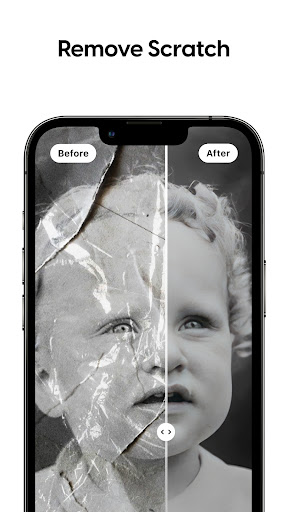
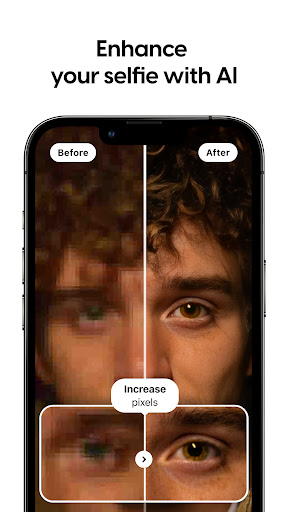
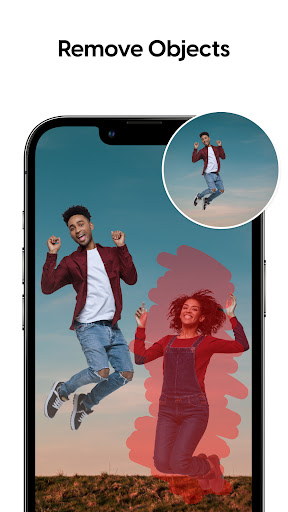
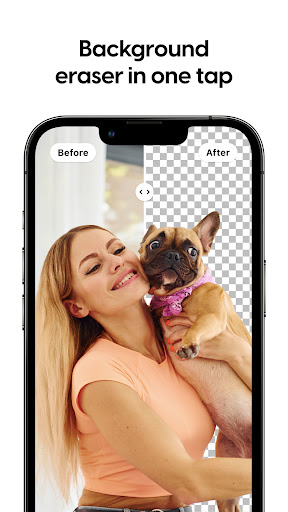
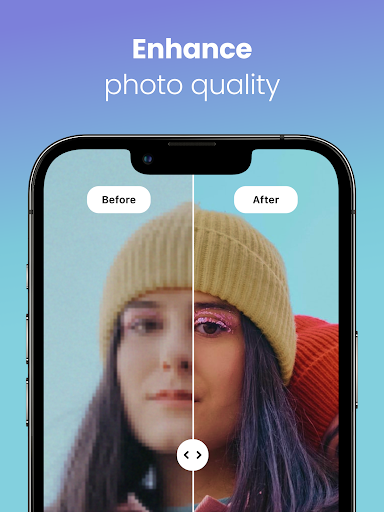
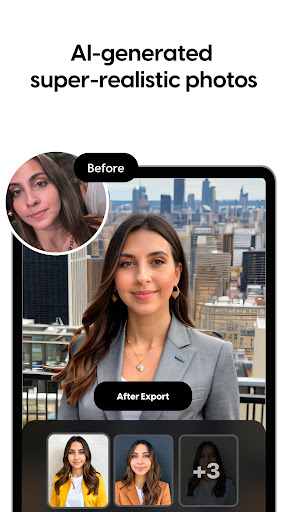
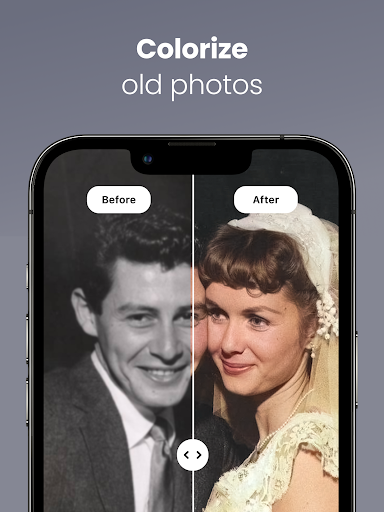
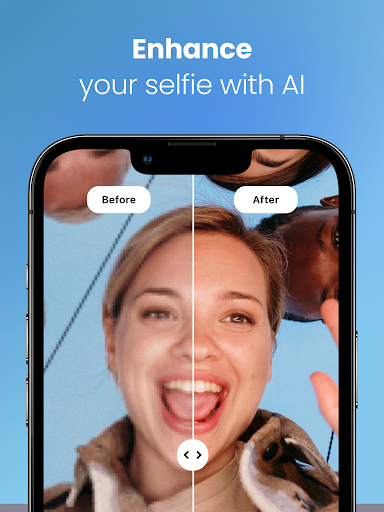
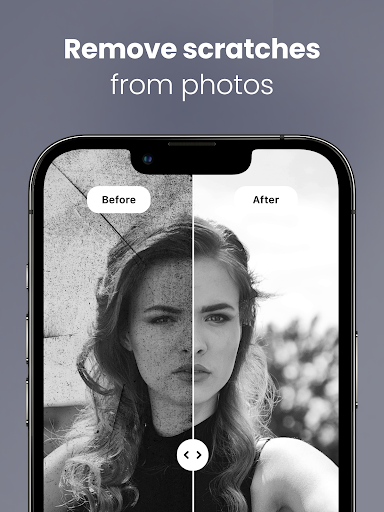
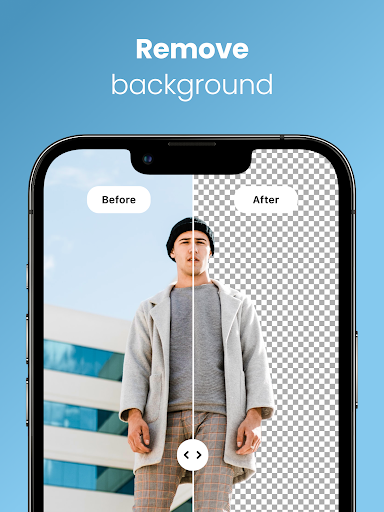
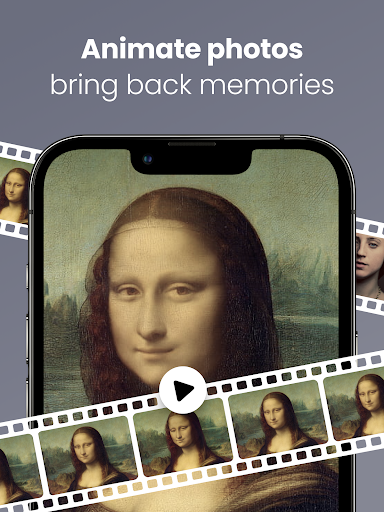
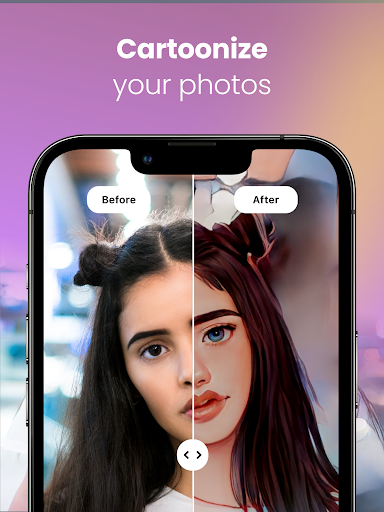
AI-powered photo enhancer that sharpens and unblurs images, restores and colorizes old photos, upscales resolution, removes backgrounds/objects, applies artistic filters, and offers AI portrait generation and a playful future-baby feature.
Verdict
Verdict: A powerful, easy-to-use AI photo restorer and enhancer, best for portraits and old photos, though it can misfire on complex scenes and pushes subscriptions for full value.
Who is it for
Best for:
- Users restoring old family photos and improving low-quality portraits
- People who want quick, one-tap enhancements and upscaling
- Casual creators exploring AI portraits and simple background/object removal
Not ideal for:
- Users needing consistent fidelity on complex scenes (vehicles/objects) or side-angled faces
- Those sensitive to ads, daily limits, or ongoing subscription costs
- Perfectionists who require granular, manual photo retouching controls
Real-world User Experience
Users like it:
Noticeably sharpens and deblurs faces, convincingly restores and colorizes decades-old photos, and delivers impressive upscaling with minimal effort. Many report professional-quality saves and strong results even in the free tier (with ads).
Users complain about:
Occasional inaccuracies: distorted facial features, size changes to eyes/nose, difficulty with side-rotated faces, and continuity issues on non-human subjects. Limited model variety for AI generation, daily limits in the free version, and pressure to subscribe for the best experience.
Is it Worth Paying For?
If you frequently restore/enhance photos (especially portraits and archives), the paid plan’s higher quality, speed, and fewer limits can be worth it. If you only need occasional fixes, the free version—with ads and daily caps—delivers solid results without commitment.
How it Compares to Alternatives
Compared to popular AI enhancers (e.g., Remini, Lensa, Adobe Photoshop Express), PhotoApp excels at quick, one-tap facial restoration and colorization with a broad toolset in one place (unblur, upscaling, background/object removal). Some rivals offer more stable handling of non-portrait scenes or deeper manual controls, but PhotoApp’s convenience and portrait focus stand out. Model variety for AI generation lags some competitors.
Summary
PhotoApp – AI Photo Enhancer is a versatile, high-impact toolkit for reviving old photos, sharpening soft portraits, upscaling to HD, and performing quick edits like background and object removal. The AI often delivers dramatic improvements with a single tap, making it ideal for family archives and social-ready portraits. Users praise its restoration quality and ease, though occasional distortions, limited AI model choices, and ad/subscription friction remain trade-offs. With strong ratings and widespread adoption, it’s a top pick for rapid portrait enhancement and photo restoration; power users or those working on complex, non-portrait scenes may still pair it with more manual editors for precise control.

Ratings
Trending APP












Alternative to this app