
Copyright 2026 © swekartor. All Rights Reserved.



Information about PDF Reader: Viewer
App Feature
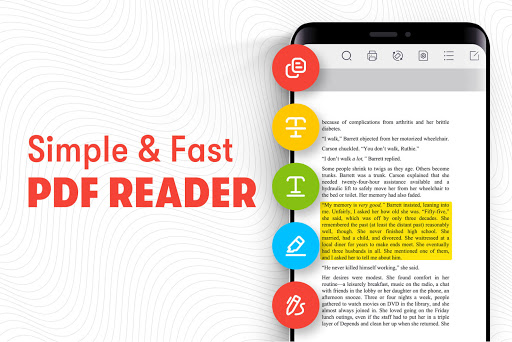
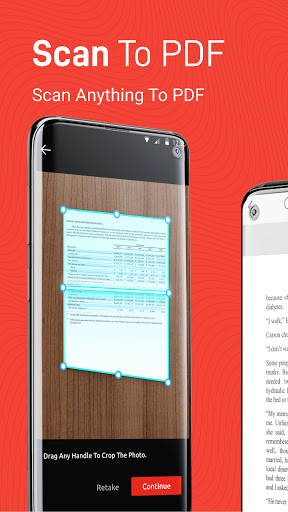
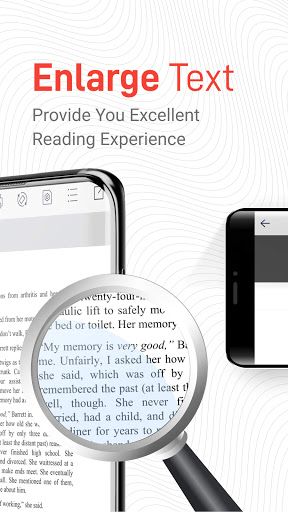
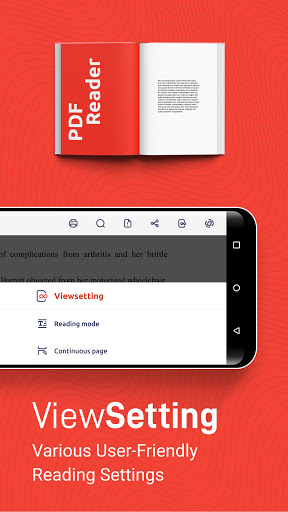
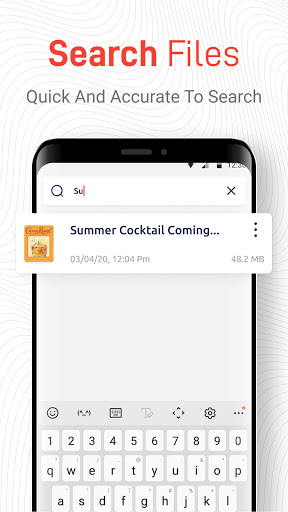
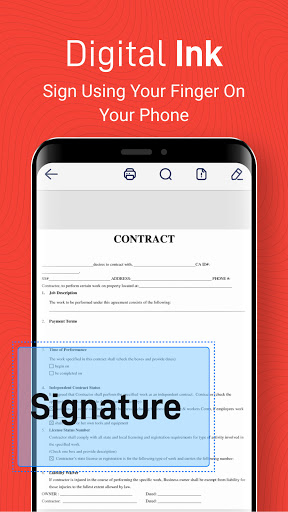
PDF Reader: Viewer is a lightweight, fast PDF viewer for Android focused on offline reading, quick file browsing, and basic document management. It supports rich annotations (highlight, underline, strikethrough) and digital ink for filling/signing forms, with a simple interface designed for speed and ease of use. It’s free, ad-supported, and positioned as a straightforward PDF reader and manager.
Verdict
Verdict: A fast, no-frills PDF reader with handy annotations—great for everyday use, but not for power users needing advanced tools.
Who is it for
Best for:
- Users who want a quick, lightweight PDF viewer for offline reading
- People who need simple annotations and digital signing on the go
- Anyone looking for a free, ad-supported PDF reader with basic file management
Not ideal for:
- Power users who need advanced editing, OCR, or deep collaboration tools
- Those who prefer an ad-free experience out of the box
- Enterprises requiring enterprise-grade security, workflows, or extensive cloud integrations
Real-world User Experience
Users like it:
Overall sentiment is very positive (≈4.7 rating) highlighting fast loading, smooth navigation, and a clean, simple interface. Users appreciate reliable offline reading, easy annotations (highlighting, underlining, strikethrough), and the ability to fill/sign forms. File discovery and basic management are reported as convenient.
Users complain about:
Some users mention ads as a distraction, and a portion wish for more advanced features (e.g., deeper editing, OCR, more robust cloud and collaboration options). Occasional feedback points to limitations handling complex workflows compared to heavier, feature-rich readers.
Is it Worth Paying For?
The app is free with ads and offers no in-app purchases. There’s nothing to pay for—value is strong if you’re fine with ads and only need a capable, basic reader with annotations.
How it Compares to Alternatives
Compared to Adobe Acrobat Reader, PDF Reader: Viewer is lighter and faster for basic tasks but lacks advanced editing, OCR, and ecosystem integrations. Versus Xodo, it’s simpler and less feature-rich (Xodo offers stronger collaboration and cloud features). Against Foxit PDF Reader, it competes on speed and simplicity, but Foxit typically provides more pro options and enterprise features. PDF Reader: Viewer stands out for straightforward, offline-first reading with essential annotations at no cost.
Summary
PDF Reader: Viewer delivers a clean, fast, and truly easy PDF reading experience with offline access, reliable annotations, and digital ink for quick form filling—all free and ad-supported. It’s ideal for students, professionals, and casual readers who need a dependable viewer and light markup tools without the bulk of a full editor. While it doesn’t compete with heavyweights on advanced features like OCR, deep collaboration, or enterprise workflows, its speed, simplicity, and focus on core tasks make it a strong everyday choice for managing and reading PDFs on Android.
Ratings
Trending APP












Alternative to this app










