
Copyright 2026 © swekartor. All Rights Reserved.



Information about EPIK - AI Photo Editor
App Feature
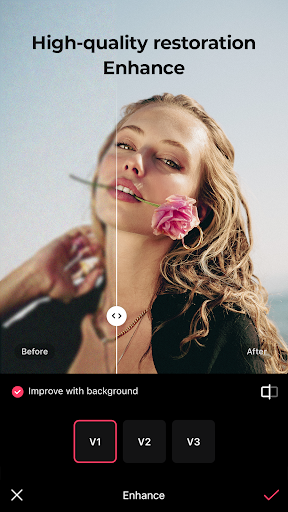
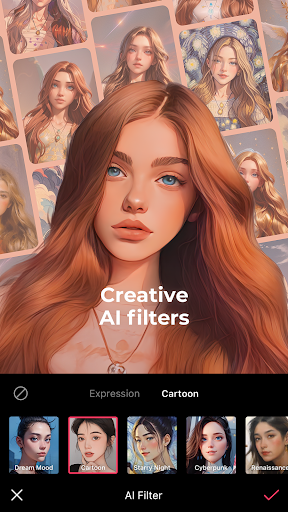
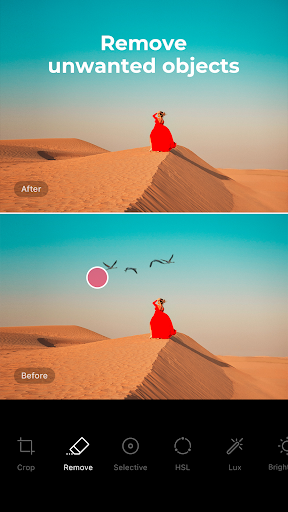
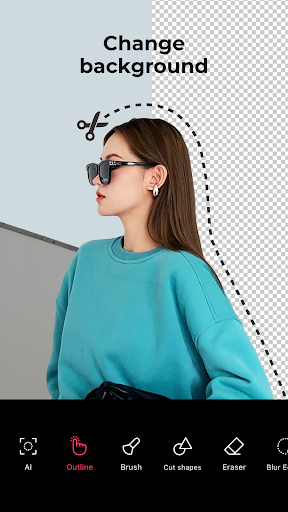
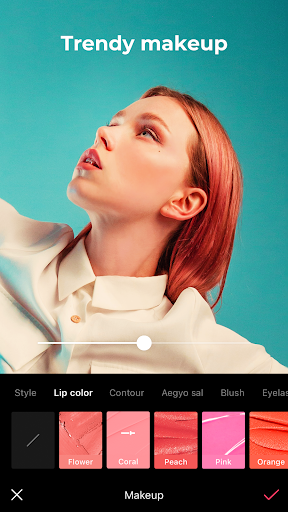
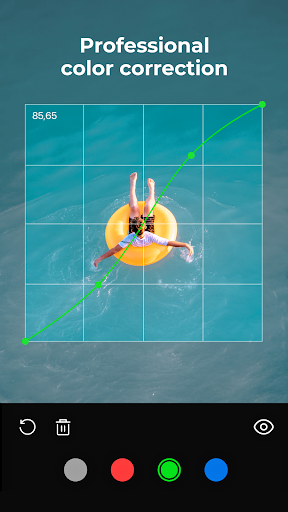
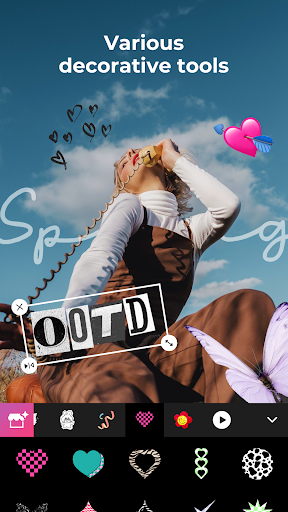
EPIK - AI Photo & Video Editor is an all‑in‑one, ad‑free editor combining pro‑grade tools (RAW support, HSL, Curves, Selective edits, batch processing) with powerful AI features (Enhance upscaling, AI Skin, smart cutout, object removal, AI filters, hairstyle/expression changes) plus creative extras (relight, effects, stickers, templates) and video capabilities (retro clips, face retouch, tracked mosaic).
Verdict
Verdict: A versatile, ad‑free AI editor that bridges casual and pro needs, though control and guidance can lag behind specialist rivals.
Who is it for
Best for:
- Mobile creators wanting both AI magic and manual pro controls in one app
- Portrait and selfie editors seeking robust, natural retouching with video face edits
- Users upgrading from Snapseed/Picsart/Lightroom who want a familiar yet broader toolkit
Not ideal for:
- Power users needing granular AI prompting or advanced workflow automation
- Beginners who prefer step‑by‑step tutorials and handholding throughout
- Editors requiring desktop‑level color management or deep layer/composite pipelines
Real-world User Experience
Users like it:
Smooth, ad‑free experience; wide toolset spanning AI Enhance, Relight, blemish removal, HSL/Curves, RAW support, batch edits; intuitive UI with minimal learning curve; high‑quality filters/effects and strong portrait tools; capable video features; comparable or better than Snapseed/Picsart/Lightroom for many tasks.
Users complain about:
Some effects only finalize on export, causing confusion; desire for more control in AI expand (text prompts); missing conveniences like sticker search or saving custom adjustment presets; occasional uncertainty about future paywalls/premium gating; a few users want clearer in‑app guidance to locate features.
Is it Worth Paying For?
The free, ad‑free tier is generous and fully usable. The subscription appears good value for frequent editors who want the complete AI suite, video face edits, and expanded assets; casual users can comfortably stay free. Watch for feature gating changes over time.
How it Compares to Alternatives
Against Snapseed, EPIK matches core pro tools and adds broader AI plus video retouch. Compared to Picsart, it feels lighter and ad‑free, with comparable stickers/templates but fewer community/social elements. Versus Lightroom Mobile, EPIK is less color‑management‑centric but more AI/portrait‑focused and friendlier for quick creativity. For AI enhancement alone, dedicated tools like Remini may upscale better in edge cases, while Facetune/FaceApp may offer more granular face‑editing controls; EPIK balances both in a single toolkit.
Summary
EPIK brings together serious photo controls, creative effects, and practical AI in a rare ad‑free mobile package. It handles everything from RAW color work and batch editing to one‑tap retouching, background removal, and video face edits, making it a strong daily driver for social posts, portraits, and quick composites. Users praise its breadth, quality, and ease of use, though some want finer AI control, better discoverability, and convenience features like preset saving and sticker search. If you edit often, the subscription can be worthwhile; otherwise the free tier is impressive on its own. Overall, EPIK is a capable, modern editor that meaningfully competes with Snapseed, Picsart, and Lightroom while leaning harder into AI‑powered creativity.

Ratings
Trending APP












Alternative to this app











