
Copyright 2026 © swekartor. All Rights Reserved.


Information about Finger Spinner: Glow Art Draw
App Feature
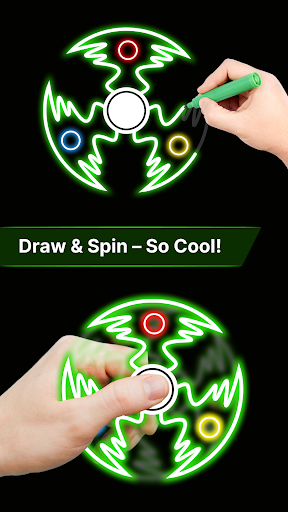
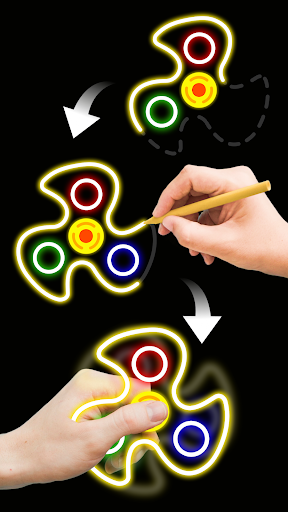
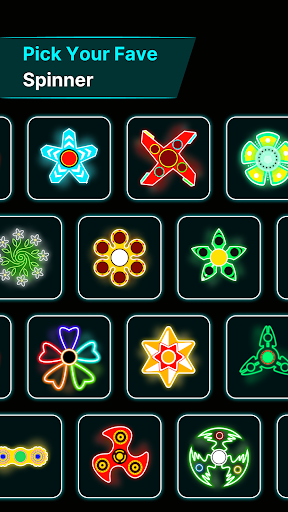
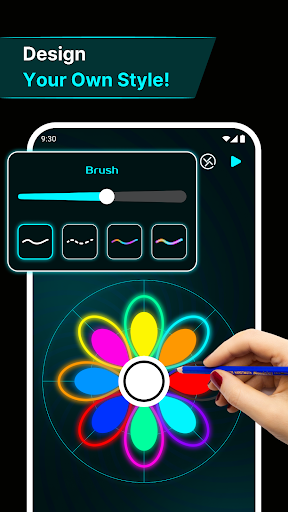
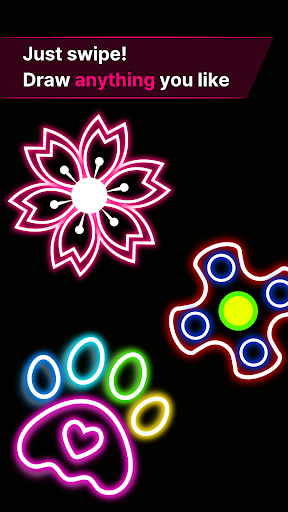
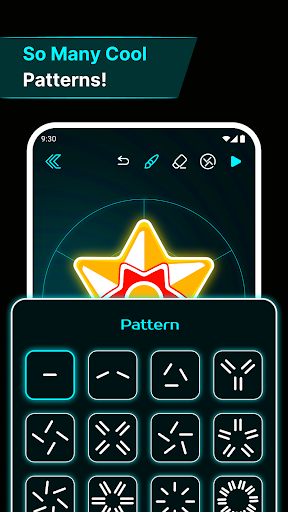
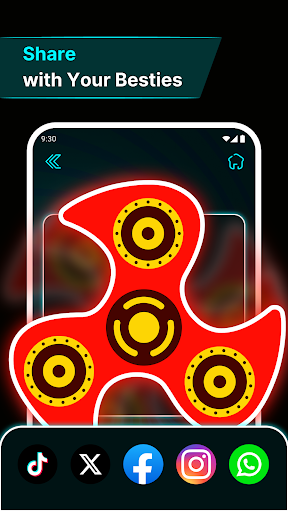
Finger Spinner: Glow Art Draw lets you sketch glowing designs with your finger or stylus, then turn them into 3D spinners with realistic physics to flick, spin, and fidget. It focuses on stress relief and creativity with smooth glow brushes, vibrant palettes, a calming UI, a personal collection gallery, and quick sharing options.
Verdict
Verdict: A delightful, calming glow-art fidget app that shines for casual creativity, but lacks deeper editing controls for power users.
Who is it for
Best for:
- Kids and casual creators seeking relaxing, neon-style drawing fun
- Fidget and stress-relief seekers who enjoy tactile, physics-based play
- Stylus users wanting smooth line input and quick, satisfying results
Not ideal for:
- Artists needing advanced tools, layers, or precision editing
- Users who dislike mirroring-by-default or want granular control over symmetry
- Those wanting image import or highly detailed customization options
Real-world User Experience
Users like it:
Highly engaging and relaxing; easy to use for all ages; fun to design and then spin personalized fidget creations; smooth glow effects; works well with Android stylus; keeps users entertained and calm.
Users complain about:
Mirroring appears mandatory with no toggle, limiting certain designs; requests for more detail controls and an image import option; some desire richer features beyond the basics. Contains ads.
Is it Worth Paying For?
The app is free with ads and no in-app purchases. There’s solid value at no cost; you get a full creative-fidget experience without paywalls, though occasional ads are the trade-off.
How it Compares to Alternatives
Compared to kaleidoscopic or glow-doodle apps (e.g., Silk-style symmetry drawers, generic Glow Draw), this adds a unique 3D spinner + physics twist that makes creations interactive. It’s simpler and more calming than pro art tools (e.g., Sketchbook) and less feature-rich than advanced drawing suites, but more tactile and toy-like than typical zen drawing or fluid-simulation apps. Ideal for quick creativity and fidgeting versus detailed illustration.
Summary
Finger Spinner: Glow Art Draw blends a soothing glow-art canvas with satisfying, physics-based fidget spinners, making it an easy pick for stress relief and casual creativity. With a clean interface, smooth brushes, vivid neon effects, a personal gallery, and straightforward sharing, it appeals to kids and adults alike. User feedback praises its fun, calming nature and stylus performance, while asking for a mirroring toggle, more detail options, and image import. Given it’s free (ads only), the experience-to-cost ratio is excellent—especially if you want a relaxing, interactive art toy rather than a full-featured drawing studio.
Ratings
Trending APP












Alternative to this app










