
Copyright 2026 © swekartor. All Rights Reserved.


Information about Magic Fluid Live Wallpapers 5D
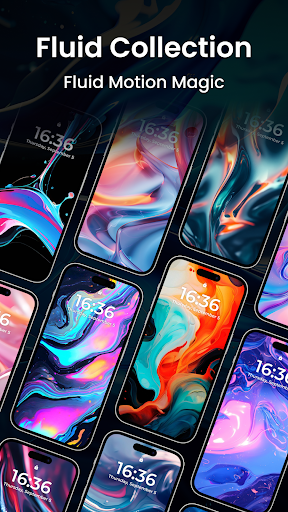
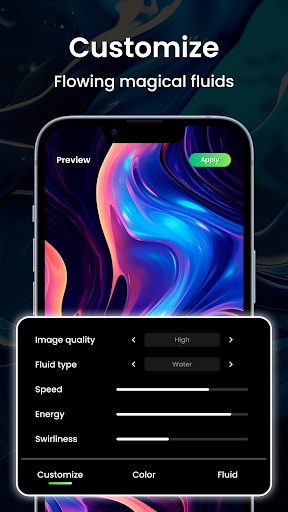
App Feature
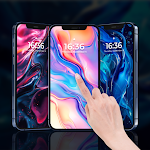
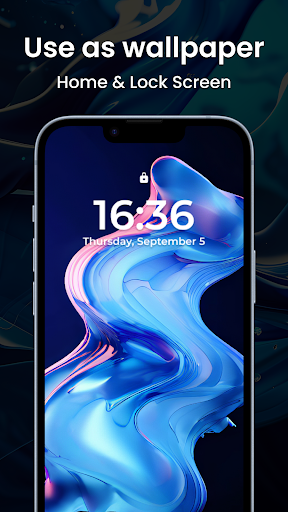
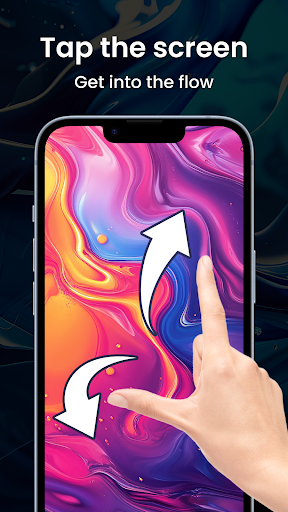
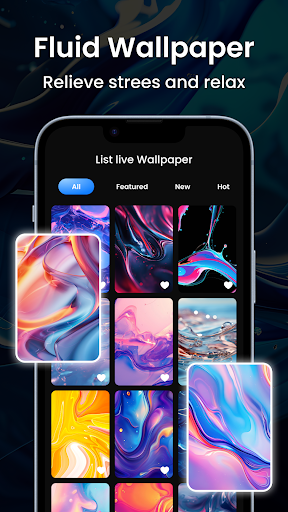
Magic Fluid Live Wallpapers 5D turns your phone’s background into an interactive, touch‑responsive fluid animation. It emphasizes dynamic fluid effects, deep color/shape/behavior customization, and aims for battery‑efficient performance so you can enjoy eye‑catching live wallpapers without heavy power drain.
Verdict
Verdict: A captivating, highly customizable live wallpaper for visual flair, but mixed polish may limit long‑term satisfaction on all devices.
Who is it for
Best for:
- Users who want eye‑catching, interactive live wallpapers
- Tinkerers who enjoy fine‑tuning colors, shapes, and effects
- People seeking lively visuals without major battery impact
Not ideal for:
- Minimalists who prefer static, distraction‑free backgrounds
- Users with older/low‑end devices sensitive to performance
- Anyone expecting zero bugs or perfect fluidity across all phones
Real-world User Experience
Users like it:
Mesmerizing fluid animations that react to touch, strong customization options, and generally acceptable battery usage for a live wallpaper.
Users complain about:
Inconsistent performance or stability on some devices, occasional lag or frame drops, and overall polish that doesn’t always match premium expectations given the 3.5 rating.
Is it Worth Paying For?
The app is free and no paid plan is indicated. It’s worth trying since there’s no upfront cost; if optional extras exist, the core experience should still be enjoyable without paying.
How it Compares to Alternatives
Compared to other fluid/particle live wallpapers, it prioritizes interactivity and granular controls similar to popular fluid simulators, while aiming for better battery efficiency than heavier, shader‑intensive options. Versus general live wallpaper suites, it’s more focused—fewer content types but deeper fluid effects. Users wanting broader themes might prefer multi‑pack wallpaper apps; those wanting pure fluid visuals will find this competitive.
Summary
Magic Fluid Live Wallpapers 5D delivers striking, touch‑responsive fluid effects with robust customization, making your home screen feel alive without a major battery penalty. Its free entry point and intuitive controls make it easy to experiment until you find a look you love. The trade‑off is mixed reliability and performance across devices, which likely explains the middling 3.5 rating. If you value immersive visuals and creative tweaking, it’s a compelling download; if you prioritize absolute smoothness and stability on any hardware, you may want to test it first or consider simpler alternatives.
Ratings
Trending APP












Alternative to this app










