
Copyright 2026 © swekartor. All Rights Reserved.



Information about Tayasui Sketches
App Feature
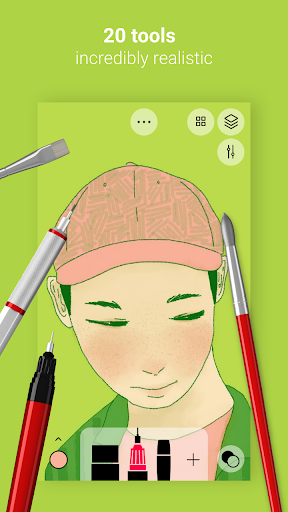
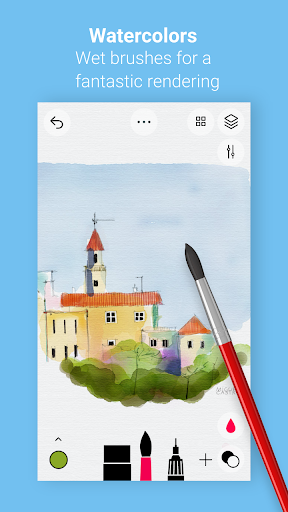
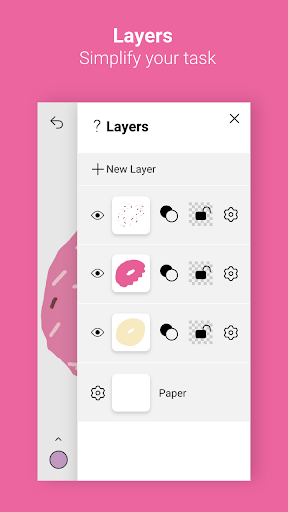
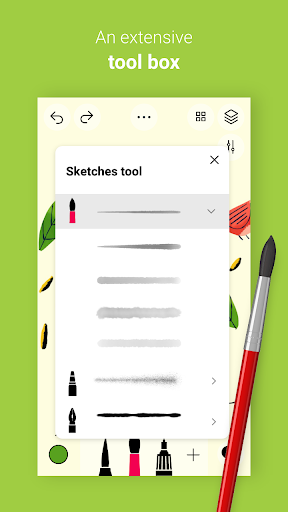
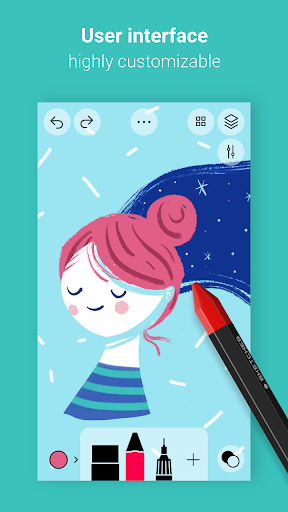
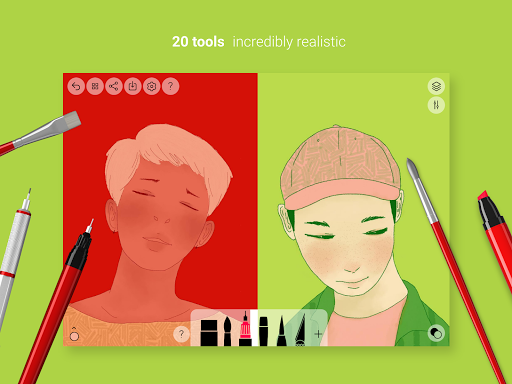
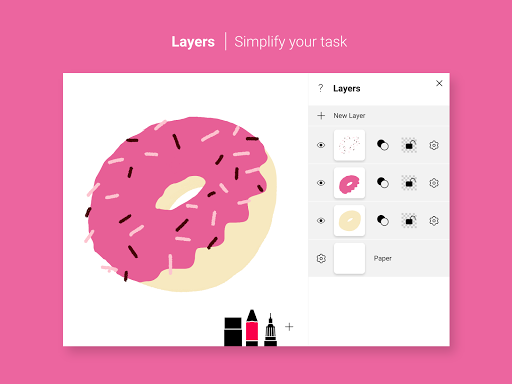
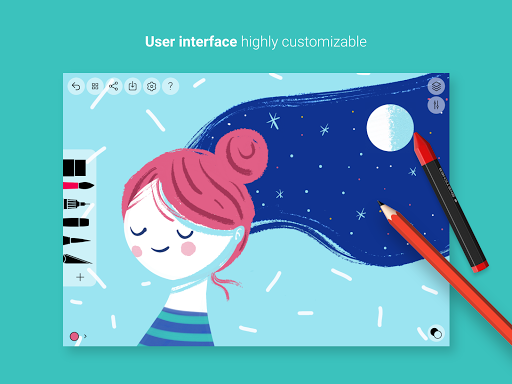
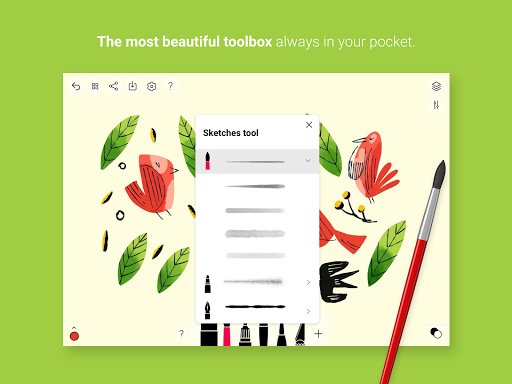
A minimalist, beginner-friendly drawing app focused on realistic brushes (notably watercolor), simple layers, and an intuitive sketchbook-like workflow. It supports styluses, photo import, color picker, smudge/eraser, symmetry, and cloud-friendly sharing/export, with additional tools, variants, and more layers unlocked via a Pro subscription.
Verdict
Verdict: A delightful, realistic sketching app for casual drawing and watercolor effects, but lighter on pro-level controls and stability than power users may want.
Who is it for
Best for:
- Beginners and hobbyists seeking an intuitive, ad-free drawing experience
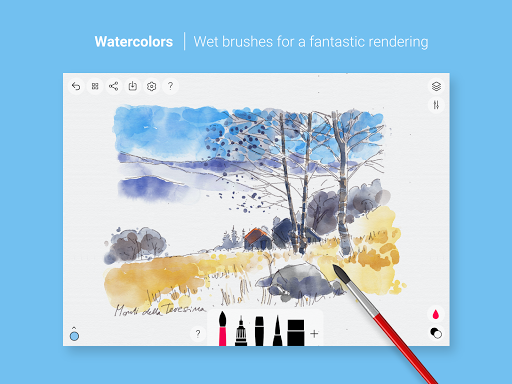
- Artists who value realistic brushes, especially watercolor effects
- Mobile sketchers who want quick ideas, notes, and symmetry-assisted shapes
Not ideal for:
- Professionals needing advanced features like robust stabilization, vector/shape tools, or complex transform pipelines
- Users who dislike subscriptions for unlocking layers/brush variants
- Those requiring rock-solid stability for long sessions on older/bug-prone devices
Real-world User Experience
Users like it:
Smooth, uncluttered interface; beautiful and realistic brushes (watercolor praised); symmetry tool; ad-free free tier; easy saving/export once understood; good for fast sketches and learning; works well with stylus for many users; updates have improved performance on some devices.
Users complain about:
Intermittent crashes or unsaved work; occasional lag with certain devices/styli; confusion around saving (needing to return to gallery); missing or limited features (line smoothing/stabilization, palm rejection, copy/paste, basic shapes, pressure sensitivity, canvas rotation/orientation controls); sporadic subscription/purchase glitches for some users.
Is it Worth Paying For?
Yes—if you love its look and watercolor engine and want more tools, variants, and layers. The free version is generous and ad-free, making it great to test-drive. The subscription may feel steep versus one-time-purchase competitors; value hinges on how much you rely on its specific brushes and workflow.
How it Compares to Alternatives
Compared to Autodesk SketchBook and ibis Paint X, Tayasui Sketches is simpler and more elegant but offers fewer pro controls (stabilization, transform depth, community assets). Infinite Painter (Android) and Procreate (iOS) deliver broader professional toolsets, but Sketches stands out for natural media feel—especially watercolor—and a cleaner, faster-to-start workflow. If you prioritize realism and minimal UI, Sketches shines; for heavy editing, effects, and precision, the others win.
Summary
Tayasui Sketches brings a beautiful, distraction-free sketchbook to Android with standout natural-media brushes—watercolor in particular—plus symmetry, layers (more with Pro), and thoughtful export options. Users praise its feel, minimalist design, and ad-free free tier, though stability hiccups, missing pro niceties (stabilization, shapes, palm rejection), and occasional purchase issues can frustrate. It’s an excellent first stop for casual creators and watercolor lovers, while advanced artists may prefer more feature-dense alternatives. If the aesthetic and brush realism hook you, the Pro upgrade adds meaningful depth; otherwise, the free experience is a strong, enjoyable sketch pad.
Ratings
Trending APP












Alternative to this app










