
Copyright 2026 © swekartor. All Rights Reserved.


Information about Nova Launcher
App Feature
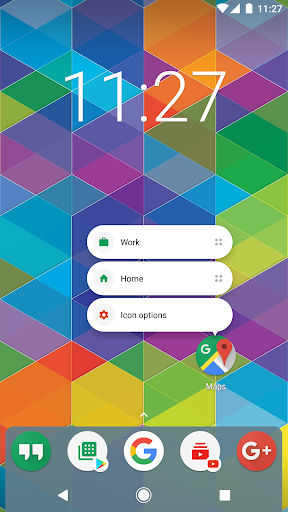
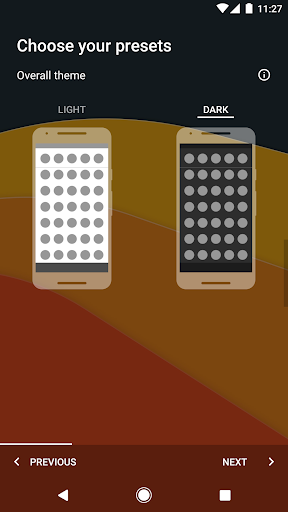
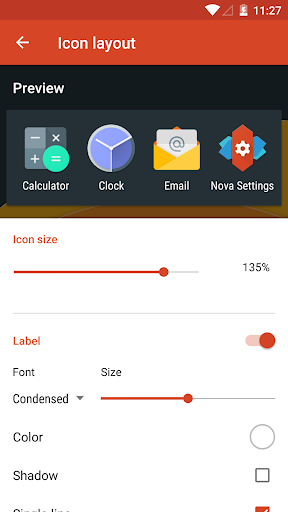
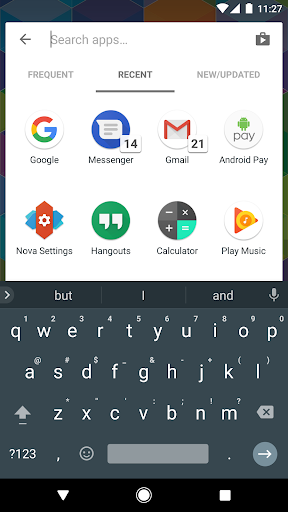
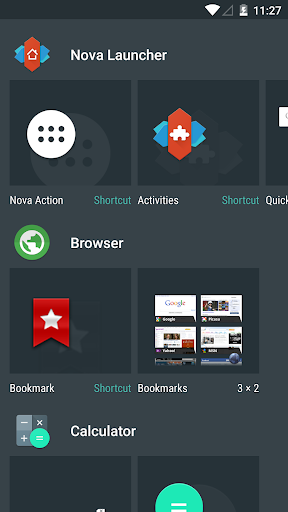
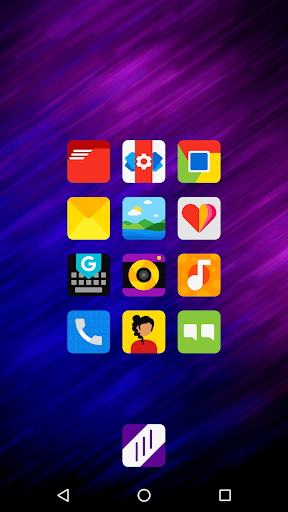
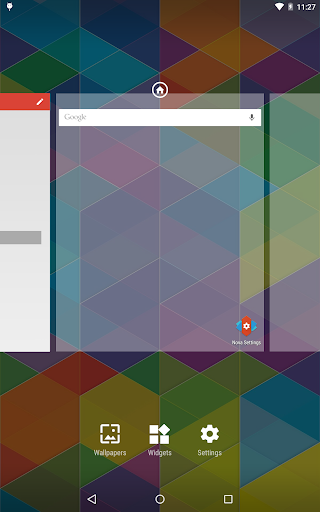
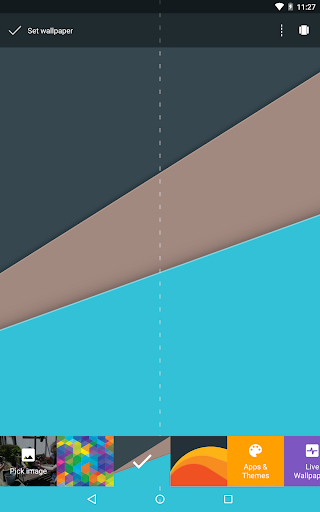
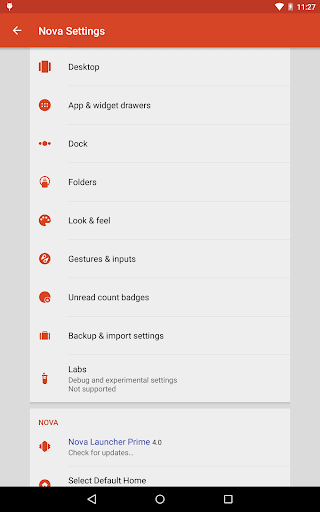
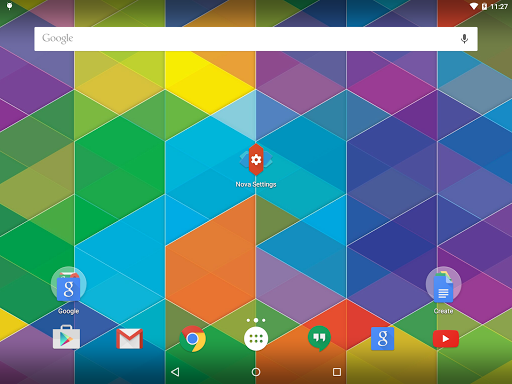
Nova Launcher is a highly customizable Android home screen replacement focused on speed, flexibility, and consistency. It offers deep layout control (grids, subgrid positioning, icon size/shape/labels), robust theming (Material You colors, light/dark modes, icon packs), powerful search across apps/contacts with quick micro-results, gesture navigation (Prime), customizable app drawer/folders, and reliable backup/restore across devices.
Verdict
Verdict: A fast, feature-rich launcher that excels at customization and consistency across devices, with minor hiccups on some OS versions.
Who is it for
Best for:
- Power users who want granular control over layout, icons, and gestures
- People juggling multiple devices who value consistent setup and easy backup/restore
- Users who want modern Android features on older or skinned devices
Not ideal for:
- Those who prefer stock simplicity with zero tweaking (e.g., Pixel Launcher fans)
- Users tightly reliant on OEM-specific integrations that third-party launchers can’t replicate
- Anyone unwilling to troubleshoot occasional OS-specific compatibility issues
Real-world User Experience
Users like it:
Long-term reliability, speed, and massive customization; consistent setup across brands (Samsung, LG, Motorola, Xiaomi, etc.); rich app drawer and gesture options; minimal perceived battery impact; frequent updates and helpful support/community; easy migration with backup/restore.
Users complain about:
Occasional breakages tied to major OS or OEM updates (e.g., Android 14 freezes, defaulting back to OEM home screen, missing dock icon slot); sporadic app shortcuts reporting as 'app not available' until reconfigured; concerns about ongoing support after ownership change (though recent updates have reassured many).
Is it Worth Paying For?
Yes for power users. The free version is generous and ad-light, but Prime is inexpensive and meaningfully expands features (global gestures, app drawer groups, hide apps, more effects/badges). If you rely on gestures or deep organization, Prime offers strong value; casual users can comfortably stay on free.
How it Compares to Alternatives
Compared to Pixel Launcher, Nova is vastly more customizable while staying fast; Pixel is simpler but limited. Versus Samsung One UI Home, Nova offers deeper theming and layout control, though One UI keeps tighter integration with Samsung features. Microsoft Launcher leans productivity and Microsoft services, while Nova focuses on look/feel and speed. Niagara prioritizes minimalism and one-handed use; Nova caters to tinkerers. Lawnchair is a strong free, open-source alternative with Material You, but Nova still leads on polish, performance options, and advanced features.
Summary
Nova Launcher remains one of Android’s premier launchers, pairing buttery performance with unmatched customization. It delivers modern Android niceties—Material You colors, icon theming, light/dark modes—alongside precision layout tools (subgrid positioning), a powerful search experience, and simple backup/restore for replicating setups across devices. Long-time users praise its stability and speed, with many running it for years on multiple phones. The trade-offs are occasional compatibility issues after big OS/OEM updates and a few reports of icons or shortcuts needing reconfiguration. The free tier is already robust; Nova Prime is a worthwhile, low-cost upgrade for gestures, organization, and stealth features like hiding apps. If you want your home screen exactly your way without sacrificing performance, Nova is an easy recommendation.
Ratings
Trending APP












Alternative to this app










