
Copyright 2026 © swekartor. All Rights Reserved.



Information about Genius Scan - PDF Scanner
App Feature
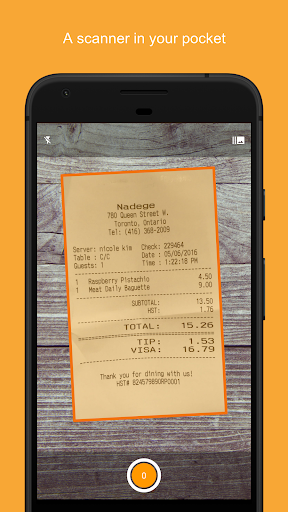
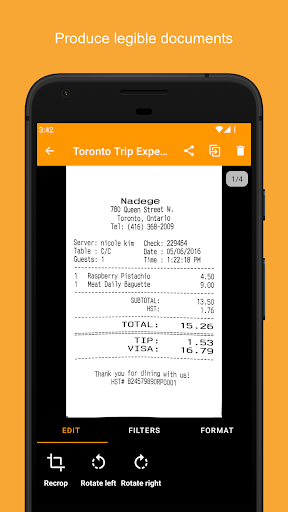
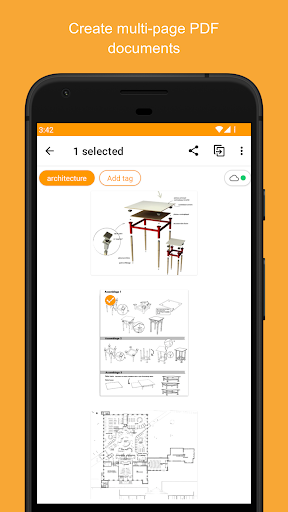
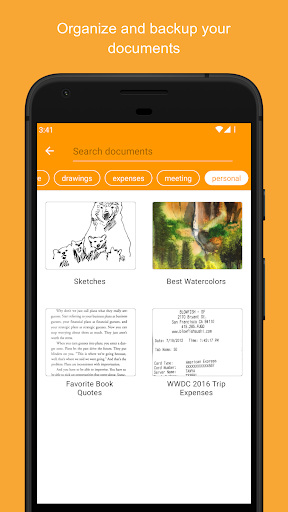
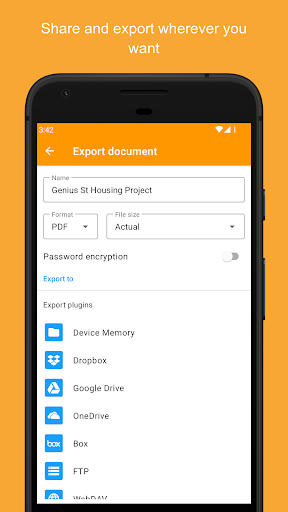
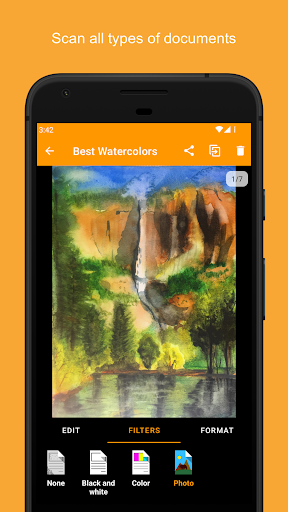
Genius Scan turns your phone into a fast, high-quality document scanner with smart edge detection, distortion/shadow cleanup, batch scanning, multi-page PDF creation, robust export options (email, cloud, WebDAV), organization tools (tags, search, smart renaming), security features (on‑device processing, biometric unlock, PDF encryption), and optional OCR for text extraction and searchable PDFs.
Verdict
Verdict: A top-tier mobile scanner that excels in quality, speed, privacy, and painless exporting, with worthwhile pro upgrades for power users.
Who is it for
Best for:
- Students, freelancers, and small businesses needing reliable, watermark-free PDF scans
- Users who value on-device processing, privacy, and flexible exports/sync
- Anyone scanning multi-page documents, whiteboards, or receipts regularly
Not ideal for:
- Teams needing deep, built-in collaboration workflows beyond export/sync
- Users who dislike subscriptions and want lifetime access to all premium features
- Those requiring advanced document editing/markup beyond scanning and basic adjustments
Real-world User Experience
Users like it:
Consistently clean, flatbed-like results; precise border detection and helpful filters (contrast, cleanup) that make text easy to read; fast batch capture; no ads or watermarks; seamless exports to Google Drive, email, WebDAV, and others; excellent whiteboard capture; simple, account-free onboarding; responsive support that restores prior purchases.
Users complain about:
Occasional over-aggressive document detection when wanting the full image; desire for a simple toggle to disable auto-detection; requests for a lifetime option on Plus plans; minor UI wishes but few functional complaints.
Is it Worth Paying For?
Yes, if you rely on OCR, automated cloud backups/sync, or advanced export/organization—the Plus/Cloud tiers add real productivity value. The free version is already generous (no ads, no watermarks, high-quality scans), so casual users can stay free and upgrade only for OCR and automation.
How it Compares to Alternatives
Compared to Adobe Scan and Microsoft Lens, Genius Scan stands out for privacy (on-device processing), no watermarks/ads, and extremely flexible exporting (including WebDAV/FTP). Versus CamScanner, it avoids heavy ads and watermark frustrations. Adobe/Microsoft offer tighter ecosystem integration; Genius Scan wins for lightweight speed, control over files, and power-user exports/organization.
Summary
Genius Scan is a polished, privacy-conscious scanner that produces crisp, distortion-free PDFs with excellent edge detection, batch capture, and robust export options. It’s fast, intuitive, and free of ads and watermarks, making it a great default choice for students, professionals, and small businesses. Optional upgrades add OCR, automation, and sync for those who need them. Minor quibbles around a document-detection toggle and subscription preferences don’t overshadow its superb core scanning experience, reflected in its stellar rating and broad adoption.
Ratings
Trending APP












Alternative to this app










