
Copyright 2026 © swekartor. All Rights Reserved.

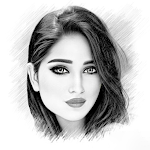

Information about Pencil Sketch Photo Editor
App Feature
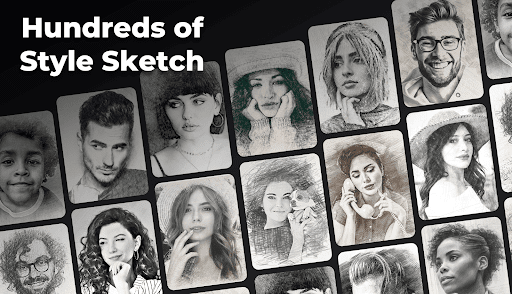
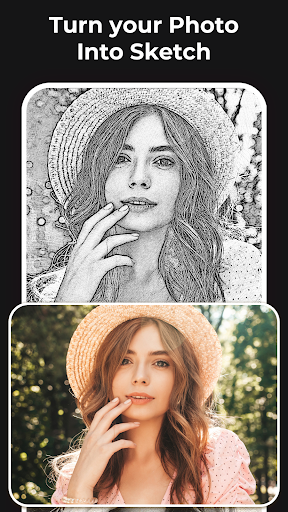
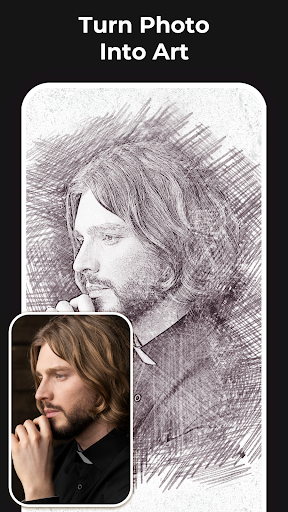
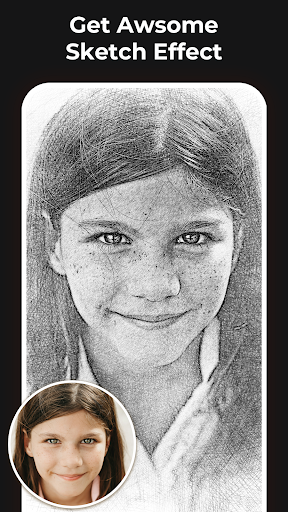
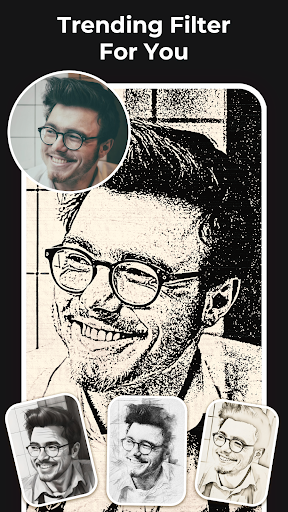
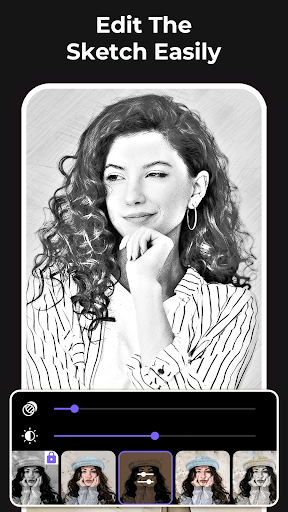
Pencil Sketch Photo Editor turns photos into pencil-style artworks with 2D and 3D sketch modes, a sketch-to-cartoon converter, a built-in sketch camera, and a broad set of filters (pencil, color sketch, hatch, halftone, watercolor). It offers fine controls for edge strength, opacity, contrast, brightness, and saturation, plus cropping, frames, saving, and quick sharing.
Verdict
Verdict: A capable, customization-rich sketch editor that excels at pencil-style effects, but expect ads and some locked filters.
Who is it for
Best for:
- Hobbyists and artists who want fast pencil or cartoon conversions with manual controls
- Users seeking a wide variety of sketch presets and adjustable parameters
- Creators who like experimenting with 2D/3D sketch blends and sharing results quickly
Not ideal for:
- Users who dislike ads or paywalls for premium effects
- Professionals needing advanced editing layers, batch processing, or desktop-grade workflows
- Privacy-sensitive users expecting a fully transparent, detailed policy link in-app
Real-world User Experience
Users like it:
High-quality sketch variations, strong customization (contrast/brightness/color level), ease of use, effective for tracing or guiding hand-drawn portraits, and presets that can rival heavier editors for specific looks.
Users complain about:
Frequent ads and some features locked behind IAP; requests for offline access to more tools and in-app tutorials; occasional frustration with content gating.
Is it Worth Paying For?
The free version is robust but ad-supported; the IAP appears to unlock additional styles/features. If you frequently use sketch effects and want fewer interruptions and more presets, the upgrade offers good value. Casual users can stick with the free tier.
How it Compares to Alternatives
Compared to Prisma or Photo Lab, this app is more focused on classic pencil/sketch looks with granular sliders rather than AI-heavy art styles. Versus Sketch Me or ToonApp, it offers broader manual control and a 3D sketch mode, though competitors may have slicker neural transformations or portrait-centric cartoon effects. It’s a strong pick if pencil fidelity and tweakability matter more than trendy AI filters.
Summary
Pencil Sketch Photo Editor specializes in turning photos into convincing pencil and sketch artworks, backed by a wide array of presets, a sketch-to-cartoon mode, and fine-grained controls. Real users praise its quality and flexibility, using it as a reference tool for portrait drawing and quick artistic transformations. Downsides center on ads, some locked effects, and a desire for offline features or tutorials. With 10M+ installs and solid ratings, it’s a dependable choice for sketch-focused editing: free is sufficient for casual play, while the paid options make sense if you want to remove friction and expand your toolkit.
Ratings
Trending APP












Alternative to this app










