
Copyright 2026 © swekartor. All Rights Reserved.



Information about Concepts: Sketch, Note, Draw
App Feature
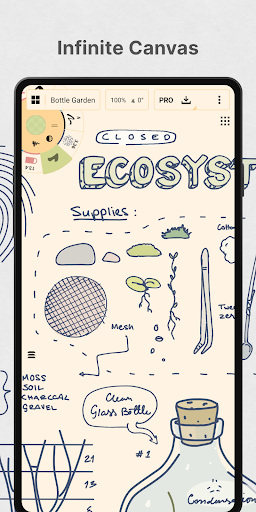
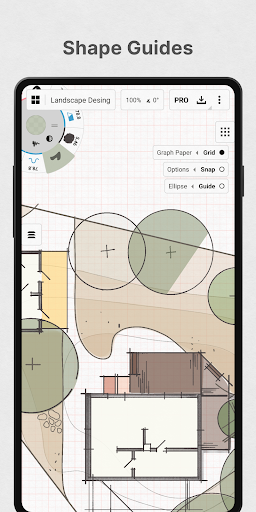
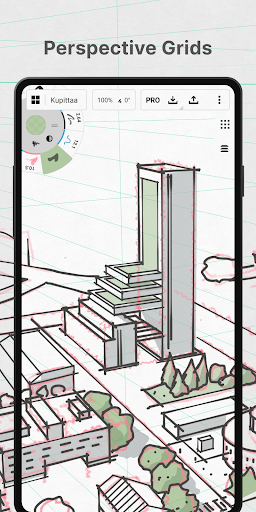
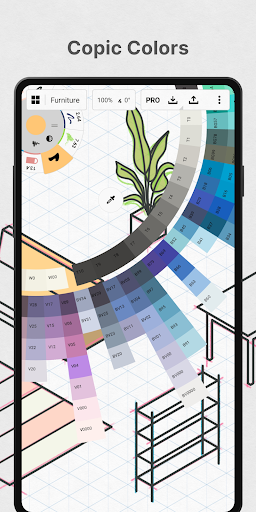
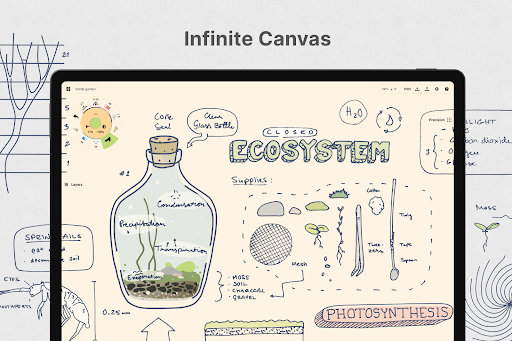
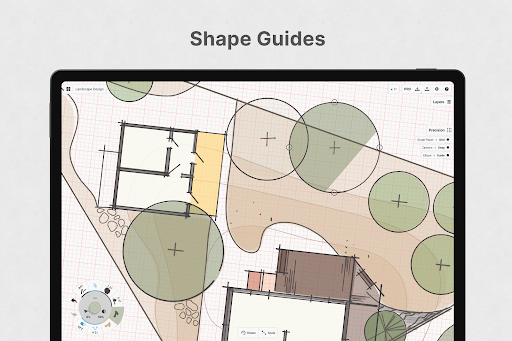
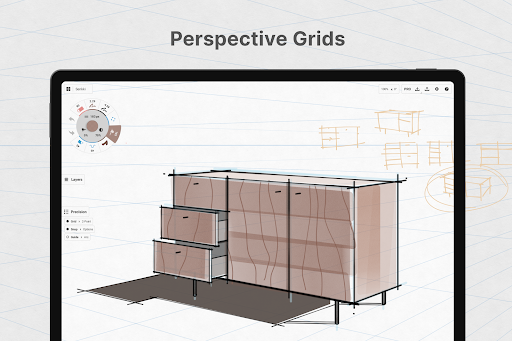
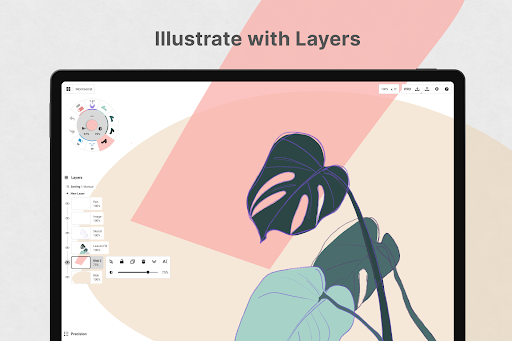
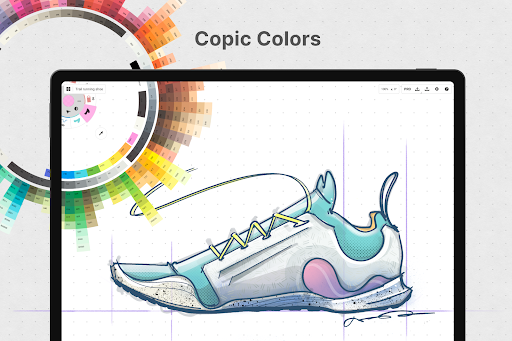
Vector-based sketching and note-taking on an infinite canvas with pressure‑aware brushes, customizable tool wheel/bar, color wheels (COPIC/RGB/HSL), layers, shape guides, snapping/measurements, and flexible exports; optimized for pen-enabled Android/ChromeOS with cross-platform availability.
Verdict
Verdict: A powerful, flexible infinite-canvas sketching app that shines for ideation and precision, though some pro features and workflows sit behind paid tiers.
Who is it for
Best for:
- Designers, product thinkers, and students needing an infinite canvas for brainstorming, wireframes, and mind maps
- Stylus users on Android/ChromeOS seeking pressure/tilt-aware vector tools
- Creators who value editable strokes and precise guides/snap for technical sketches
Not ideal for:
- Artists wanting raster-style painting with advanced textures or a simple erase/fill workflow
- Users who dislike learning curves or configuring tools/presets per project
- Those needing full features without purchases (selection/duplication, infinite layers, advanced exports)
Real-world User Experience
Users like it:
The infinite canvas feels like a true sketchbook for ideas, mind maps, and comics; vector strokes remain editable and scalable; great pen support (S-Pen/Surface/Chromebook) with smooth performance; generous free tier and sensible one-time Essentials purchase; robust color tools; frequent improvements and cross-device usability (Android + Windows/ChromeOS).
Users complain about:
Moderate learning curve and some UI friction (project organization, tool/preset management); confusion over eraser behavior and selection/duplicate being paywalled; requests for zoom-to-fit/true infinite zoom, DeX drawing-tablet mode, richer stylus-button bindings, and a classic fill tool; occasional brush-size scaling quirks reported by a few users.
Is it Worth Paying For?
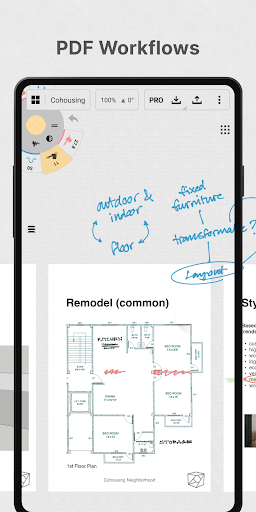
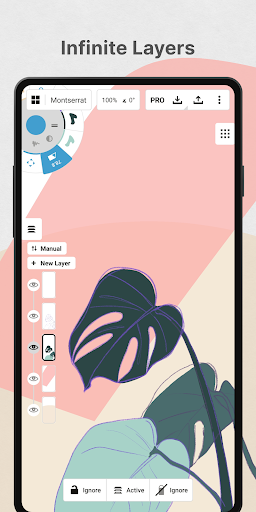
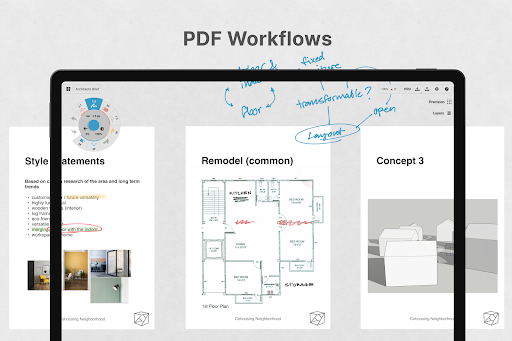
Yes for regular users: the free plan covers endless canvases, layers (limited), and JPG exports. The Essentials one-time purchase is strong value for selection/editing, infinite layers, shape guides, custom grids, and pro exports (PNG/PSD/SVG/DXF). The subscription unlocks all platforms/features and ongoing updates; worthwhile if you work across Android, iOS, and Windows or need advanced brushes/PDF workflows (note some pro brushes/PDF tools are separate purchases).
How it Compares to Alternatives
Compared to Sketchbook and Infinite Painter (raster-focused), Concepts excels at vector editing, precision guides, and endlessly scalable canvases. Versus Adobe Illustrator/Illustrator Draw/Fresco, it offers a lighter, faster ideation space with a friendlier price (especially Essentials), though Adobe leads in deep vector suites and ecosystem. Procreate isn’t on Android; Concepts fills that gap for stylus-first creation on Android/ChromeOS with editable vectors and infinite canvas.
Summary
Concepts delivers a refined infinite-canvas, vector-first workspace ideal for sketching, planning, wireframing, and technical ideation. Its pressure-aware tools, customizable interface, precise guides, and editable strokes enable fast exploration and clean iteration, while exports support smooth handoff. Users praise the fluid drawing experience, cross-device flexibility, and value of the Essentials tier, though a learning curve, some workflow requests (zoom-to-fit, better project/preset management, richer stylus button options), and certain features behind paywalls remain. If you rely on a stylus and want a flexible, precise canvas for thinking and designing on Android or ChromeOS, Concepts is a top-tier pick; heavy raster painters or those needing every feature free may prefer alternatives.
Ratings
Trending APP












Alternative to this app










