
Copyright 2026 © swekartor. All Rights Reserved.



Information about PhotoTune - AI Photo Enhancer
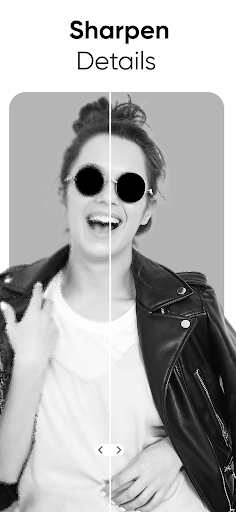
App Feature
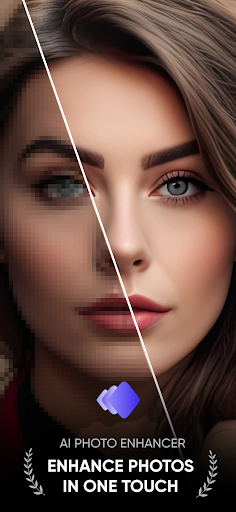
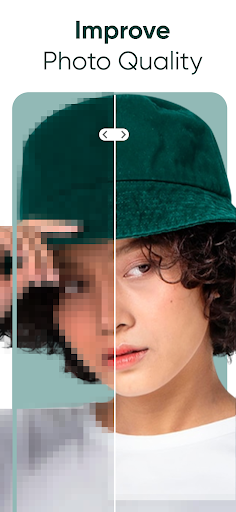
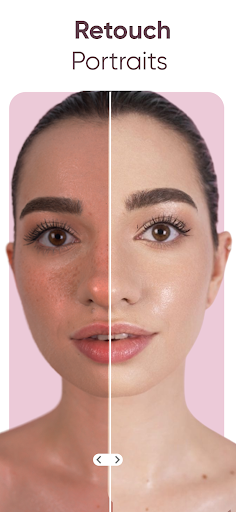
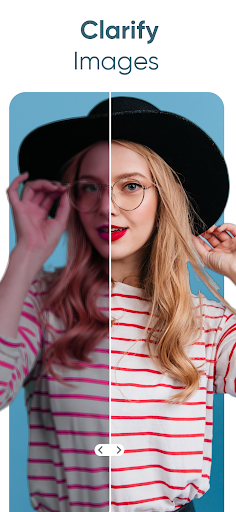
PhotoTune is an AI-powered photo enhancer focused on repairing blurry, low-resolution, and noisy images. It offers one-tap enhancement, AI unblur/restoration, sharpening/HDR, denoise, and basic adjustments (brightness, contrast, saturation), plus quick filters for fast results.
Verdict
Verdict: A capable AI enhancer for quick, emotional restorations, but recent stability and quality regressions hold it back.
Who is it for
Best for:
- People restoring old family photos or fixing blurry selfies fast
- Casual editors who prefer one-tap AI results over manual tweaking
- Users okay with ads in exchange for usable free results
Not ideal for:
- Power users needing pro-grade control, batch workflows, or consistent studio results
- Anyone sensitive to bugs (save failures, repeated setup screens) or occasional processing errors
- Users who require fully offline editing or strict ad-free privacy without paying
Real-world User Experience
Users like it:
High hit rate on turning blurry, old, or low-light photos into clearer, lifelike images; simple, fast workflow with effective one-tap AI; strong emotional value for restoring family portraits; good free experience if willing to watch short ads.
Users complain about:
Recent update reportedly reduced enhancement quality for some; intermittent processing errors (e.g., ErrorCode: 999) and save failures; recurring launch/setup and language selection on every app start; minor UI glitches (confirmation tick icon visibility).
Is it Worth Paying For?
Free tier is genuinely useful—watching brief ads can yield strong results. A paid option (IAP) may be worth it if you want ad-free usage and potentially more consistent outputs, but given recent quality dips and bugs, try the free tier first and upgrade only if the current results meet your needs.
How it Compares to Alternatives
Compared with AI enhancers like Remini, PhotoTune offers similar one-tap restoration and unblur, often praised for natural faces and quick results. However, user reports suggest PhotoTune currently trails top alternatives in stability (save/processing issues) and consistency after recent updates. Against broader editors (Lightroom/Photoshop Express, Lensa), PhotoTune is more specialized for repair/enhancement rather than full creative control—great for quick fixes, less so for advanced editing.
Summary
PhotoTune targets the common pain point of blurry, old, or noisy photos with a friendly, one-tap AI workflow that many users find surprisingly effective—especially for sentimental restorations. It earns strong praise for ease of use and the emotional payoff of clearer faces, reinforced by a free-with-ads model that delivers real value. That said, recent user feedback flags a drop in enhancement quality for some images, plus stability hiccups like save failures, recurring setup screens, and occasional processing errors. If you need fast, low-effort fixes and can tolerate ads, it’s a compelling download. Power users or anyone demanding rock-solid reliability may want to test-drive first or keep a backup enhancer installed.
Ratings
Trending APP












Alternative to this app










