
Copyright 2026 © swekartor. All Rights Reserved.


Information about Mobile Connect To TV USB
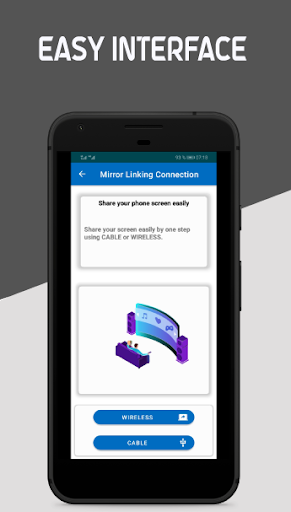
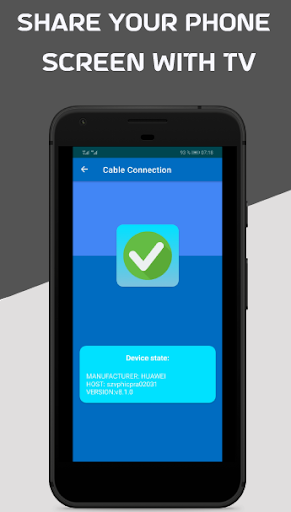
App Feature
Mobile Connect To TV USB aims to mirror your Android phone to a TV via USB or Wi‑Fi, letting you cast videos, photos, and presentations and control playback from your phone without extra hardware.
Verdict
A convenient casting helper if your devices are compatible, but inconsistent USB mirroring and mixed reliability make it a try‑before‑you‑pay option.
Who is it for
Best for:
- Users with TVs/phones that support Miracast or DLNA who want a simple casting app
- People okay with trying Wi‑Fi casting first and falling back to USB if supported
- Basic media sharing (photos, videos, simple presentations) from phone to TV
Not ideal for:
- Anyone expecting guaranteed USB screen mirroring on any phone/TV combo
- Gamers or presenters needing low‑latency, rock‑solid performance
- Users who dislike ads or trial‑gated features
Real-world User Experience
Users like it:
Some users report easy TV connection and enjoy learning to mirror content; when it works, it offers straightforward casting for families and casual viewing.
Users complain about:
Confusion and difficulty achieving true mirroring without Wi‑Fi; inconsistent results across devices; setup can be frustrating, with unclear guidance on USB compatibility.
Is it Worth Paying For?
The app is free with ads and offers IAP. Given the 3.6 rating and variable device support, test thoroughly on your TV/phone first; only consider paying if the free version reliably mirrors your screen and removes limitations you care about.
How it Compares to Alternatives
Compared to Google Home (Chromecast) or built‑in Miracast on many TVs, this app is more of a convenience layer than a guaranteed solution. Wireless casting is typically smoother using native options; specialized apps like AirScreen/LocalCast often provide clearer compatibility. True USB mirroring on Android is rare and device‑specific, so alternatives relying on Wi‑Fi standards usually deliver more consistent results.
Summary
USB Connector Cast Phone to TV promises both USB and Wi‑Fi screen mirroring with simple setup and remote‑style controls. It has broad installs but a middling score, reflecting a split between users who connect quickly and those who struggle, especially when attempting USB mirroring without Wi‑Fi. Because USB display over Android is not universally supported, your experience will hinge on your specific phone/TV. Treat it as a free, lightweight cast helper: try Wi‑Fi first, verify stability, and only consider in‑app purchases if it consistently works for your setup and you want to remove ads or unlock extras.
Ratings
Trending APP






Alternative to this app










