
Copyright 2026 © swekartor. All Rights Reserved.



Information about Scanner App to PDF -TapScanner
App Feature
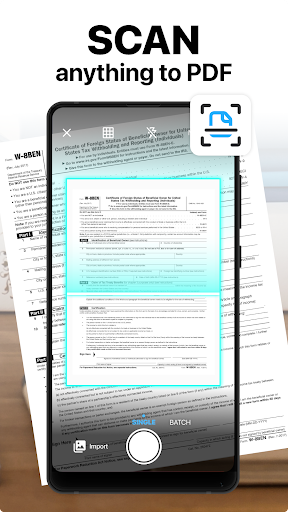
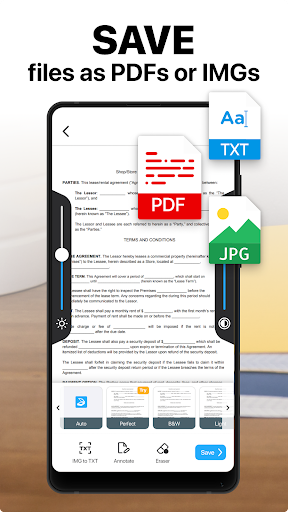
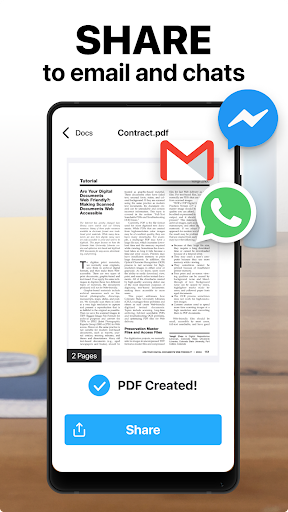
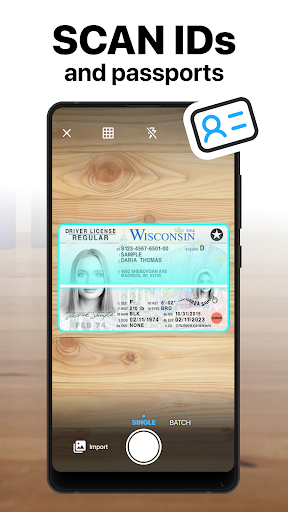
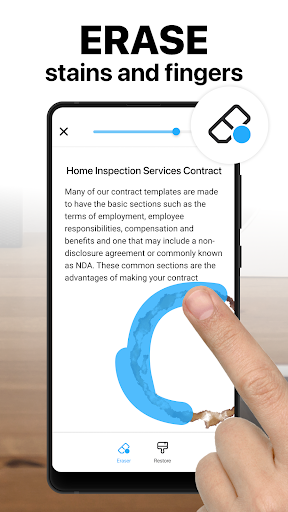
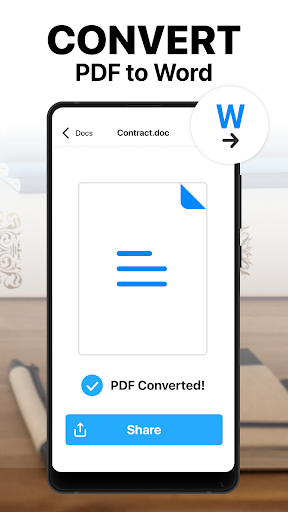
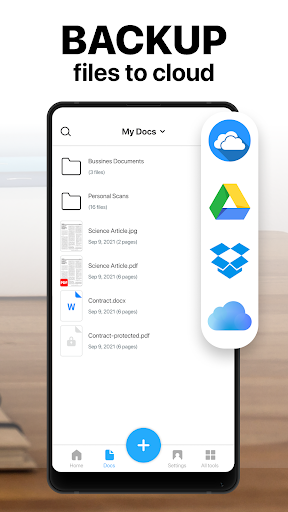
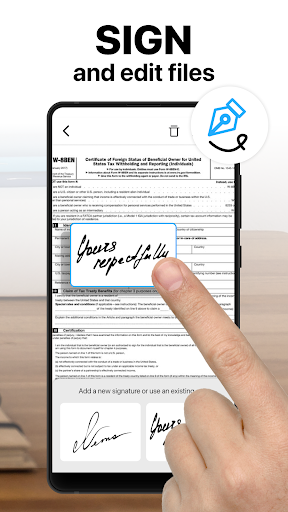
AI-powered mobile document scanner that captures, auto-detects edges, enhances images, runs OCR in 110+ languages, and manages PDFs (merge/split/reorder/sign/annotate), with multi-page support, instant sharing/printing, and optional cloud backup and password protection.
Verdict
Verdict: A polished, feature-rich PDF scanner that delivers professional results quickly, but the subscription may deter occasional users.
Who is it for
Best for:
- Students, freelancers, and professionals who need fast, high-quality scans on the go
- Users who want an all-in-one PDF toolbox (merge/split/sign/annotate) and robust OCR
- Anyone needing reliable batch scanning and tidy auto-cropping
Not ideal for:
- People who only scan rarely and prefer a completely free, ad-supported experience
- Users who dislike subscriptions or recurring fees
- Power users who require desktop-grade preflight/PDF/A compliance workflows
Real-world User Experience
Users like it:
Very easy to use with a clean interface; excellent auto-crop and enhancement that make scans look like they came from a flatbed; flexible filters and lighting adjustments; smooth batch scanning, naming, and sharing; reliable for critical submissions (government forms, housing paperwork); OCR and PDF tools (split/merge) are practical and time-saving; works well even on older devices.
Users complain about:
Prominent free-trial/subscription upsell and recurring-fee model bothers light users; presence of ads in the free tier; occasional desire for a short in-app tutorial; auto-crop in batch mode isn’t always perfect and may need manual tweaks.
Is it Worth Paying For?
If you scan frequently or need OCR, PDF editing, and cloud sync, the subscription offers strong value given the speed and output quality. For infrequent scanning, the free tier (with ads and some feature limits) may suffice—some users note you can skip the trial pop-up and scan for free. Those averse to subscriptions might prefer a free alternative or a one-time-purchase app.
How it Compares to Alternatives
Compared to Adobe Scan and Microsoft Lens, TapScanner’s in-app PDF toolkit (merge/split/reorder/sign/annotate) and image tuning feel more comprehensive and polished, with strong batch handling. Adobe Scan excels at free OCR and Adobe ecosystem integration; Microsoft Lens is lightweight, free, and great for Office users. Versus CamScanner/Genius Scan, TapScanner is competitive on auto-crop, enhancement quality, and ease of use, but relies more on a subscription model. Overall, it stands out for its balance of scan quality, PDF tools, and straightforward workflow.
Summary
Scanner App to PDF – TapScanner turns your phone into a reliable, high-quality scanner with excellent edge detection, image enhancement, and multi-page management. Its OCR across 110+ languages and integrated PDF workspace (merge/split/reorder/sign/annotate) streamline real-world tasks like forms, receipts, and contracts. Reviews consistently praise the clean UI, accurate auto-cropping, flexible filters, and smooth sharing, with users reporting professional results suitable for official submissions. Downsides are mainly the subscription upsell, ads in the free tier, and occasional need to fine-tune batch crops. If you scan regularly or want a compact, all-in-one PDF toolkit, it’s an excellent choice; light or subscription-averse users may prefer sticking to the free tier or exploring free alternatives.
Ratings
Trending APP












Alternative to this app










