
Copyright 2026 © swekartor. All Rights Reserved.



Information about Floor Plan Creator
App Feature
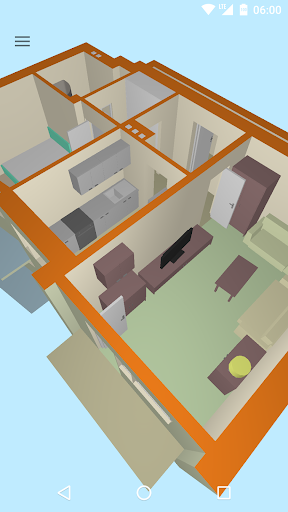
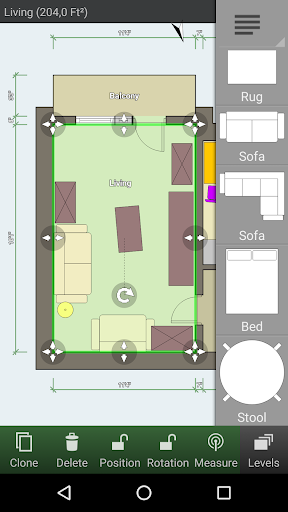
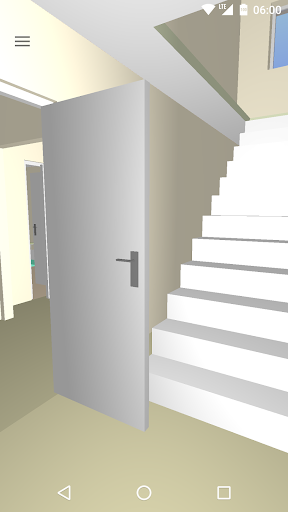
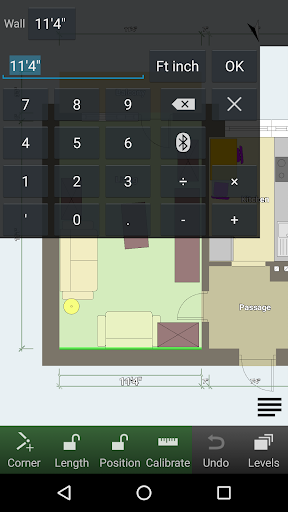
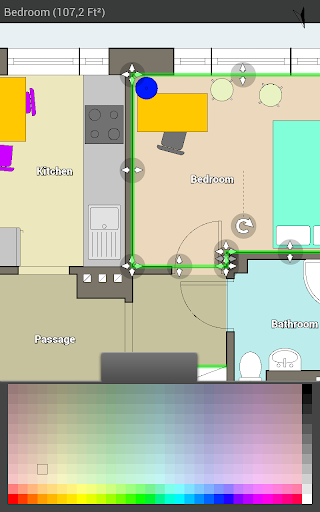
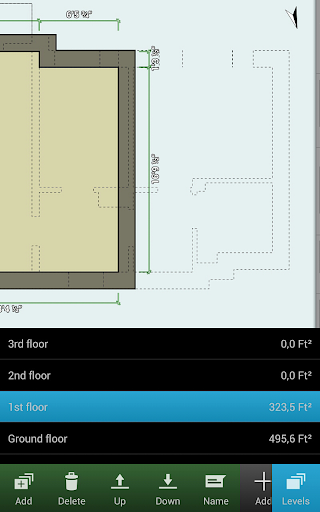
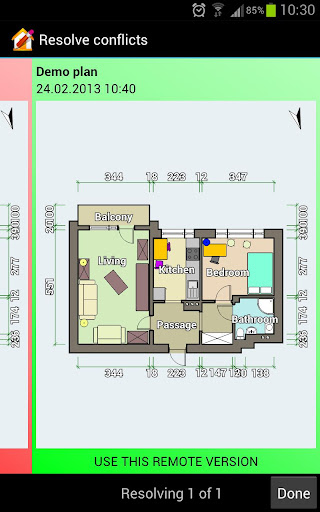
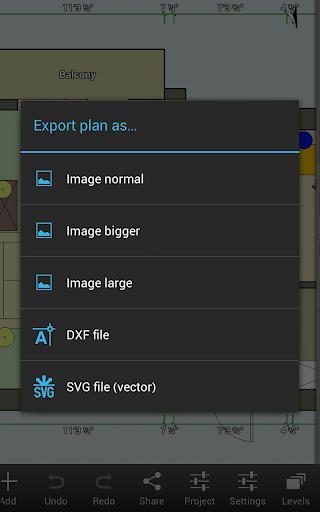
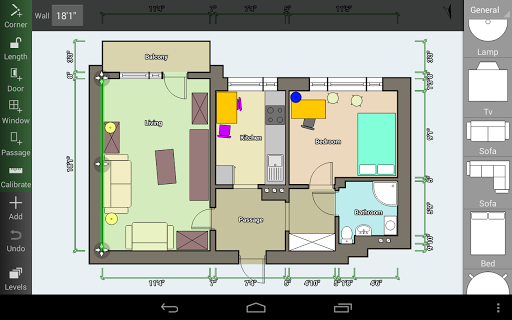
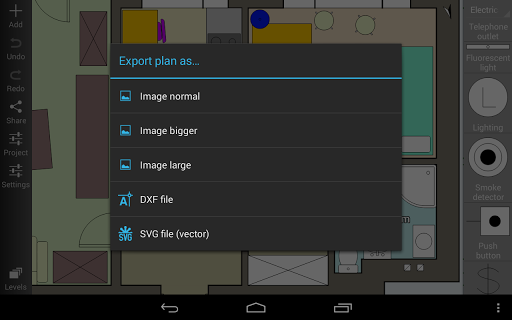
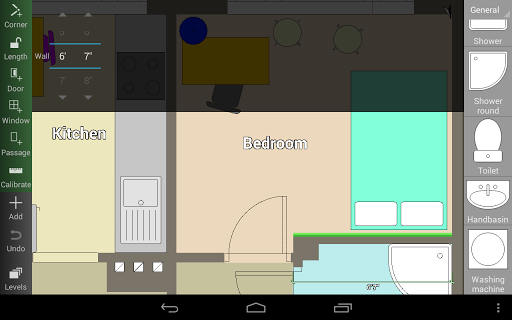
Floor Plan Creator is a mobile CAD-style tool to design accurate 2D floor plans with multi-floor support, precise measurements, dimension lines, and a 3D tour view. It includes a broad symbol library (doors, windows, furniture, electrical), supports S-Pen/mouse, metric/imperial units, exports (image, PDF, DXF, SVG—paid), cloud sync/editing on web (paid), and integrates with popular Bluetooth laser distance meters for on-site measuring.
Verdict
Verdict: A precise, no‑nonsense floor planning app that prioritizes accuracy and exports over glossy visuals—excellent for practical space planning.
Who is it for
Best for:
- Homeowners, movers, and DIYers needing accurate room layouts and quick 3D checks
- Contractors, interior designers, and students who value scale drawings and DXF/PDF export
- Users with laser meters wanting fast, on-site measurements synced to plans
Not ideal for:
- Users seeking richly styled catalogs (e.g., branded/IKEA furniture) and photorealistic renders
- Architectural modeling beyond interiors (pitched roofs, complex exteriors, courtyards/fences)
- Those who need advanced roof/ceiling logic or landscape/outdoor design features
Real-world User Experience
Users like it:
Consistently praised for being intuitive and fast with a light learning curve; enables highly accurate dimensions to the millimeter; strong 3D viewing to understand space; generous free tier for basic plans; reliable exports and sharing (with paid upgrade); active development and one‑time purchase model; useful symbol set for practical planning (switches, ducts, heaters).
Users complain about:
Some features gated behind payment (screenshots/exports, ad removal, cloud); lacks certain architectural/outdoor capabilities (pitched roofs, courtyards/fences, verandas, roof views); ceiling height doesn’t affect wall height; limited furniture variety and orientation options (e.g., sliding/folding door directions); occasional UX quirks (view shifting when changing floors).
Is it Worth Paying For?
Yes. The free version covers unlimited rooms/floors and 3D, which is enough for many users. The one‑time upgrade (reported around $8) is good value if you need ad‑free use, image/PDF/DXF/SVG exports, cloud sync, and sharing. For professional or semi‑pro workflows, the export options alone justify the price.
How it Compares to Alternatives
Compared to flashier home design apps (Planner 5D, Home Design 3D, Room Planner/IKEA), Floor Plan Creator is more utilitarian and measurement‑centric, with stronger scale accuracy and CAD‑adjacent exports but fewer high‑end visuals and catalogs. Versus magicplan, it’s a simpler, lower‑cost option for manual drafting and quick 3D checks, though it lacks some of magicplan’s advanced capture/estimation features. Laser meter support gives it an edge for field work over many consumer-focused alternatives.
Summary
Floor Plan Creator focuses on what matters for practical space planning: precision, speed, and useful outputs. It handles multi-floor layouts, dimensioning, and 3D walkthroughs with an intuitive interface, and it integrates with laser meters to streamline on-site measuring. While it doesn’t chase photorealism or expansive furniture catalogs—and it lacks advanced roof/exterior tools—it excels at producing accurate, shareable plans. With a generous free tier and a fair one‑time upgrade for exports and cloud features, it’s a dependable choice for homeowners planning moves, students learning layout basics, and professionals needing clean, to-scale drawings on mobile.
Ratings
Trending APP












Alternative to this app










