Copyright 2026 © swekartor. All Rights Reserved.


Information about Remote for Fire TV & FireStick
App Feature
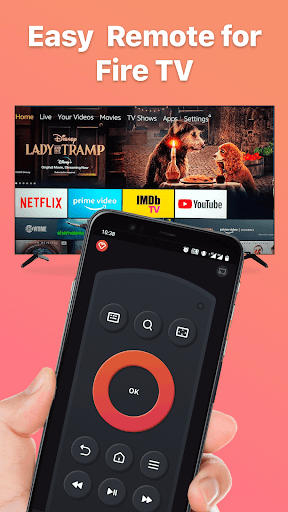
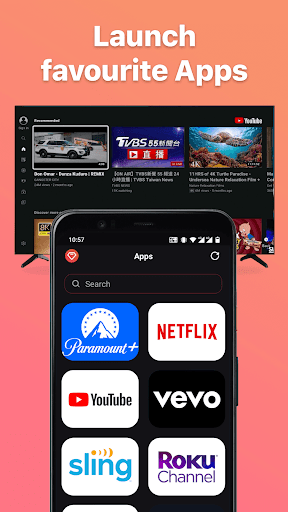
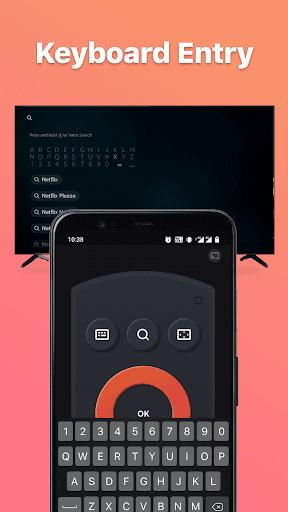
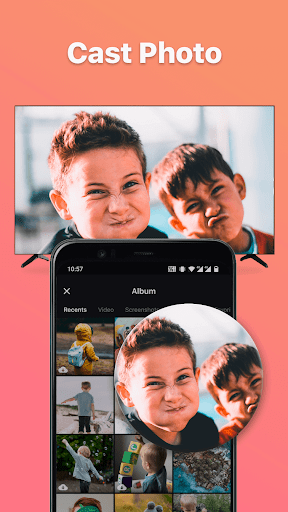
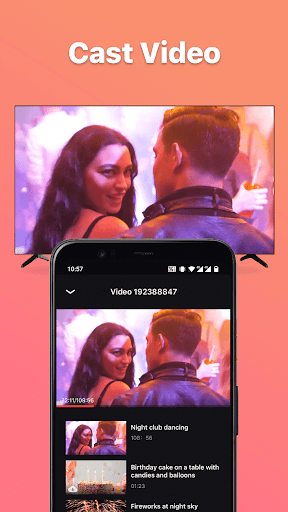
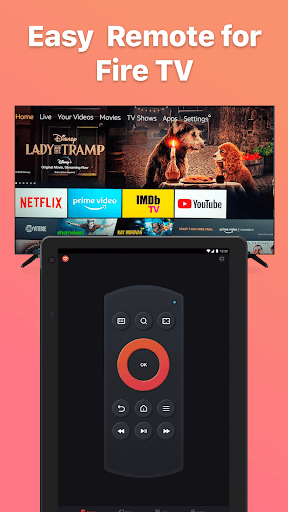
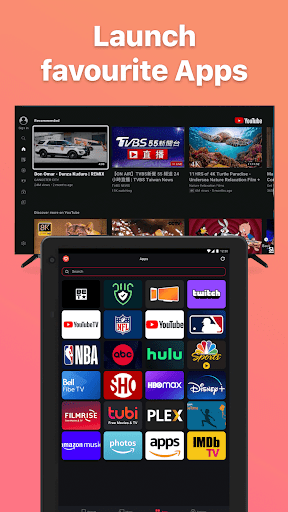
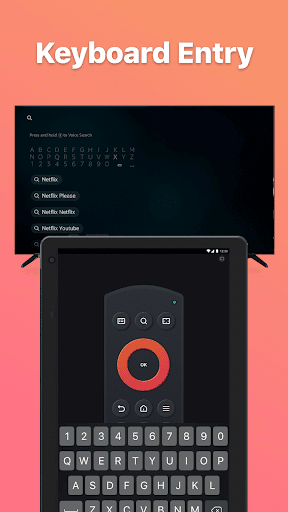
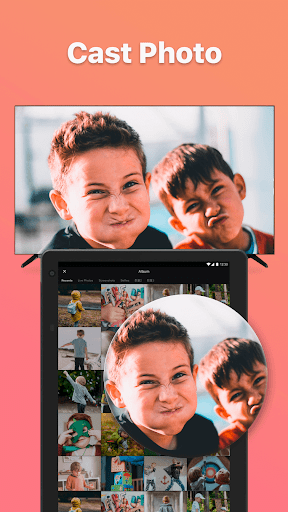
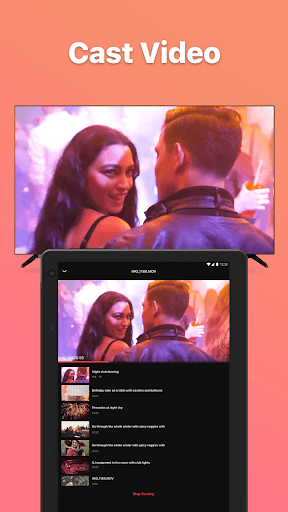
Remote for Fire TV & FireStick turns your Android phone into a full-featured remote for Fire TV devices (Stick, Cube, Box). It offers touchpad navigation, playback controls, keyboard input, voice search/commands, quick app/channel shortcuts, screen mirroring and local media casting (with a companion receiver), volume and power control, and auto-connect on the same Wi‑Fi after enabling ADB.
Verdict
Verdict: A capable Fire TV remote replacement with mirroring perks, but connectivity quirks and monetization may frustrate some users.
Who is it for
Best for:
- Fire TV owners who want a phone-based remote with keyboard and voice input
- Users seeking built-in screen mirroring and local photo/video casting
- Households that like auto-connect convenience across multiple Fire devices
Not ideal for:
- People who prefer an ad-free, free-to-use experience without prompts to upgrade
- Users unwilling to enable ADB or troubleshoot same‑network/connection steps
- Those who need rock-solid mirroring for gaming or ultra-low-latency tasks
Real-world User Experience
Users like it:
Setup is straightforward when both devices share Wi‑Fi and ADB is enabled; navigation and playback controls feel close to the physical remote; the keyboard and voice input speed up searches; quick shortcuts are handy; screen mirroring and local casting work smoothly once the companion receiver is installed.
Users complain about:
Occasional difficulty discovering or reconnecting to Fire TV, sometimes fixed by reinstalling or rebooting; mirroring can introduce latency or require the extra receiver app; ads and paywalls/IAP prompts can be intrusive; features may be limited behind the paid tier; network or ADB requirements confuse some first-time users.
Is it Worth Paying For?
The free version covers core remote functions but includes ads and occasional prompts. If you mirror or cast frequently, or want a cleaner, more reliable experience, the IAP to remove ads/unlock premium may be worthwhile. If you only need basic navigation and keyboard input, the free tier is usually sufficient.
How it Compares to Alternatives
Compared to the official Amazon Fire TV Remote app, this adds screen mirroring, local casting, and quick app shortcuts, though the official app is typically simpler and ad-free. Versus third-party options like CetusPlay or general casting apps, it offers a balanced mix of remote controls plus mirroring, but relies on a companion receiver and may show more ads. Power and volume controls are a plus over some competitors, while stability and latency depend on your network.
Summary
Remote for Fire TV & FireStick delivers an all-in-one control center for Fire TV devices, combining precise touchpad navigation, keyboard and voice input, shortcuts, and optional screen mirroring/local casting. It’s easy to set up over the same Wi‑Fi with ADB enabled and broadly compatible with Fire TV Stick, Cube, and Box. The trade-offs are standard for third‑party remotes: occasional discovery or reconnection hiccups, mirroring latency for fast-action content, the need to install a receiver app on the TV for casting, and ads unless you pay. If you value mirroring and extra controls beyond the official Amazon app, this is a strong pick; if you prioritize a no‑friction, ad‑free basic remote, the official app may fit better.


Ratings
Trending APP











Alternative to this app