
Copyright 2026 © swekartor. All Rights Reserved.



Information about Zoom for Chrome - PWA
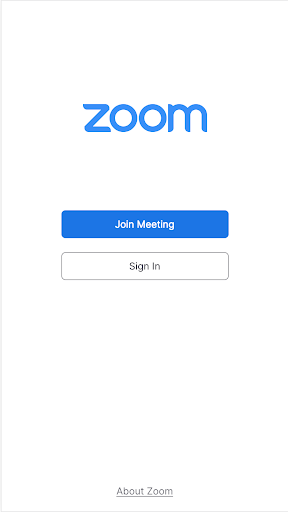
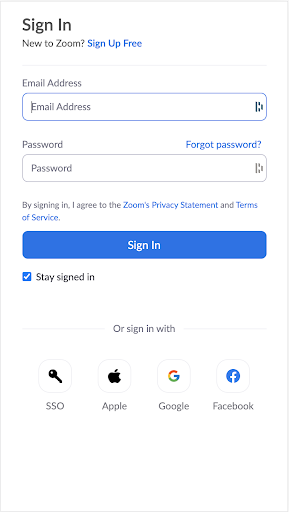

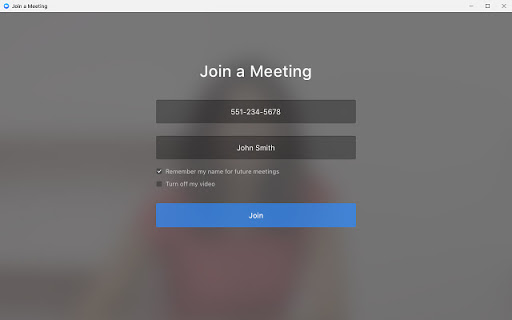

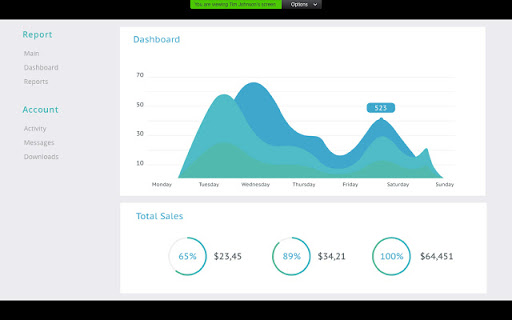
App Feature
Zoom for Chrome - PWA (Zoom Workplace for Chromebook) is a free, ChromeOS-optimized progressive web app that unifies video meetings, team chat, phone, clips, whiteboard, docs, email, and calendar, with Zoom AI Companion for meeting summaries, live Q&A, drafting, and thread summaries. It supports screen sharing, file sharing, and secure collaboration in a lightweight windowed experience.
Verdict
Verdict: A capable, ChromeOS-friendly Zoom client that covers core collaboration well, though occasional device quirks and feature parity gaps may frustrate some users.
Who is it for
Best for:
- ChromeOS users who want a lightweight, always-up-to-date Zoom client
- Teams needing unified meetings, chat, and scheduling with AI summaries
- Organizations already standardized on Zoom (Meetings/Phone/Chat)
Not ideal for:
- Users who need flawless cross-device video interoperability every time
- Power users seeking native desktop-level customization and virtual backgrounds
- Teams fully committed to Google Meet or Microsoft Teams ecosystems
Real-world User Experience
Users like it:
Recent stability improvements; the PWA reliably joins meetings even when the browser experience struggles. Once signed in, the interface is straightforward and easy to use for meetings and chat.
Users complain about:
Occasional video compatibility issues (e.g., viewing camera feeds from some Mac devices), slow initial sign-in, and limited/overly simple virtual background options.
Is it Worth Paying For?
The app is free with no IAP; it works with free or paid Zoom licenses. Paid Zoom plans (Phone, advanced AI Companion features, Scheduler, larger meetings) add value for businesses that need them, but casual users can get solid utility at no cost.
How it Compares to Alternatives
Against Google Meet, Zoom offers richer meeting controls and a broader collaboration suite (chat, phone, whiteboard, docs) and strong AI summaries; Meet integrates tighter with Google Workspace. Compared to Microsoft Teams, Zoom is simpler for meetings and has polished AI meeting features, while Teams excels at deep Office 365 integration. Cisco Webex is competitive on security and device hardware but may feel heavier on ChromeOS. The PWA gives Zoom an edge on ChromeOS with fast updates and good performance, though native desktop apps may still offer more features elsewhere.
Summary
Zoom for Chrome - PWA delivers a comprehensive collaboration hub tailored for ChromeOS, combining meetings, chat, phone, whiteboard, docs, email, and calendar with Zoom’s AI Companion for summaries and drafting. Users praise its reliability and ease once signed in, and the PWA often works where the standard web experience falters. However, some report camera compatibility issues with certain Mac users, slow initial sign-in, and basic background options. For ChromeOS users—especially teams already using Zoom—the app is a strong, free choice that scales with paid Zoom services as needs grow; those needing perfect cross-device video reliability or deep native features may prefer desktop clients or alternatives.
Ratings
Trending APP












Alternative to this app










