
Copyright 2026 © swekartor. All Rights Reserved.



Information about Castle - Make and Play
App Feature
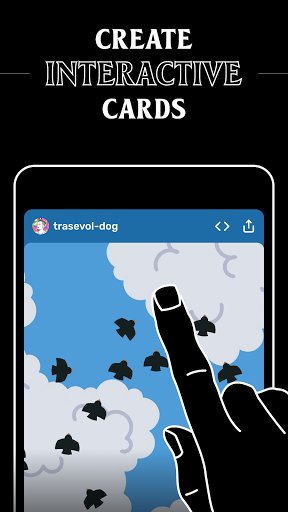
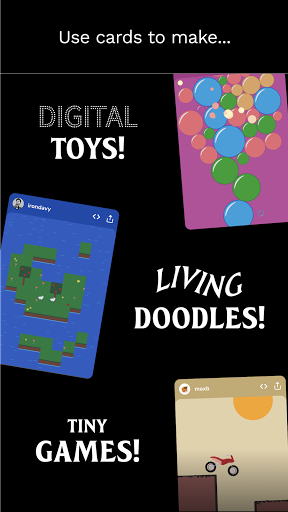
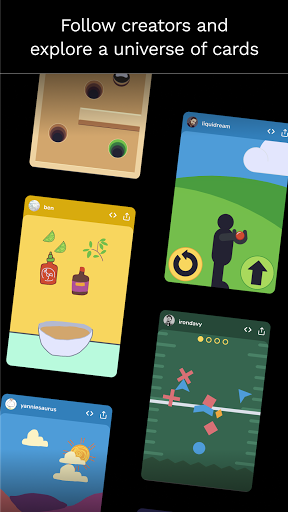
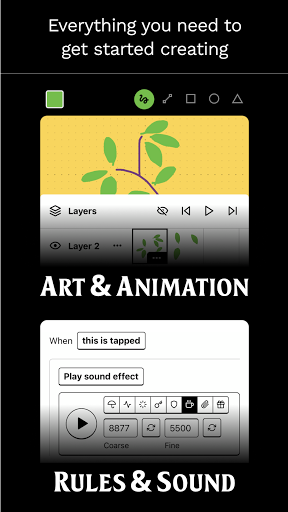
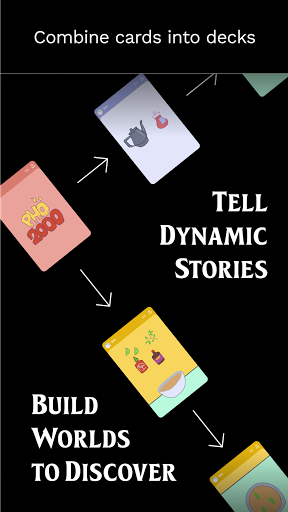
Castle is a social, ad-free platform for creating and playing community-made 2D games, animations, and interactive art. It offers a simple yet capable visual editor with templates, physics and logic tools, remixing, comments, follows, achievements, and sharing to a built-in feed.
Verdict
Verdict: A standout mobile game-creation community that’s fun and beginner-friendly, but occasional crashes and missing advanced features may frustrate power users.
Who is it for
Best for:
- Beginners and hobbyists who want to learn by making simple 2D games quickly
- Teachers/students and creators seeking a friendly, ad-free community with remixable templates
- Mobile-first makers who value fast prototyping over complex tooling
Not ideal for:
- Developers needing stable, pro-grade workflows, offline-first saving, or rigorous version control
- Creators focused on 3D, advanced multiplayer, or highly custom engines
- Users who are sensitive to occasional freezes/crashes on complex edits
Real-world User Experience
Users like it:
Easy-to-learn editor with blocks/rules and physics; great templates and remixing; supportive community and strong moderation; no ads and generous free features; fast path from idea to playable prototype; web links for sharing; inspires creativity and learning.
Users complain about:
Intermittent crashes/freezes (e.g., during undo/creation bursts), UI lag on heavy edits, and occasional button/input ignores; missing advanced features (multi-select, fixed hitboxes, broader multiplayer, 3D, offline/local saving); documentation could be deeper; password reset hiccups reported.
Is it Worth Paying For?
Core creation and sharing are free with zero ads. Optional IAPs (e.g., boosting visibility) don’t gate creative features. For most users, it’s fully worthwhile without spending; paid boosts may be valuable if you want more reach for your games.
How it Compares to Alternatives
Compared to Scratch, Castle feels more mobile-native and social (TikTok-like feed) with easy remixing, though Scratch has richer education resources and stability. Versus Roblox Studio/Unity, Castle is vastly simpler and phone-friendly, but lacks 3D, advanced scripting, and pro tooling. Against Pocket Code or GDevelop, Castle offers a more vibrant, ad-free social layer and lower friction, while those tools provide broader platform export and deeper customization.
Summary
Castle – Make and Play turns your phone into a collaborative game studio and social feed, letting you learn by doing with approachable tools, templates, and an enthusiastic community. Its ad-free model and remix culture make it easy to prototype and share, fostering skill growth and creativity. While frequent creators praise its simplicity and community, stability hiccups and missing advanced features (offline saves, multi-select, richer multiplayer/3D) can be limiting. If you want a welcoming, mobile-first way to make and discover 2D games, Castle shines; if you need pro-grade stability, offline workflows, or complex 3D systems, you’ll likely outgrow it.
Ratings
Trending APP












Alternative to this app










