Copyright 2026 © swekartor. All Rights Reserved.

Best Ad Blocker for Android
Last updated on 03/26/2026
Choosing the Best Ad Blocker Method on Android
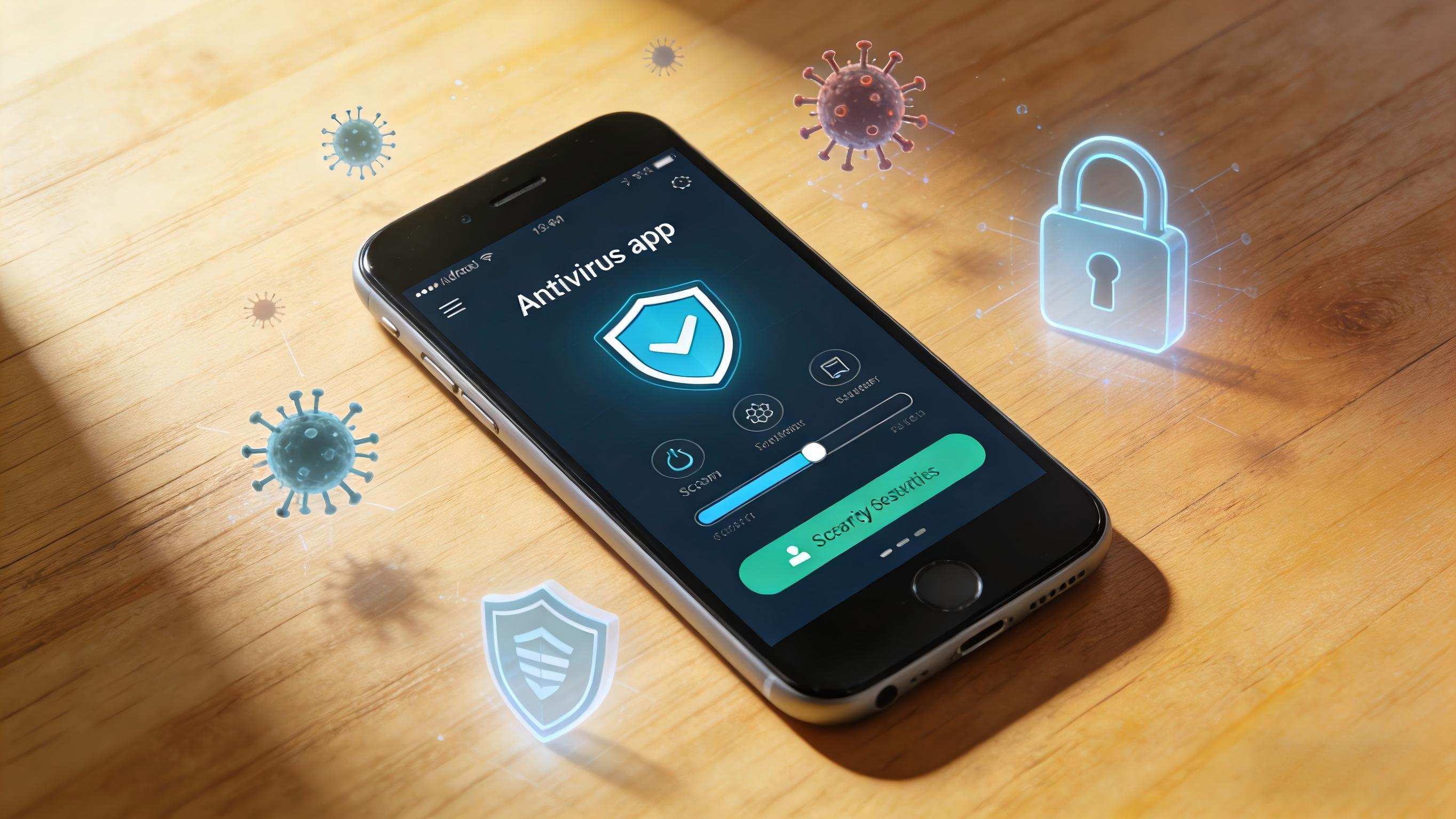
The most reliable Android ad blocking today is achieved with three approaches: system-level Private DNS (no root), browser content blockers (filters per-site), and VPN-based firewalls (per-app control). Below, we explain how to set them up, test them safely, and avoid breaking useful app features like notifications and maps.

Private DNS: Fast, Battery-Friendly Blocking
On Android 9+, set a Private DNS provider hostname that supports filtering. This blocks many ad/track domains before apps connect, without a constant VPN service. It’s ideal for a set-and-forget baseline. If a specific app breaks, temporarily disable Private DNS or add exceptions in your chosen provider’s dashboard.

Browser-Based Blocking: Precision with Filter Lists
For web surfing, a privacy-focused browser with content blocking gives fine-grained control—enable reputable filter lists and use per-site toggles. This avoids over-blocking inside apps while keeping pages clean. Combine with Private DNS for layered protection, then whitelist critical domains when a site needs them.

VPN/Firewall Blockers: Per-App Control
DNS can’t block everything. A local VPN firewall gives app-by-app toggles and can block known ad SDKs or background trackers. This is powerful, but keep an eye on battery use and split-tunnel apps that must remain fully functional (e.g., maps, calling, or emergency services).

Whitelisting and Breakage Prevention
When a useful feature disappears—like embedded maps, sign-in prompts, or update checks—whitelist the specific app or domain, not the whole internet. Start with DNS allow-lists, then adjust browser or VPN rules only if the issue persists. Always re-test critical apps before and after changes.

Performance, Battery, and Privacy Tips
Prefer host-based or DNS-level rules for efficiency. Keep lists lean—too many filters can slow page loads. Update lists periodically and audit permissions on installed apps. For travel or roaming, save a quick toggle to switch off strict blocking if a critical service won’t load.
Final Setup Checklist
1) Enable Private DNS for baseline blocking. 2) Use a privacy browser with curated filter lists for the web. 3) Add a VPN firewall only if you need per-app control. 4) Whitelist essential apps and domains methodically. 5) Re-test weather, navigation, and safety apps to ensure reliability.