
Copyright 2026 © swekartor. All Rights Reserved.


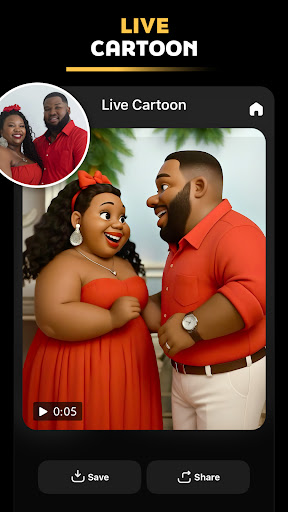
App Feature
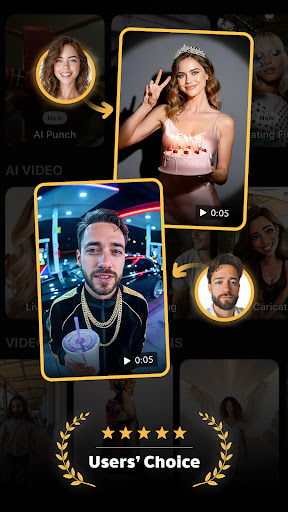
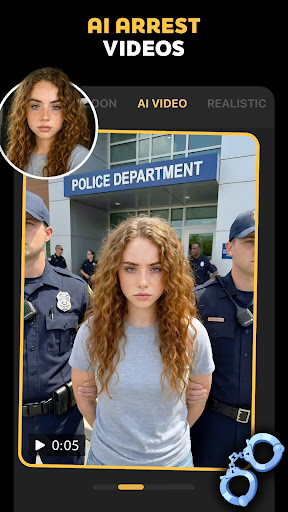
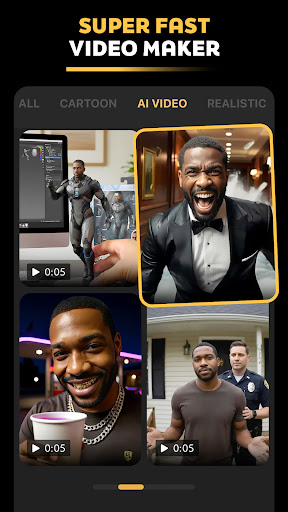
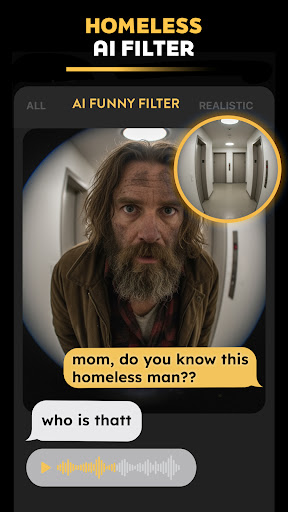
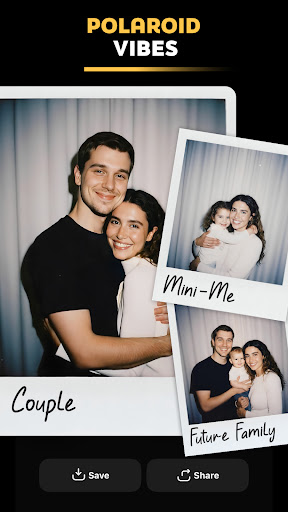
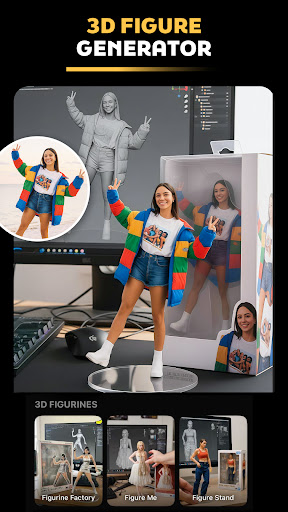
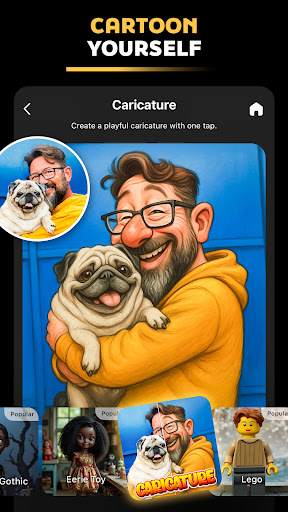
Pose: AI Video Maker, AI Photo turns photos into viral-ready AI videos, caricatures, and stylized portraits. It offers AI-powered editing (retouching, style transfer), background removal/replacement, and animated exports (parallax, motion loops) tailored for trends like baby dance videos, job caricatures, Polaroid/Y2K aesthetics, luxury/birthday shoots, and short-form social content.
Verdict
Verdict: A playful, trend-focused AI photo-to-video maker that excels at social-ready effects, but less suited for pro-grade editing control.
Who is it for
Best for:
- Creators chasing TikTok/Instagram trends (AI dance, caricatures, retro filters)
- Beginners who want quick, automated edits and templates
- Users seeking ad-free, lightweight AI effects with easy sharing
Not ideal for:
- Professionals needing granular color grading, layers, and full timeline editing
- Privacy-sensitive users wary of uploading portraits to cloud AI
- Those expecting unlimited free generations without watermarks or limits
Real-world User Experience
Users like it:
A strong 4.4 score across 24K+ ratings suggests people enjoy its fun, viral filters (caricature, baby dance, Polaroid), realistic AI transformations, straightforward workflows, and social-ready exports without ads.
Users complain about:
Common pain points for similar apps likely apply: paywalled premium styles or generation limits, occasional wait times or failed renders during peak usage, mixed accuracy on complex faces/backgrounds, and possible watermarks on the free tier.
Is it Worth Paying For?
The app is free and ad-free, with in-app purchases for premium styles/effects or higher-quality/quantity exports. If you frequently post trend-driven content and want faster renders, more styles, or watermark-free output, the IAPs are likely good value; casual users can get plenty from the free tier.
How it Compares to Alternatives
Compared with Lensa/Remini (strong on portrait enhancement) and PicsArt/CapCut (broader editing suites), Pose is more narrowly optimized for viral AI trends—baby dance, caricature-of-my-job, Polaroid/Y2K—plus quick background swaps and animated exports. It lacks the deep timeline tools of CapCut or the heavy-duty restoration of Remini, but delivers faster, theme-based results that are easier for beginners to share instantly.
Summary
Pose: AI Video Maker, AI Photo focuses on transforming selfies and portraits into eye-catching, trend-driven AI videos and images with minimal effort. It blends automated retouching, background removal, and lively animation templates with timely effects like job caricatures, baby dance videos, and retro Polaroid aesthetics. The ad-free experience and approachable interface make it ideal for quick social posts, while optional IAPs unlock more styles and fewer limitations. It’s not a substitute for professional editors, but as a creative, social-first AI playground, it offers strong value—especially if your goal is fun, fast, and shareable content that fits current trends.
Ratings
Trending APP












Alternative to this app










