
Copyright 2026 © swekartor. All Rights Reserved.



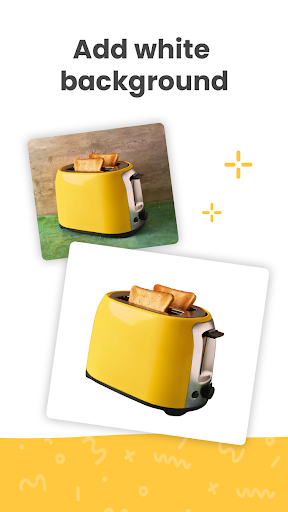
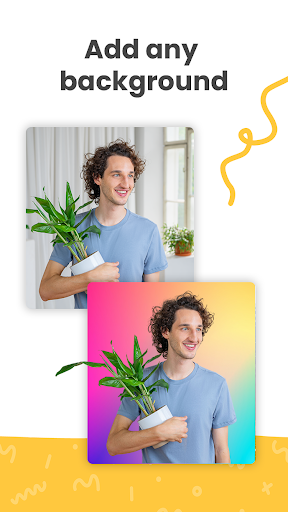
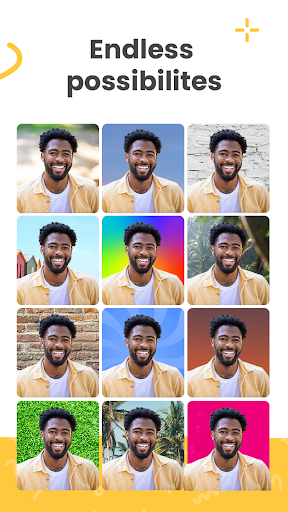
App Feature
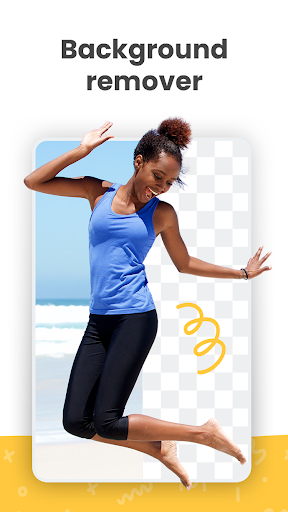
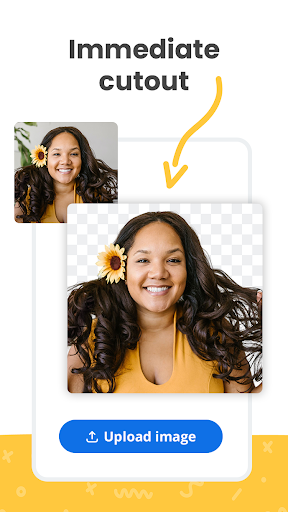
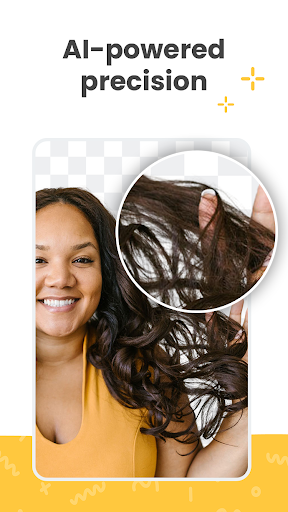
One-tap AI background removal for photos (and some video), with fast processing, clean cutouts around complex edges like hair, and simple options to keep transparency or swap in new backgrounds and share/export.
Verdict
Verdict: A fast, high‑quality background remover that excels at automation, but light on advanced manual editing and occasionally unreliable.
Who is it for
Best for:
- Users who want instant, clean cutouts without manual masking
- Sellers, social media managers, and designers needing quick product/portrait isolation
- Anyone who values no-ads simplicity and fast results
Not ideal for:
- Power editors who need refine-edge, brush masking, or deep retouch tools
- Users who require consistent HD exports without account/credit constraints
- Workflows that need guaranteed uptime or batch automation on mobile
Real-world User Experience
Users like it:
Extremely fast and accurate auto-removal in 3–5 seconds; strong handling of hair and tricky edges; outputs good enough for professional/product shots; no ads; easy background replacement and sharing; some users praise new video background removal.
Users complain about:
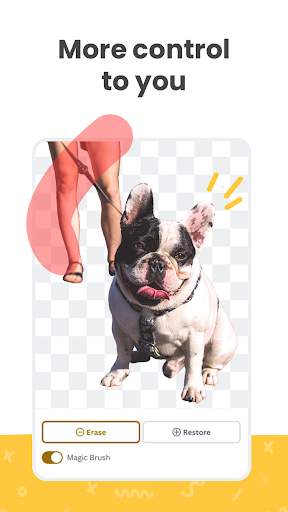
Occasional server/connectivity failures or repeated upload attempts; slight edge artifacts requiring external refine tools; HD quality may require an account/credits; limited in-app fine-tuning compared to full editors.
Is it Worth Paying For?
The Play listing shows no in-app purchases and the app is free with no ads. Some reviews note HD downloads may require credits/account (typically managed via remove.bg’s broader ecosystem). If you only need standard-resolution or occasional edits, it’s excellent value. Heavy HD use might justify paying for credits externally, but the mobile app itself does not sell IAPs.
How it Compares to Alternatives
Compared to generic background eraser apps, remove.bg is faster and usually more accurate out-of-the-box. Versus Canva/PhotoRoom/PicsArt, it’s more specialized (fewer design tools) but often produces cleaner automatic cutouts. Adobe Photoshop offers superior manual refinement (Select and Mask) yet demands more time and expertise; remove.bg wins for speed and simplicity, loses on advanced control.
Summary
Background remover - remove.bg focuses on doing one job exceptionally well: near-instant, high-quality background removal with minimal effort. It’s praised for speed, accuracy on complex edges, and a no-ads experience, making it ideal for quick product shots, profile photos, and social content. Downsides include occasional outages, minor edge artifacts, and limited manual refinement. If you want a reliable, tap-and-done tool and can live with standard resolution (or use credits via the wider remove.bg service for HD), it’s a strong pick; power editors wanting granular control may still prefer full-featured suites.
Ratings
Trending APP












Alternative to this app










